Unveiling the Power of VPNs: A Comprehensive Guide for Businesses
As a business decision-maker or entrepreneur in today’s digital landscape, understanding how to protect your online presence is paramount. One of the most effective tools for ensuring your company’s internet activity remains secure and private is a Virtual Private Network, or VPN. Whether you’re connecting remotely, browsing sensitive data, or simply trying to maintain your privacy, knowing how to use a VPN can significantly enhance your security posture.
At Best Choice, we know that many people feel overwhelmed by technology. But don’t worry; I’m here to walk you through the process of selecting, downloading, and configuring a VPN that meets your business needs. In this guide, we’ll break down the functionality of VPNs, their importance, and how they can streamline your operations while safeguarding your data.
Why You Need a VPN for Your Business
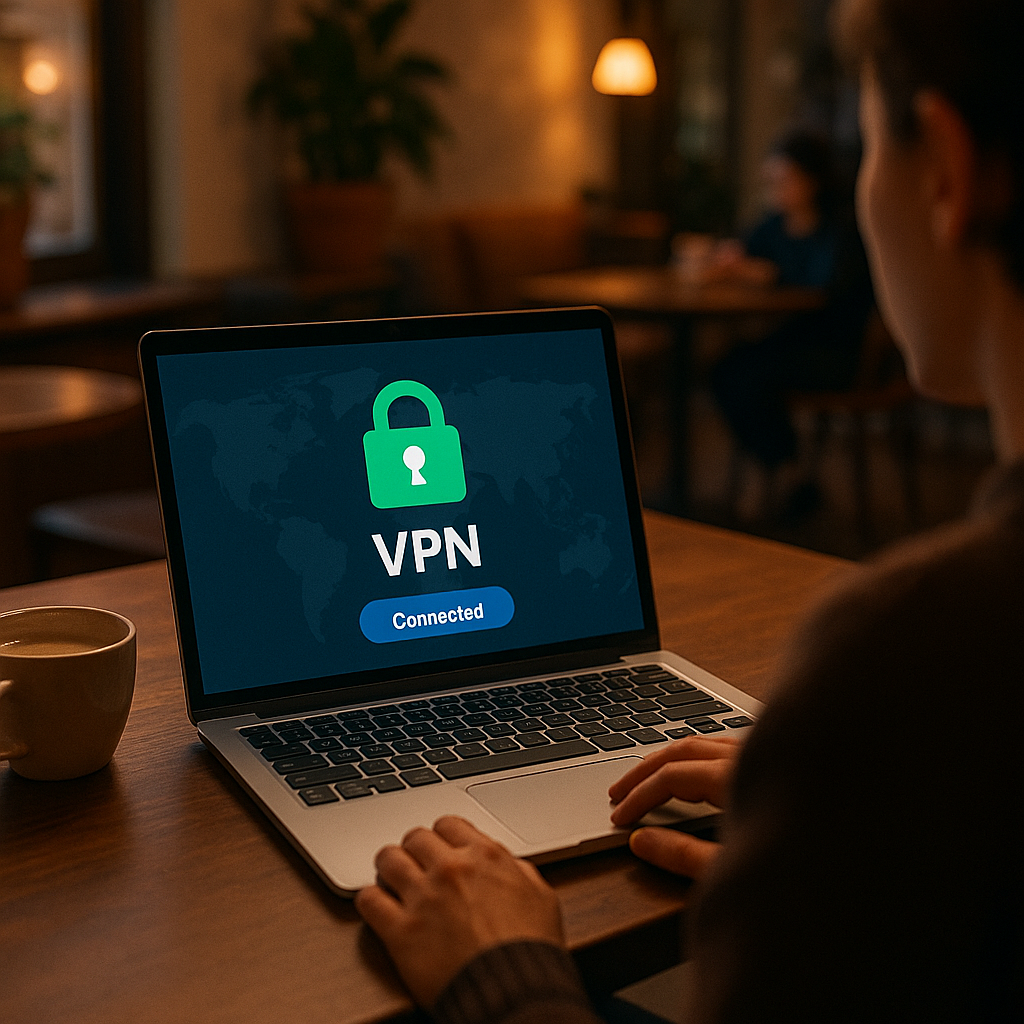
A VPN provides a secure tunnel for your data to travel through, protecting it from prying eyes and cyber threats. Here are several compelling reasons why every business should consider using a VPN:
- Enhanced Security: VPNs encrypt data, making it significantly harder for hackers to intercept personal information and credentials.
- Remote Access: With the rise of remote work, a VPN allows employees to connect to your business network from anywhere securely.
- Data Privacy: By masking your IP address, a VPN helps protect your business from tracking and surveillance.
- Geo-Restriction Bypass: VPNs enable your team to access content that may be restricted based on geographic locations, essential for companies operating across different regions.
Downloading and Installing a VPN
The first step to harnessing the power of a VPN is downloading and installing it correctly. Here’s how you can do it:
- Visit a reputable VPN provider’s website or an authorized app store. Ensure you select a VPN that suits your needs, whether that’s for enhanced security, speed, or geographical flexibility.
- Choose a plan that matches your business requirements, whether it’s for a single device or multiple users.
- Create your account by registering with an email and password to activate your subscription.
- Download the VPN application; follow the installation prompts and provide necessary permissions.
- Sign in to your VPN account using the credentials you just created.
Configuring Your VPN App
VPNs come pretty much ready to go after installation, but it is worth configuring a few settings for enhanced usability:
- Activate the Kill Switch: This feature cuts off your internet connection if you lose access to the VPN, preventing potential data leaks.
- Create Profiles: If different team members need unique settings, set up profiles that cater to their specific requirements.
- Enable Auto-Connect: Set your VPN to launch automatically when your team logs on to ensure they are always protected.
- Adjust Content Filters: Depending on your industry, you may want to enable ad blockers or parental controls to enhance safety.
Choosing the Right VPN Server
Selecting the appropriate server is crucial for achieving the desired performance from your VPN:
- If your goal is anonymity, the servers closest to you usually yield the best performance.
- For accessing region-specific content, choose a server based on its location. For example, connect to a UK server to access British content on Netflix, potentially saving on subscription fees.
- In workplace scenarios where certain websites might be blocked, selecting a server in a different region can help bypass those restrictions.
When and How to Utilize a VPN
It’s essential to adopt a habit of using your VPN whenever you’re online. However, there are specific instances to consider:
- Use a VPN on public Wi-Fi networks to safeguard your company data from potential breaches.
- While individual banking websites may present security flags for frequent login attempts from varying IP addresses, a split tunnel can allow you to bypass the VPN for those sites while securing all other traffic.
Using a VPN Across Different Devices
VPN applications can be installed on various device types, including desktops, mobile phones, smart TVs, and routers. Here’s how:
Desktop and Mobile Devices
The setup process is generally similar across both platforms. Simply download the app, log in, and follow the prompts to configure settings. Once installed, accessing your VPN is as easy as clicking the app icon.
Smart TVs and Game Consoles
For smart TVs, you may install a VPN directly if supported, or use a router or computer hotspot to ensure your connection is secure while streaming. Game consoles do not have native VPN support; setting it up on your router is typically the best solution.
Installing a VPN on a Router
This option protects all devices on the network but may require a more complex setup. It is beneficial for businesses with multiple devices needing VPN access.
Conclusion
Using a VPN is an essential step towards ensuring your business data and online activities are secure. From providing key functionalities like remote work access to enhancing data privacy, VPNs can significantly lend power to your operations.
If you’re considering implementing a VPN or looking for assistance with setting one up, don’t hesitate to reach out to us at Best Choice. We specialize in custom-built solutions that not only secure your business data but also streamline your digital workflow. Let’s take your online security seriously today!