Maximize Your Health: How to Track Your Sleep Using Apple Health
As a business decision-maker or entrepreneur, you might overlook the importance of sleep. However, sleep is essential not just for your health, but also for your productivity and efficiency. With the demands of leadership, it can be tempting to sacrifice rest in favor of work. But what if I told you that you could use technology to enhance your sleep quality and monitor your patterns? At Best Choice, we understand that optimizing every aspect of your life, including sleep, can lead to improvements in decision-making and overall quality of life. In this article, I’ll guide you through how to take advantage of Apple Health and the Apple Watch to track your sleep effectively.
Why Sleep Tracking Matters
Understanding your sleep patterns can drastically improve your wellbeing. By utilizing Apple Health, you collect meaningful data about your rest habits, which can help you identify areas to improve. Imagine running a cafe, for instance; if you find that you’re consistently sleeping poorly, your energy levels may dip, impacting customer service and satisfaction. Conversely, when you track your sleep and improve the quality of your rest, you’ll find your productivity levels soar—leading to happier customers and ultimately, an increase in revenue.
Setting Up Sleep Tracking in Apple Health
To get started, you’ll need an iPhone and a compatible Apple Watch. The Health app on your iPhone is your command center for sleep tracking. Simply open the app, navigate to “Browse,” and select “Sleep.” If it’s your first time setting it up, Apple Health will guide you through the process. You can set your ideal sleep goals and even choose between having the same schedule every day or different ones for weekdays and weekends.
One incredible feature is the option for a “Wind Down” period, which can help lessen distractions as bedtime approaches. This mode activates features like Focus mode and dims notifications—all designed to set the tone for a restful night. If you run a workplace where stress levels are high, recommending this feature to your employees could foster a healthier work environment and boost performance during business hours.
Preparing Your Apple Watch
Your Apple Watch must be worn throughout the night, and it needs enough battery to last until morning. If the battery drops below 30% before bedtime, you’ll receive prompts to charge it first. Comfort is crucial too; many prefer softer bands for nighttime. Either way, the watch must fit securely on your wrist to provide accurate data tracking.
How Your Apple Watch Captures Sleep Data
Once you’re set up, the Apple Watch does the heavy lifting. It uses both the accelerometer and heart rate sensor to discern when you’re asleep and awake. Newer models can even track various sleep stages such as REM, deep, and core sleep. You don’t need to manually start or stop tracking—simply maintain your sleep schedule, and the Apple Watch does the rest.
This is particularly beneficial for entrepreneurs who often lead busy lives filled with unpredictable schedules. The watch adjusts based on your actual movements and heart rate, giving you a more accurate reflection of your sleep habits. Imagine a scenario where you run an online store and are concerned about performance during peak hours; quality sleep can enhance your focus, leading to better decisions that can improve sales.
Visualizing Your Sleep Data
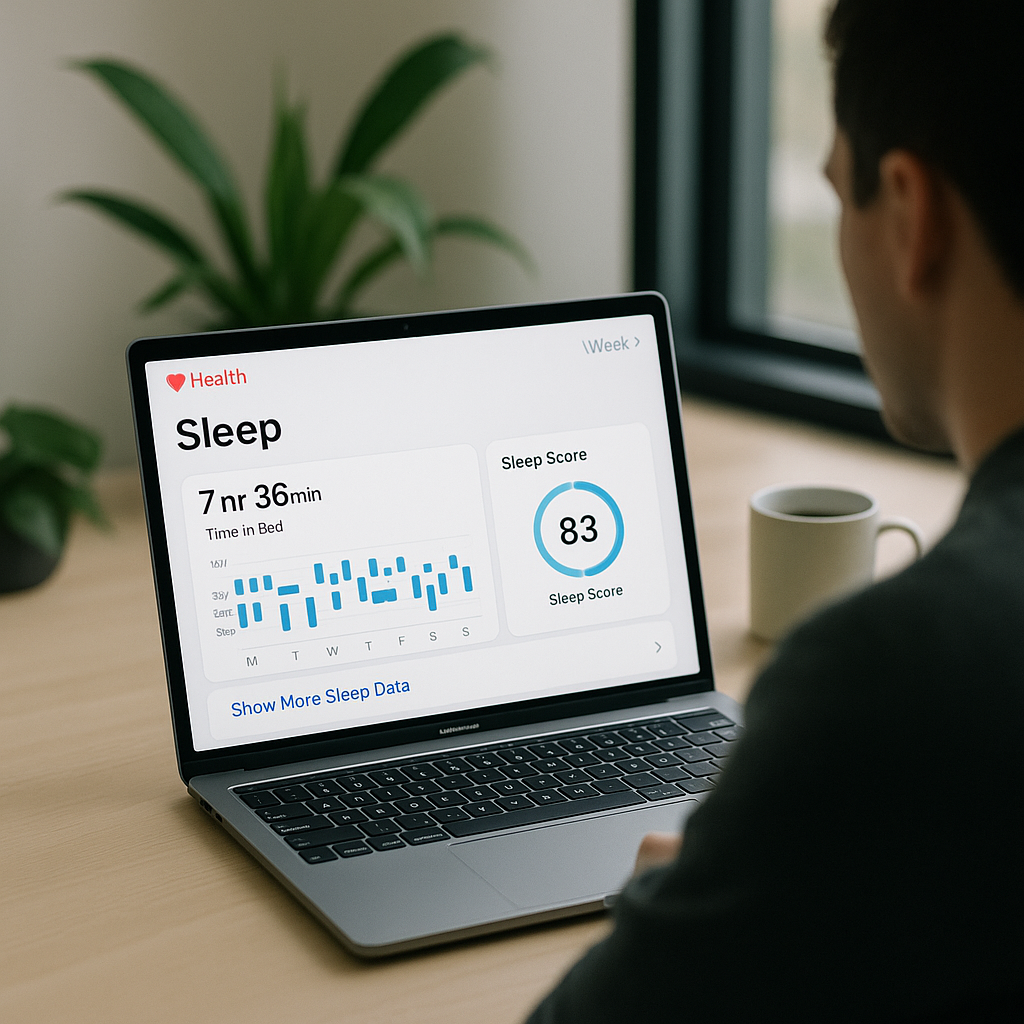
After a good night’s rest, you can review your sleep data conveniently through the Health app. Open the app, tap on “Browse,” then “Sleep.” A chart will display your sleep duration from the previous night. Tapping the chart will break it down into time asleep, time in bed, and if applicable, sleep stages. This can present valuable insights into your sleep patterns, enabling you to identify trends over time.
Utilizing Insights to Improve Your Sleep
Apple Health trends can establish essential indicators of your sleep patterns over weeks and months. For instance, you might notice that you tend to sleep poorly on Sunday nights when preparing for the workweek. Awareness like this is power. You can make lifestyle changes that directly impact your sleep quality, helping you recharge to lead more effectively. In a fast-paced environment, identifying your key hours of rest can be a game changer.
Adjusting Your Data and Connecting Devices
Occasionally, you may wish to add or edit your sleep data manually. You can log sleep that wasn’t recorded automatically by tapping “Add Data” in the Sleep section. This feature is useful for capturing naps or nights when you forget to wear your watch. You can also manage which devices contribute to your sleep data to ensure accuracy, especially if you use other fitness apps or devices.
Conclusion
Utilizing Apple Health for sleep tracking empowers you to take control of your health, while also enhancing your effectiveness as a business leader. By employing consistent sleep tracking, recognizing trends, and making adjustments, you can maximize your productivity and overall wellbeing. At Best Choice, we’re here to help you explore and implement advanced technology tailor-fitted to your needs. If you’re ready to enhance your workflows, improve your decision-making, or automate other areas of your business, don’t hesitate to reach out to us!