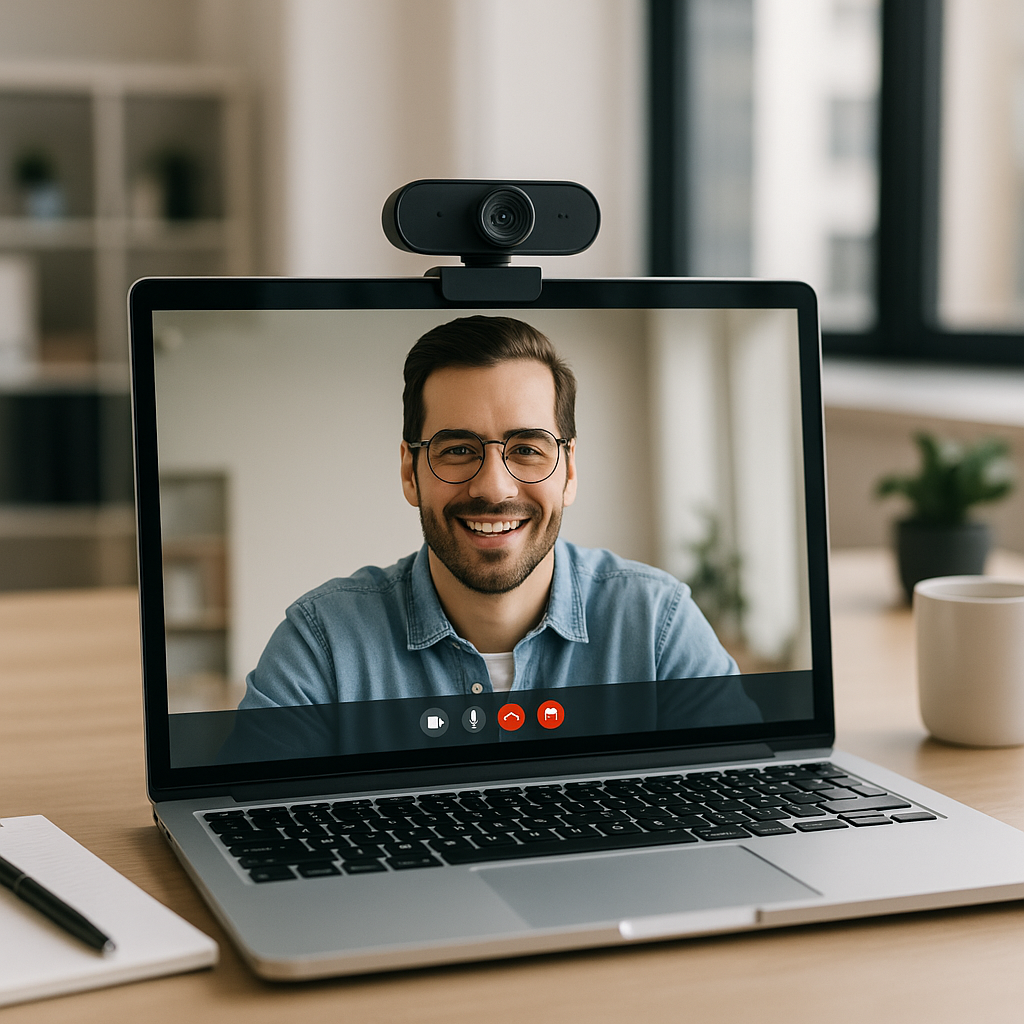
The Best Webcams for 2026: A Guide for Entrepreneurs and Business Decision-Makers
As we step into 2026, the importance of high-quality video communication has never been more paramount. Whether you’re conducting back-to-back meetings, hosting webinars, or catching up with family, having a reliable webcam can be a game changer for your online engagements. At Best Choice, we understand that the cameras integrated into laptops may not deliver the quality you need, especially when working in less-than-ideal lighting. That’s why investing in a dedicated webcam—designed for optimal sharpness, color accuracy, and performance—is crucial.
But with so many options available, how do you choose the right one? There’s no universally perfect webcam, as your specific needs and use cases will dictate which features are most important. In this guide, I’ll walk you through what to consider when selecting a webcam that suits your unique business environment, and we’ll highlight some of the best models you might want to consider for your own use.
Understanding Your Webcam Needs
When evaluating a webcam, it’s essential to identify its critical specifications and features that can enhance your video experience. Here are the most important factors to consider:
1. Resolution and Field of View
Resolution is fundamental when choosing a webcam. The majority of built-in laptop cameras operate at 720p, which may suffice for occasional calls. However, for frequent video conferencing or streaming, opt for a webcam with a resolution of at least 1080p at 30 or 60 frames per second (fps). This not only ensures you look sharp on camera but also enhances clarity for your viewers, whether you’re demonstrating a product in an online shop or engaging with potential clients in a meeting.
The field of view (FOV) is another critical aspect. A standard FOV of around 78 degrees will let you fit yourself and some context of your background into the frame—ideal for business calls where professionalism matters. If you often host team meetings or client sessions with multiple participants, you’ll want a wider FOV to accommodate everyone.
2. Autofocus and Automated Features
A webcam with autofocus capabilities keeps you sharp and clear without requiring constant readjustments on your part. This is especially handy if you find yourself moving around during presentations or discussions. Some high-end webcams also come with auto-framing, ensuring you stay centered in the frame, enhancing the professionalism of your video calls.
Moreover, auto light correction can significantly improve image quality, making you look your best even in dim lighting—something to consider if your office environment isn’t always well-lit.
3. Audio Quality
The importance of good audio quality cannot be overstated, especially in environments where clear communication is key. Most modern webcams come with built-in microphones that can outperform your computer’s audio. Look for models that feature stereo microphones with noise-reduction technology to ensure your voice comes through clearly without distracting background noise.
While audiophiles may prefer high-end standalone microphones, a quality webcam microphone should suffice for most business interactions or online presence-building efforts.
4. Design and Functionality
The design of your chosen webcam can impact functionality, too. Most webcams are easy to mount onto a monitor or laptop screen, and some even can be adjusted on tripods. Positioning the webcam at or slightly above eye level is best for achieving a flattering angle during calls.
A few models stand out by incorporating helpful extras, such as built-in lights for low-light conditions and privacy covers to protect your security.
5. Price Considerations
Budget plays a critical role in your purchase decision. Many reliable webcams are available between $60 and $150, functioning well for the everyday business user. If your needs are basic and your calls are infrequent, opting for a more budget-friendly model is advisable. However, if you frequently engage in high-stakes video calls or streaming, consider investing $150 or more to access advanced features that can enhance your professional appearance.
Recommended Webcams for Business Use
While I can’t endorse specific brands or styles, some industry favorites include the Logitech C920s and the Logitech Brio. The C920s offers good value for its price, providing decent resolution and sound quality without breaking the bank. The Brio, on the other hand, incorporates advanced features such as auto-framing and high-light correction, making it suitable for professionals whose online presence significantly impacts their business results.
How We Test and Choose Our Webcams
At Best Choice, our commitment to finding the right solutions for our clients extends into evaluating the performance of webcams. Our testing process typically involves using various models across different settings for at least a week, evaluating their design, flexibility, and usability in real-world scenarios.
We also assess their low-light performance, audio quality in video calls, and the utility of any proprietary software that enhances the user experience.
Conclusion: Choose Wisely for Your Business Needs
As we embrace the digital landscape in 2026, equipping your workspace with a high-quality webcam tailored to your business needs can make a significant difference. Not only will it enhance your video calls and presentations, but it’ll also reflect your professionalism and commitment to quality. If you’re uncertain about which webcam will work best for you or how to enhance your entire digital communication setup, don’t hesitate to reach out to us at Best Choice. We’re here to guide you towards the most fitting and effective solutions for your business.