# Microsoft Teams Update: The Shift from ‘Together’ Mode to Gallery View
In the ever-evolving world of technology and remote work, one platform that has consistently stood out is Microsoft Teams. As we continue to navigate the blended realities of in-person and virtual collaboration, the features we rely on undergo constant refinement. Recently, Microsoft announced a significant shift regarding one of its popular features – ‘Together’ mode. This change is essential for every business decision-maker to understand, especially as remote work becomes an integrated part of our professional lives.
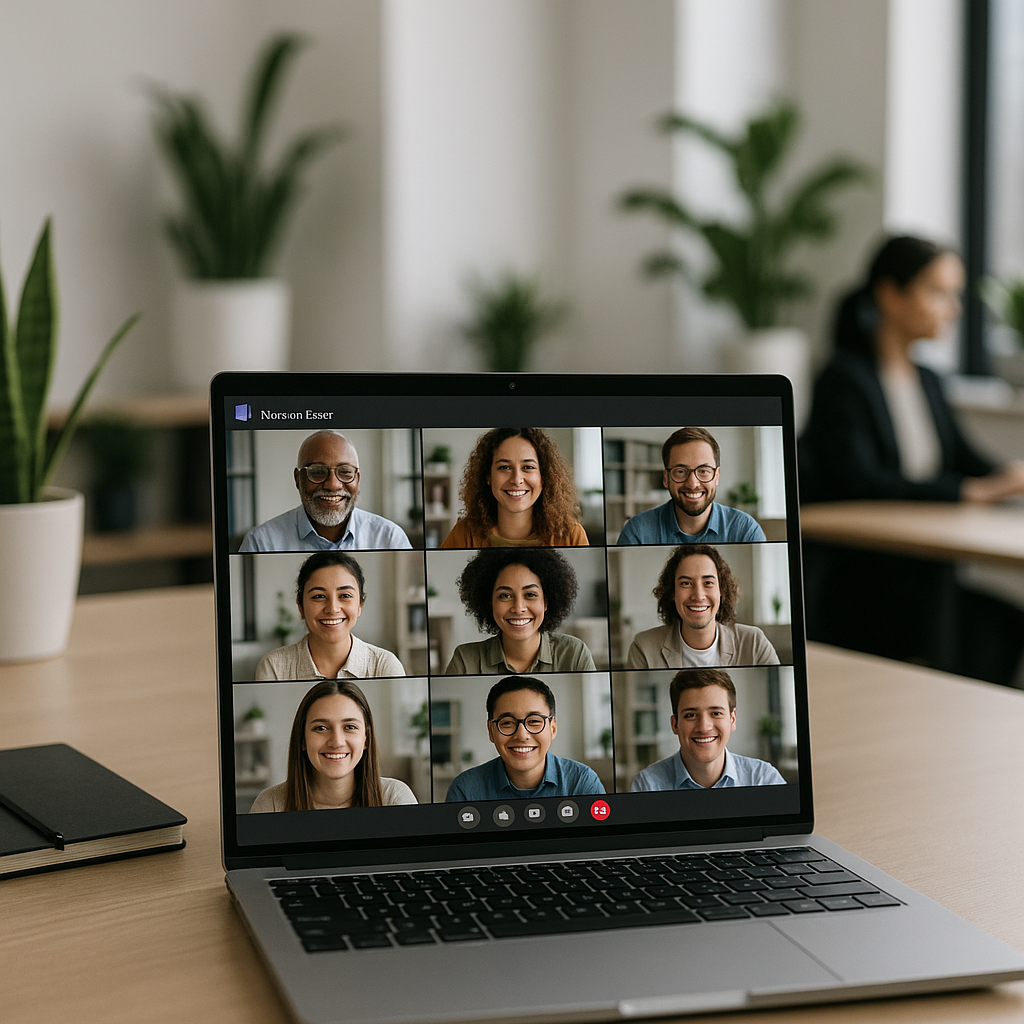
For many users, ‘Together’ mode created a unique experience by placing all participants in a single, unified virtual room, fostering an atmosphere of connection and collaboration. However, Microsoft has now decided to ditch this feature, citing the high degree of “implementation complexity” that it brought to the table. Instead, the company is steering users towards the more traditional Teams’ gallery view.
Why does this change matter? As businesses across Europe look for ways to enhance communication and streamline operations, understanding these shifts in popular tools like Teams can directly impact your company’s remote working strategy. Let’s delve into the implications of this pivot and explore how to make the most of evolving digital environments.
The Reasons Behind the Change
Microsoft has identified a few pivotal reasons for this strategic shift away from ‘Together’ mode. The company emphasizes that implementation complexity led to challenges, often detracting from user experience. By embracing the gallery view, Microsoft aims to simplify the virtual meeting experience, ensuring that users can connect without friction or confusion. This streamlining is particularly relevant for businesses that rely heavily on video conferencing for day-to-day operations.
Emphasizing Simplicity in User Experience
In our engagements with businesses across Denmark, we’ve noticed that clear and straightforward solutions facilitate better collaboration. By shifting to gallery view, Microsoft enables users to see all participants at a glance without the complexity of an artificial shared background. This change allows teams to focus on the content of meetings rather than adjusting to confusing interfaces or features.
Maximizing Engagement with Gallery View
While ‘Together’ mode brought a sense of camaraderie, the Teams’ gallery view has its strengths, providing a familiar visual setup. As the digital landscape shifts, here are some insights into how you can still foster engagement in your virtual meetings:
- Encourage Participation: Use the gallery view to engage participants directly. Call on team members by name to share updates or ideas.
- Utilize Breakout Rooms: Leverage Teams’ breakout room feature for smaller discussions. This can facilitate deeper conversations, mirroring in-person interactions.
- Incorporate Visual Aids: With a more traditional view, consider sharing presentations or utilizing collaborative documents in real-time to maintain focus.
Comparing with Open-Source Solutions
While Teams has its popularity, various open-source platforms also facilitate virtual collaboration. Solutions like Jitsi Meet and BigBlueButton offer robust features for businesses seeking customizable options without the constraints of comprehensive corporate software. Yet, they often require more technical expertise to set up and manage. If you’re considering such alternatives, remember that the simplicity of user experience can often outweigh the allure of customization.
Integrating with Third-Party Tools
Despite the transition to gallery view, many businesses find that integration with third-party tools elevates the Teams experience. At Best Choice, we understand the power of a well-integrated system. By combining Teams with project management tools or CRM systems, you can create a seamless workflow that enhances efficiency in everyday operations.
For example, a small café can integrate its booking system with Teams to allow easy staff scheduling and customer interaction during virtual meetings. This not only saves time but also provides transparency in operations.
Key Recommendations for Business Leaders
As we adjust to these updates in Microsoft Teams, here are actionable tips to ensure your business continues to thrive in a remote work environment:
- Stay Updated on Feature Changes: Regularly monitor updates from platforms you use to keep your team informed.
- Train Teams on New Features: Ensure your team is educated on how to navigate new layouts and capabilities effectively.
- Solicit Feedback: Encourage employees to provide feedback on their experiences. This can help in making necessary adjustments to meeting structures.
Conclusion
The transition from ‘Together’ mode to gallery view in Microsoft Teams represents more than just a shift in visual layout; it signifies a broader commitment to simplifying user experience and enhancing virtual collaboration. As we at Best Choice work with diverse businesses, we see that adapting to tech changes while streamlining communication can lead to better efficiency and productivity.
Whether you’re a café owner, managing a warehouse, running an online store, or operating a clinic, understanding and adapting to these tools can vastly improve workflow efficiency. If you need assistance with implementing or enhancing your digital communication strategy, feel free to reach out to us at Best Choice. Together, we can create solutions tailored to your unique business needs.