Before You Disable Google Play Protect, Here’s What You Need to Know
In today’s digital age, our smartphones are our lifelines, equipped with a myriad of applications to make our lives easier and more productive. For Android users, Google Play Protect serves as a crucial layer of security, safeguarding our devices from potential threats. However, some users may find this security feature overly restrictive, leading them to consider disabling it. Before you make such a decision, it’s essential to understand how Google Play Protect works, what it offers, and the risks associated with disabling it.
At Best Choice, we observe that the security of devices is paramount for businesses, especially in Denmark and across Europe. While flexibility in app usage can be appealing, it’s vital to weigh this against potential vulnerabilities. In this article, I will explain the importance of Google Play Protect, the implications of disabling it, and provide some actionable recommendations for secure device management.
Understanding Google Play Protect
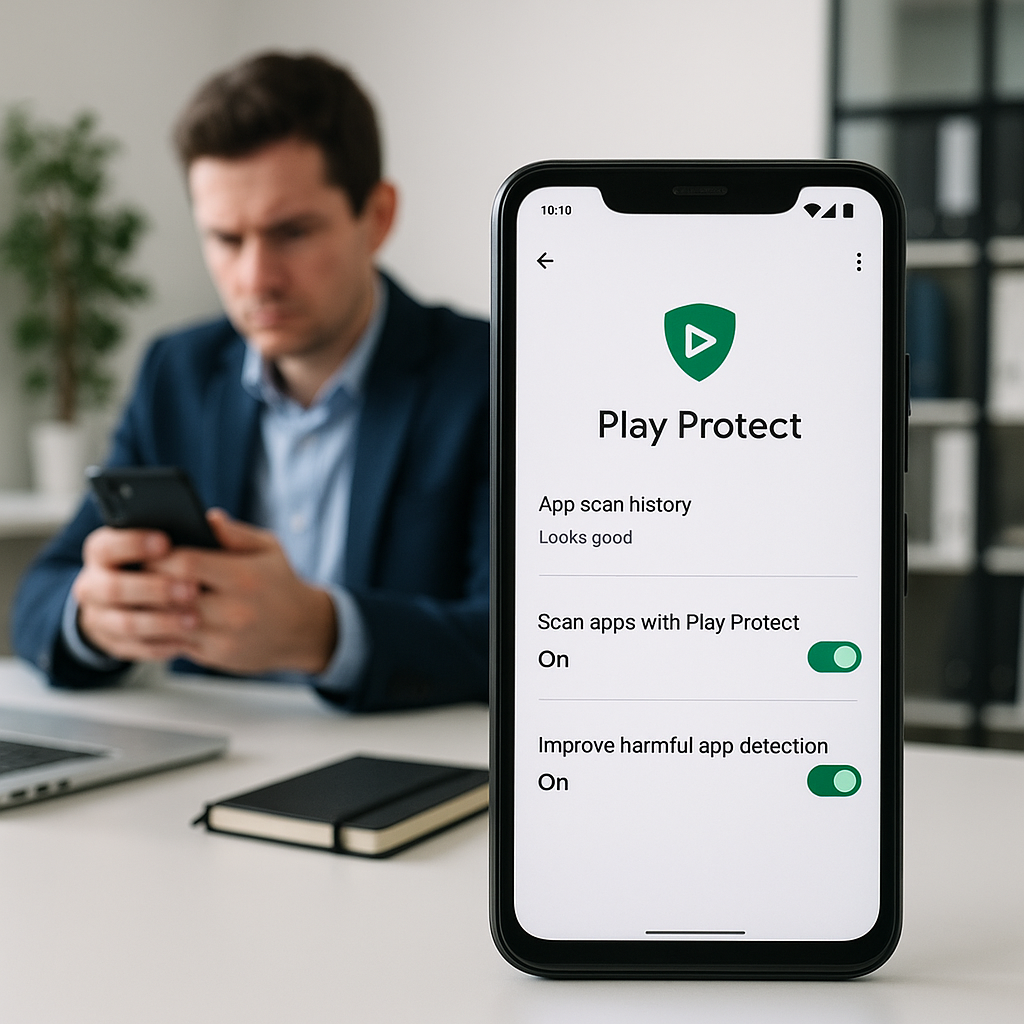
Google Play Protect is a built-in security feature designed to scan your apps and devices for harmful behavior. It automatically checks the applications you download from the Google Play Store and runs regular security checks on your entire device. If it detects anything suspicious, it alerts you, preventing potential security breaches.
For businesses, this means fewer disruptions in operations, as mobile devices are often used for communication, data sharing, and transactions. Keeping devices secure ultimately protects your company’s sensitive information, customer data, and overall productivity.
What Happens When You Disable Google Play Protect?
Disabling Google Play Protect may grant you more freedom to download and use applications not approved by the Play Store, which might seem enticing. However, doing so significantly increases the risk of introducing malware, spyware, and other harmful elements into your device. These can lead to data breaches, loss of information, and even financial damages.
For example, if a warehouse management system on a mobile device is compromised due to a malicious app, it could result in inaccurate inventory tracking, loss of sales, and disruption in supply chains. These are risks that no business can afford to overlook.
Alternatives to Disabling Google Play Protect
Instead of disabling Google Play Protect, consider customizing your device settings to allow for greater flexibility while still being secure. Here are some alternative approaches:
- Whitelist Trusted Apps: Identify and approve specific applications your team needs regularly, ensuring that they are from reputable sources.
- Use Containerization: Implement containerization technology to create a secure environment for running applications, isolating potentially harmful software.
- Educate Your Team: Conduct training sessions on recognizing and avoiding potential security threats and the importance of app permissions.
Real Business Examples
Let’s take a look at how businesses like yours can benefit from maintaining Google Play Protect:
Cafe
A local cafe that offers mobile ordering and delivery services can use Google Play Protect to keep its cash register app safe from cyber attacks. By ensuring its employees’ devices remain protected, the cafe can avoid disruptions and maintain customer trust.
Online Store
An e-commerce business that relies heavily on customer interaction through a mobile app must ensure that its systems are secure. With Google Play Protect enabled, the store can protect customer data, preventing fraud and boosting sales.
Booking Service
A booking service using a mobile app to manage reservations benefits from Google Play Protect by ensuring that customer data, such as payment details, remain secure. A compromise could severely damage the business’s reputation and revenues.
Making Informed Choices
Before making the decision to disable Google Play Protect, ask yourself if the benefits of more unrestricted access outweigh the potential threats to your business. Continually monitor device activity and security updates, and actively manage app permissions.
If you find that your current security measures are still preventing you from operating efficiently, it might be time to explore custom-built solutions tailored to your business needs. At Best Choice, we specialize in creating digital solutions that enhance security while ensuring smooth operations.
Conclusion
While disabling Google Play Protect may seem like a way to enhance flexibility and functionality, it’s crucial to consider the risks involved. Maintaining the security of your devices is not just about individual convenience; it’s about safeguarding your entire business. If you’re struggling with device management or need assistance with custom IT solutions, don’t hesitate to reach out to us at Best Choice. We’re here to help you navigate the complexities of IT security and offer tailored solutions that fit your specific business needs.