How to Get More Storage on Your Android Without Using a MicroSD Card
As a business decision-maker or entrepreneur, you understand the importance of efficient storage management on your devices. When it comes to Android smartphones, running out of storage can be a frustrating experience that limits your productivity. Whether your team needs more space for apps, files, or data, understanding how to effectively manage and expand your Android storage without the need for a microSD card can be a game-changer.
At Best Choice, we specialize in digital solutions that streamline operations and enhance productivity. In this blog, I’m excited to share some effective methods and innovative approaches that can help you maximize your Android storage. Let’s explore these strategies and see how they can make a significant impact for your team and business.
1. Utilize Built-In Storage Optimization Features
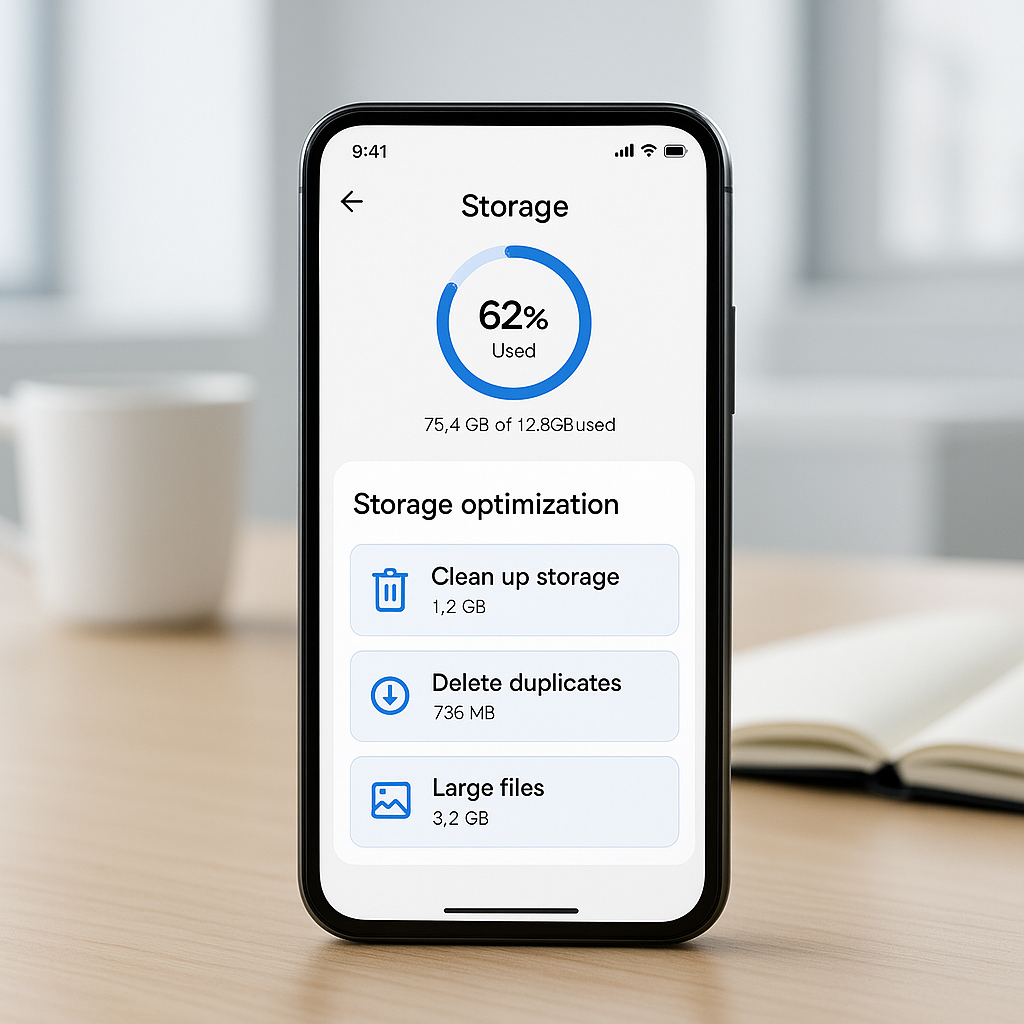
Most Android devices come equipped with storage optimization features designed to help manage space effectively. For instance, you can access your device’s settings to see what’s taking up the most storage. From there, you can clear cache, uninstall unused apps, and delete unwanted files. Regularly cleaning up your device not only frees up space but also improves performance.
For example, if you run a small cafe, you can use your Android device to manage bookings and customer data. By optimizing storage, you ensure that the device remains fast and efficient, allowing your staff to quickly access the information they need while serving customers.
2. Leverage Cloud-Based Solutions
While cloud storage might seem like an obvious option, many businesses have not fully harnessed its potential. Using services that integrate seamlessly with your workflows allows you to store files and access them from anywhere without burdening your device’s local storage.
Popular cloud services like Google Drive or Dropbox can be connected to your various applications. Think of a logistics company storing shipment details and tracking data in the cloud—this way, they can access essential files from their Android devices without consuming device storage. If you’re unsure about how to integrate these solutions, Best Choice can assist you in setting up and optimizing these cloud platforms for your specific needs.
3. Clear Out Unused Apps
In today’s app-driven world, it’s easy to accumulate apps that aren’t regularly used. Make it a habit to review your installed applications and delete ones that are no longer beneficial to your operations. This can significantly free up valuable storage space.
For example, if you run an online store, ensuring that you only keep essential apps—such as those for inventory management and customer engagement—can help keep your device running smoothly. Deleting unnecessary apps can contribute to quicker access to the tools that directly impact your revenue.
4. Optimize Storage with File Management Apps
File management apps can play a crucial role in organizing and maximizing your Android storage. Apps like Files by Google help you identify large files, duplicate files, and unused downloads that you can remove quickly.
If you operate a clinic, managing patient records and administrative paperwork might eat into your storage. Using file management solutions allows you to keep only the necessary documents on your device while transferring others to the cloud, keeping patient data secure yet accessible.
5. Offload Photo and Video Storage
Images and videos can occupy a significant amount of storage. Consider offloading these files to cloud services while keeping optimized versions on your Android device. Many cloud storage providers offer features to ‘back up and sync’—so your images are saved without taking up space on your device, seamlessly integrating with apps for quick access.
For example, an event planner could store past event photos and video clips in a cloud service, ensuring that the Android device remains focused on current project materials while still having access to a repository of past projects for reference or marketing purposes.
6. Regularly Update Your Device
Lastly, ensure your Android operating system is up-to-date. Regular updates often include improvements in storage management and performance enhancements that can help free up space or better optimize existing storage. Additionally, updated software can include new features that may help streamline your processes.
Integrating these updates as a best practice at your warehouse ensures that your logistics applications perform without hiccups, allowing for quick response times and inventory management—ultimately improving overall productivity.
Conclusion
In the fast-paced business environment, having adequate storage on your Android device is essential for maintaining efficiency and productivity. By taking advantage of built-in features, cloud solutions, and effective storage management practices, you can significantly expand your storage without relying on a microSD card. At Best Choice, we understand the intricacies of digital solutions and are here to partner with you on enhancing your storage management and overall efficiency. Reach out today to explore how we can help your business thrive.