Before You Throw Out Your Old USB Drives, Do This First
When it comes to disposing of old USB drives or external storage devices, many of us believe that simply deleting files is sufficient. However, I want to emphasize that this approach offers very little protection against data recovery. In fact, deleted data can often be easily retrieved using specialized software, putting your sensitive information at risk. At Best Choice, we take data security seriously, and I’m here to guide you through the proper steps to ensure your information is truly erased before you part with your old USB drives.
Understanding how data can be recovered and the safe disposal methods is crucial, especially for business decision-makers and entrepreneurs. Security breaches can lead to significant reputational damage and financial losses. Let’s delve into this important topic and explore the right steps for effective data sanitization.
Why Data Deletion Isn’t Enough
When you hit delete, the data isn’t gone; it’s simply marked as available space. Until that space is overwritten, the information remains retrievable with the right tools. This is particularly concerning for businesses, where customer data, proprietary information, and sensitive documents might be stored on those drives.
Steps to Securely Dispose of USB Drives
To help you safeguard your information, here are the recommended steps for securely disposing of your old USB drives:
1. Backup Important Data
Before disposing of any storage device, I always recommend backing up any important data that’s still needed. Use secure cloud storage solutions or external hard drives to ensure you don’t lose valuable information.
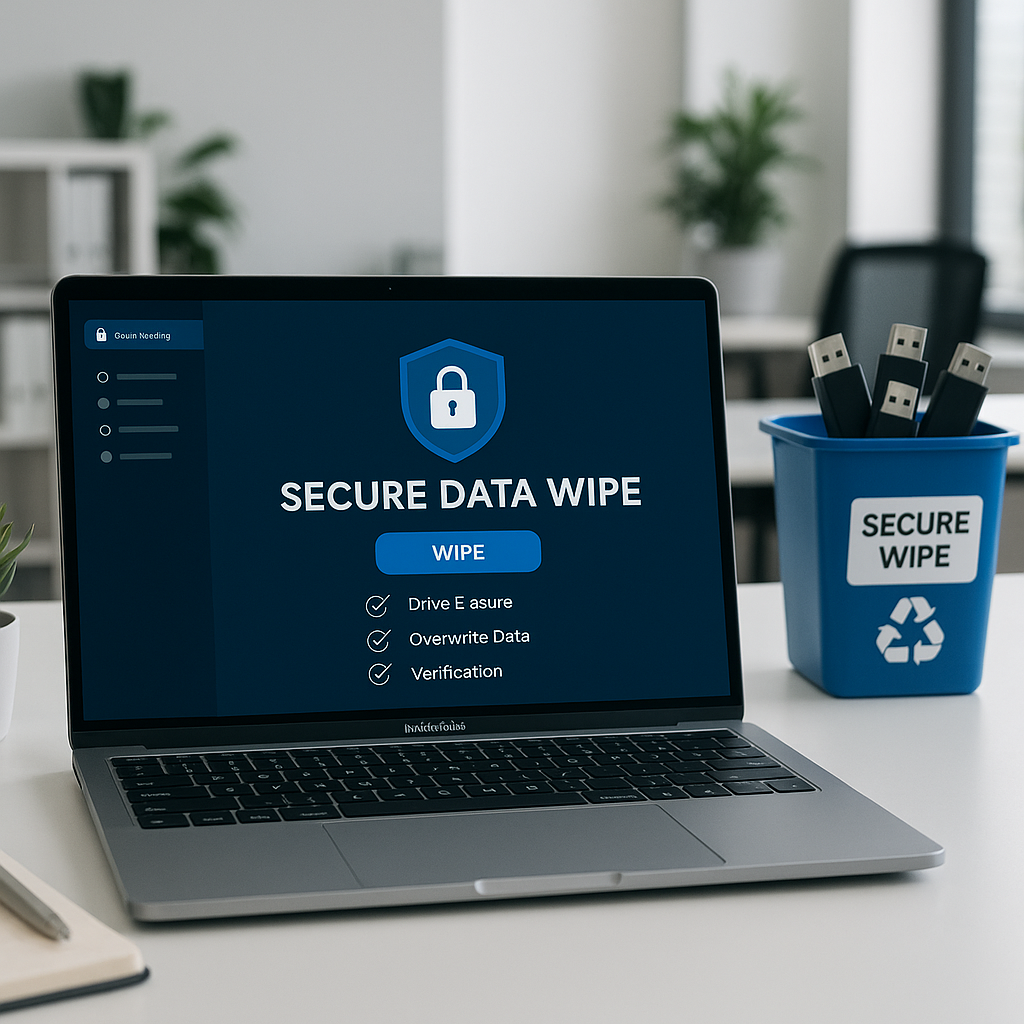
2. Use Data Wiping Software
There are several applications available that can overwrite data before disposal. These programs write random data to the drive, making it nearly impossible to recover the original information. Some popular choices include:
– **DBAN (Darik’s Boot and Nuke)**: A free software tool that securely wipes hard drives.
– **CCleaner**: This not only cleans unnecessary files but also has a drive-wiping feature.
– **Eraser**: An open-source tool that provides high-level security for file deletion.
While I encourage the use of such software, I’d also like to note that we at Best Choice can help integrate these solutions into your business processes, ensuring a seamless and secure approach to data management.
3. Physically Destroy the Drive
For highly sensitive information, you might consider physically destroying the USB drive. This involves dismantling it and shredding the memory chip. This method guarantees that no data can be retrieved. This is especially essential for businesses handling sensitive customer data, like clinics or financial services.
4. Use Approved Disposal Services
Consider using a professional data destruction service. Many providers ensure that devices are destroyed properly and offer certificates of destruction, which can be beneficial for compliance and auditing purposes.
The Role of Encryption
In addition to secure deletion, using encryption is an additional layer of protection. If your USB drive is encrypted, even if someone manages to recover data, it would be useless without the correct encryption key. This is particularly important for industries that handle sensitive information regularly, such as healthcare or legal services. By integrating encryption into your data management strategy, you can substantially reduce risk.
How We Can Help
At Best Choice, we understand that data security is a top priority for businesses. Beyond data wiping and encryption solutions, we offer a comprehensive range of IT consulting services to help you implement effective data management strategies. Whether you need assistance with automation processes in your operations or integrating cloud solutions, we have the expertise to help.
Let me share an example. One of our clients, a bustling café, faced challenges with data security during their daily transactions. By implementing encrypted payment systems and secure disposal practices for old drives, they improved their confidence in handling customer data, leading to increased patron trust and repeat business.
Conclusion
Before tossing those old USB drives, remember they might still hold valuable information that could jeopardize your security. By following the above steps—using data wiping software, considering physical destruction, and utilizing encryption—you can safeguard your sensitive data. At Best Choice, we’re here to guide you every step of the way. If you have any questions or need assistance implementing these practices, please don’t hesitate to contact us. Your security is paramount, and together we can ensure your data remains protected.