Transform Your Old Android Phone into a Wi-Fi Extender: A Cost-Effective Solution
In today’s digital world, a strong internet connection is vital for businesses and individuals alike. If you’ve ever found yourself struggling with a weak Wi-Fi signal, particularly in those far corners of your home or office, you’re not alone. Many experience those frustrating moments when your signal drops right when you’re attempting to close a deal or complete an important online task. But what if I told you there’s a simple, cost-effective solution that not only boosts your Wi-Fi signal but also puts your old Android phone to good use?
At Best Choice, we understand that many business decision-makers and entrepreneurs are always looking for innovative and budget-friendly ways to enhance their operations. Using an old Android phone as a Wi-Fi extender is one such solution, and it’s completely free! Let’s explore how this approach can help improve your connectivity and productivity.
Understanding the Concept: Why Use Your Old Android Phone?
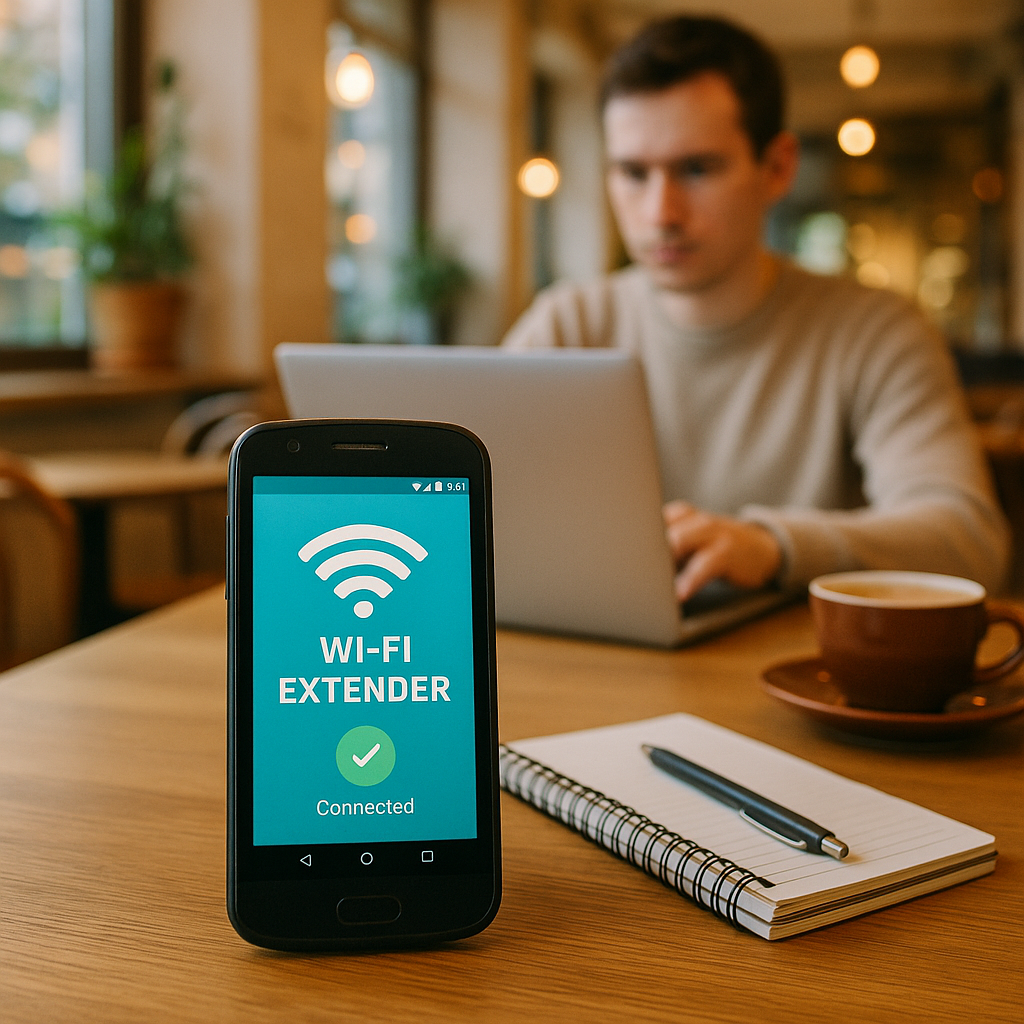
Usually, old smartphones are tossed aside, gathering dust in drawers, but these devices can serve a second life. By repurposing your Android phone into a Wi-Fi extender, you can significantly amplify your internet coverage. Unlike traditional Wi-Fi extenders that can be expensive and require specific setups, your old phone transforms effortlessly into a wireless access point. This can be particularly useful in businesses with sprawling layouts—think cafes, clinics, or retail environments—where solid connectivity is essential for smooth operations.
Step-by-Step Guide: How to Set Up Your Old Android Phone as a Wi-Fi Extender
Let’s delve into the steps required to transform your old Android phone into a Wi-Fi extender:
Step 1: Preparing Your Old Android Phone
- Ensure it’s charged and operational.
- Disable all unnecessary apps to maximize performance.
- Connect the phone to a stable Wi-Fi network.
Step 2: Configuring the Hotspot
- Access the settings on your Android phone.
- Navigate to “Network & Internet” and select “Hotspot & tethering.”
- Activate the “Wi-Fi hotspot” option.
- Configure your hotspot by naming it and creating a secure password.
Step 3: Placing the Old Phone Strategically
Position your old phone in an area of your home or office where the Wi-Fi signal is weak. Ideally, it should be placed halfway between the router and the area needing better coverage. This strategic placement ensures that it can effectively capture and relay the Wi-Fi signal.
Step 4: Connecting Your Devices
Now that your Android phone is set up as a Wi-Fi extender, connect your other devices (laptops, tablets, or smartphones) to this newly created hotspot. Voila! You should now experience a much stronger and more reliable internet connection.
Why This Matters for Your Business
Boosting your Wi-Fi signal can lead to a significant improvement in productivity and customer satisfaction. For example, a bustling cafe that offers reliable internet access can draw more customers who wish to work while enjoying their coffee. Similarly, a clinic can ensure that patient records are updated swiftly without connectivity issues. In both scenarios, better Wi-Fi connectivity ultimately translates to improved service delivery and enhanced revenue potential.
Exploring Alternatives and Enhancements
While using an old Android phone is a great DIY solution, there are other options available for businesses seeking professional-grade Wi-Fi network improvements. For organizations looking to upgrade their infrastructure, there are popular open-source solutions tailored for seamless connectivity throughout your workspace. These solutions often provide scalability, ensuring they grow alongside your business needs.
As Best Choice, we specialize in integrating such systems efficiently. Should your business require a more comprehensive network solution, let us help you identify and implement the best options tailored for your unique requirements.
Final Thoughts
Utilizing your old Android phone as a Wi-Fi extender is a practical solution with immediate benefits. Not only does it cost nothing, but it also helps repurpose an otherwise unused device, optimizing both connectivity and productivity in your business. As we explore innovative ways to improve your operations, remember that sometimes the simplest solutions prove to be the most effective.
If you’re interested in exploring additional ways to enhance your business operations—be it through technology upgrades, automation, or digital solutions—don’t hesitate to contact us at Best Choice. Our dedicated team is here to help you achieve your goals!