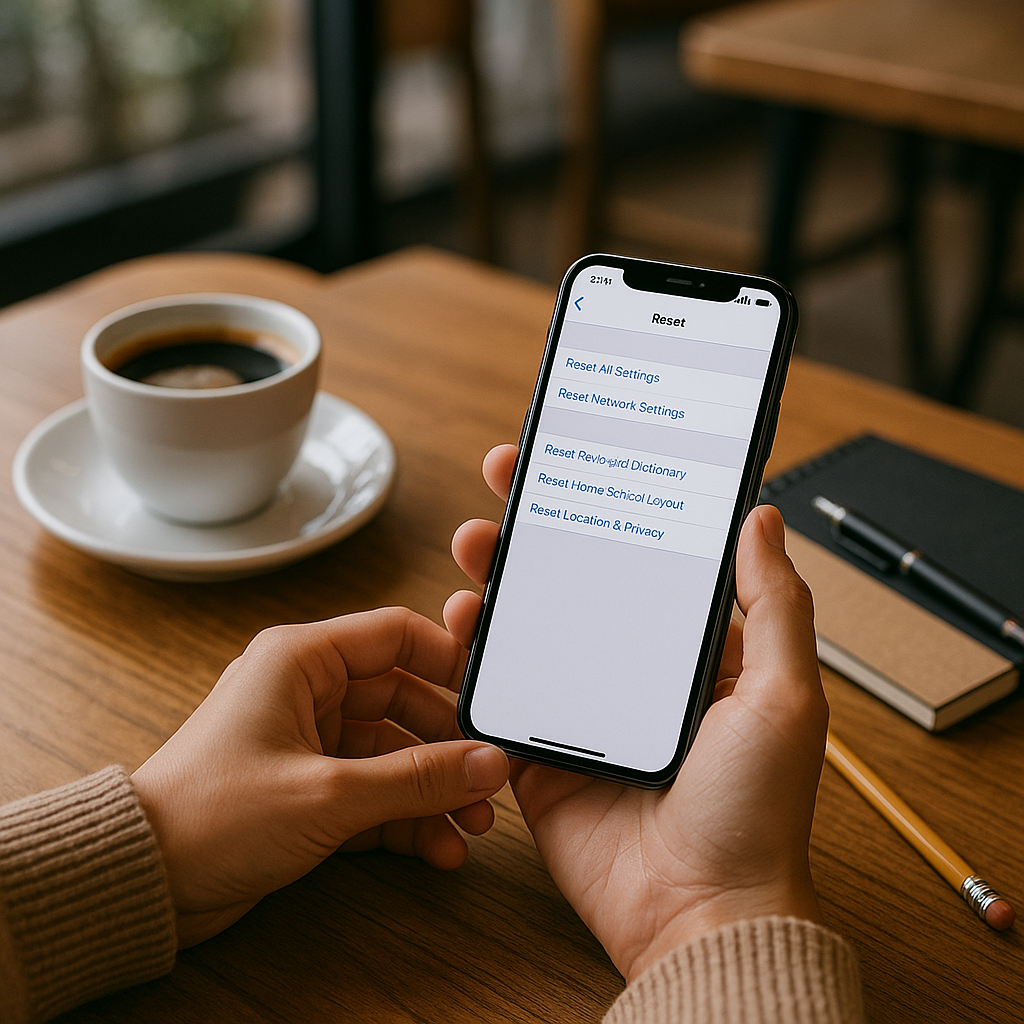
# How to Soft and Hard Reset Your iPhone: A Comprehensive Guide
Is your iPhone acting up? Whether it’s glitching, freezing, or simply not performing as expected, a good reset may be the solution you need. At Best Choice, we understand how frustrating technology can be when it doesn’t work right. In this guide, I will walk you through the different kinds of resets for your iPhone, explaining what they do and how to perform them effectively.
Taking care of your device should be simple, and knowing how to reset your iPhone can save you time and give you the performance boost you need. With so many users depending on their iPhones for business and personal use, it’s crucial to understand these functions.
## Understanding the Different Types of Resets
### What is a Soft Reset?
A soft reset is the simplest way to reboot your device. It doesn’t delete any data; rather, it refreshes your iPhone’s operating system. Imagine this as a friendly nudge to wake your phone up; it’s usually the first step to resolving minor issues caused by apps or memory overload.
### How to Perform a Soft Reset
Performing a soft reset is easy:
1. **For iPhone 8 and later**: Quickly press and release the Volume Up button, then quickly press and release the Volume Down button. Finally, press and hold the Side button until you see the Apple logo.
2. **For iPhone 7 and 7 Plus**: Press and hold both the Volume Down and the Side buttons until you see the Apple logo.
3. **For iPhone 6s and earlier**: Hold down both the Home and the Top (or Side) buttons until the Apple logo appears.
A soft reset is a great first step for situations like when an app is unresponsive or your phone is running slowly.
### What is a Hard Reset?
A hard reset, on the other hand, wipes the device clean. This includes deleting all your data, settings, and applications. It’s akin to a fresh start, usually employed when your iPhone is performing poorly despite multiple soft resets or when you plan to sell it.
### How to Perform a Hard Reset
**Remember**: Before proceeding with a hard reset, back up your data to prevent loss. Here’s how to perform a hard reset:
1. **For iPhone 8 and later**: Go to Settings > General > Transfer or Reset iPhone > Erase All Content and Settings.
2. **For iPhone 7 and 7 Plus**: Go to Settings > General > Reset > Erase All Content and Settings.
3. **For iPhone 6s and earlier**: Go to Settings > General > Reset > Erase All Content and Settings.
After this reset, your iPhone will return to its original factory settings.
## When Should You Perform a Reset?
Understanding when to perform a reset is key to maintaining your iPhone’s health. Here are some situations where a reset might be beneficial:
– **Performance Issues**: If apps are crashing or the phone is sluggish.
– **Connectivity Problems**: Issues with Wi-Fi or Bluetooth connections can sometimes be fixed by a reset.
– **Unresponsiveness**: An unresponsive screen or app often can be resolved with a soft reset.
## Benefits of Regularly Resetting Your iPhone
Performing resets regularly, especially soft resets, can keep your iPhone running smoothly. Here are some benefits:
– **Improved Performance**: Helps clear the RAM, speeding up operations.
– **Troubleshooting**: A quick fix for minor performance issues can save you trips to the repair shop.
– **Extended Lifespan**: By maintaining optimal performance through regular resets, you can prolong the life of your device.
## Conclusion: Keeping Your iPhone in Top Shape
Knowing how to perform soft and hard resets can make a world of difference in your iPhone experience. At Best Choice, we value the functionality and reliability of your devices. If you’re still experiencing issues after trying these resets, it may be time to seek more advanced solutions.
Reach out to us for personalized advice or assistance tailored to your unique needs. Let’s work together to ensure your technology works for you, not against you. Whether you need support with your iPhone or any business IT solutions, we’re here to help!