# How to Make Sure Your Android Phone is Secure
In today’s digital age, where smartphones hold a treasure trove of our personal and business information, ensuring the security of your Android phone is not just a choice, but a necessity. Whether you’re an entrepreneur managing sensitive client information or a business decision-maker overseeing company data, the security of your mobile device should be one of your top priorities.
At Best Choice, we understand that a secure mobile environment is crucial for maintaining the integrity and confidentiality of your business operations. This blog post will guide you through essential steps to fortify your Android phone against malicious apps, scam calls, and potential invasions of privacy.
## Understanding Android’s Security Features
Android comes equipped with a variety of security features designed to protect users from numerous threats. From malware to phishing schemes, Android’s built-in tools can work wonders, but they need to be properly configured. Here’s what you can do to make the most of these features.
### 1. Keep Your Software Updated
One fundamental way to ensure your Android device remains secure is by keeping its operating system and applications updated. Software updates often include critical security patches that protect against newly discovered vulnerabilities.
**Tip:** Activate automatic updates in your settings. This ensures that you always have the latest security features without needing to manage updates manually.
### 2. Use Strong Passwords and Biometric Security
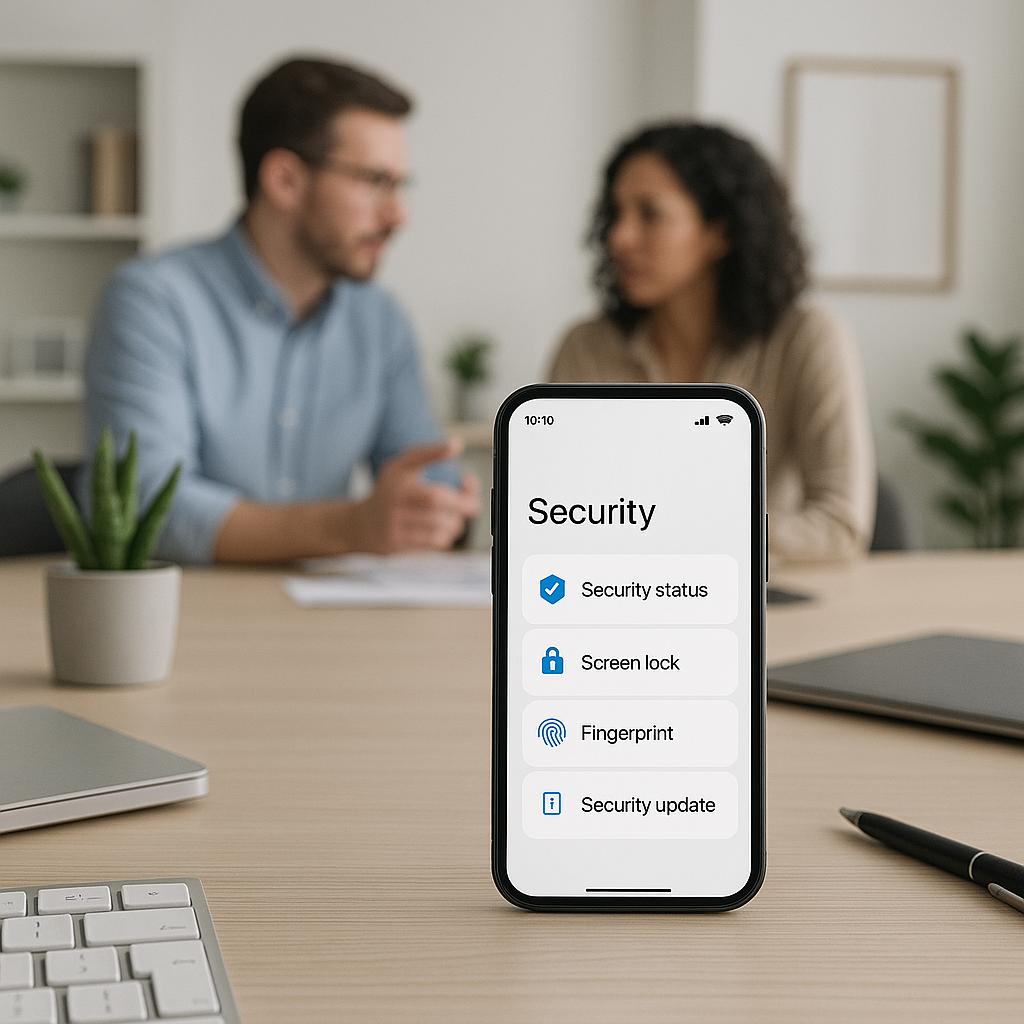
Creating unique and complex passwords for your apps and enabling biometric authentication (like fingerprint or facial recognition) protects your device from unauthorized access. This is especially important for apps that handle sensitive information such as your banking or e-commerce accounts.
**Recommendation:** Change your passwords periodically and use password management tools to create and store complex passwords securely.
### 3. Download Apps from Trusted Sources
It might be tempting to download applications from unknown sources, especially if they promise extraordinary features. However, this can expose your device to malware. Only download apps from the Google Play Store or reputable developers, and check reviews to ensure their reliability.
**Practical Insight:** For businesses, implementing a protocol that restricts app installations to approved sources can reduce the risk of malware.
### 4. Utilize Built-In Security Settings
Android devices come with various built-in security settings designed to enhance user safety. Features like Google Play Protect continuously scan apps for harmful behavior, while “Find My Device” allows you to locate lost phones and remotely wipe sensitive data.
**Actionable Tip:** Familiarize yourself with your device’s security settings. Regularly review app permissions and manage them as necessary—only grant permissions that are essential for app functionality.
### 5. Enable Two-Factor Authentication (2FA)
Two-factor authentication adds an additional layer of security. When you log into apps or services that support 2FA, you’ll need to verify your identity through a secondary method, such as a text message or authentication app.
**Example in Practice:** A clinic utilizing 2FA for their patient management software ensures that confidential medical records are accessible only to authorized personnel, enhancing data security.
### 6. Install a Mobile Security App
While Android has many built-in security features, supplementing them with a dedicated mobile security application can provide additional layers of protection. Many of these apps offer services such as real-time scanning, safe browsing, and anti-theft measures.
**Recommendation:** Choose security apps that have good reviews and a strong track record. At Best Choice, we can assist businesses in selecting and setting up the right mobile security applications according to their specific needs.
## Conclusion
As technology continues to evolve, so too do the methods used by cybercriminals to exploit vulnerabilities in smartphones. Taking proactive steps to secure your Android phone is essential in protecting your personal and business information.
At Best Choice, we are committed to helping businesses across Denmark and Europe implement IT solutions for securing their operations. If you would like assistance in ensuring your mobile and digital environments are safe, don’t hesitate to contact us. Together, we can create a secure foundation for your business to thrive in a digital world.