The Benefits of Having a Second Monitor for Your Business
As a business decision-maker or entrepreneur, you may find that the challenges of multitasking often hinder your productivity. This is where upgrading your workspace can make a significant difference. One of the simplest yet most effective upgrades is adding a second monitor to your setup. While it’s commonly associated with graphic design or video editing, the benefits of a dual-monitor configuration extend far beyond these specialized fields.
In today’s fast-paced business environment, maximizing efficiency and productivity is key to staying ahead. By leveraging additional screen real estate, you can enhance your workflow in ways you may not have considered. At Best Choice, we believe that technology should empower businesses, streamline processes, and ultimately drive revenue. Let’s explore how a second monitor can transform your daily operations.
Increased Screen Real Estate
One of the most immediate benefits of adding a second monitor is the increase in screen space. Having multiple screens allows you to work on multiple tasks simultaneously without constantly switching windows. For example, if you run an online store, you can keep your inventory management system open on one screen while communicating with customers on another. This dual-screen setup eliminates the need to toggle back and forth, helping you stay focused and efficient.
Enhanced Multitasking Capabilities
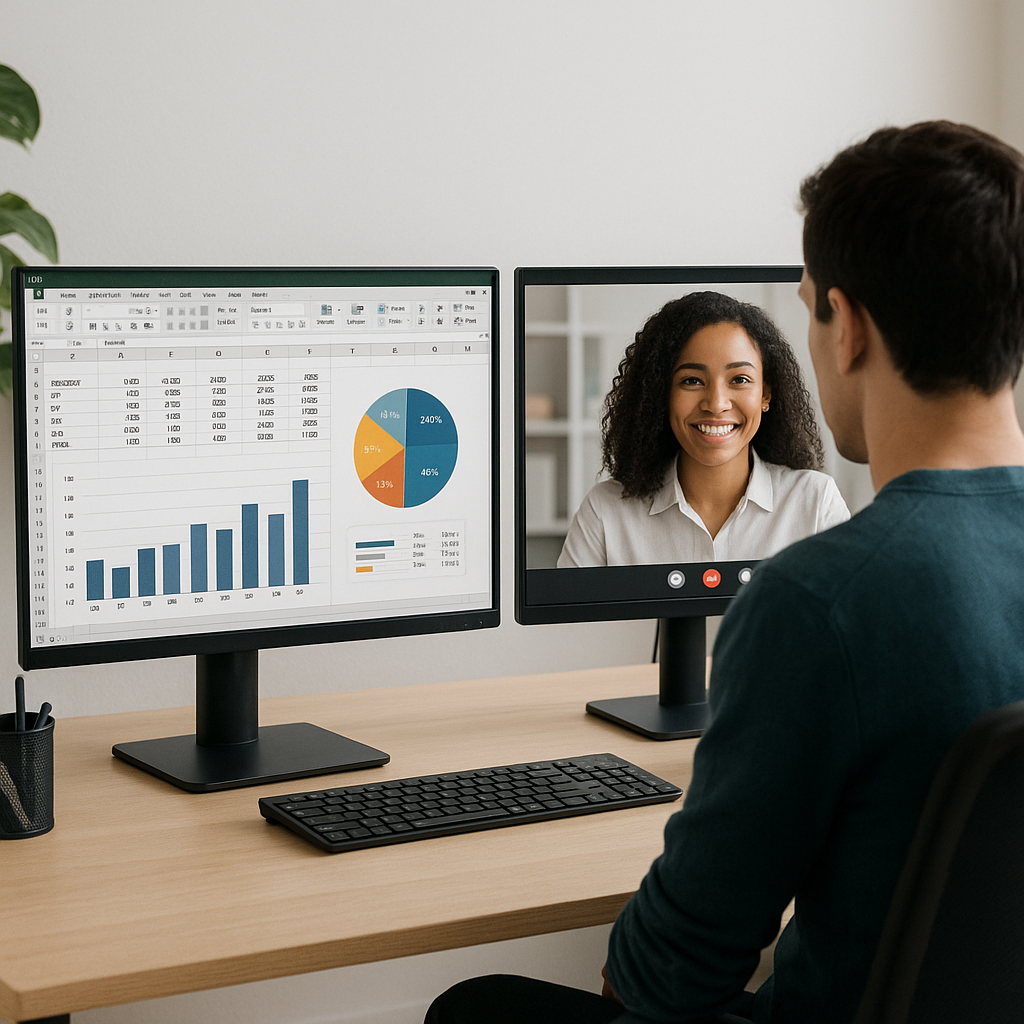
Imagine being able to view research documents while drafting reports, or keeping a video call open while reviewing project notes. With a second monitor, multitasking becomes seamless. This capability is especially beneficial for businesses with remote teams or those who frequently hold virtual meetings. You can have a video conferencing tool open on one screen while maintaining access to important documents on the other, ensuring you never miss a beat.
Improved Organization and Workflow
Working with two monitors allows for better organization of your digital workspace. You can dedicate one screen for a specific type of task, such as managing emails or monitoring social media interactions, while using the other for active project-related work. This clarity in organization drastically reduces the time spent searching for files or information, leading to enhanced focus and productivity.
Boosting Collaboration
If your business involves teamwork, a dual-monitor setup can amplify collaboration. During team meetings, having a presentation displayed on one screen and taking notes on another can streamline the exchange of ideas. If you’re a clinic manager coordinating with staff, displaying scheduling software on one monitor while engaging in discussions on the other ensures everyone is aligned, ultimately improving patient care and operational efficiency.
Time-Saving Efficiency
When you think about how much time is wasted switching between tabs and windows, the efficiency gained from a second monitor is substantial. For instance, a warehouse manager could monitor real-time inventory data on one screen while keeping shipping tasks updated on another. This immediate access to information not only saves time but also fosters quicker decision-making, which is crucial in a competitive landscape.
Cost-Effectiveness vs. Alternative Solutions
A second monitor can be one of the most cost-effective productivity tools you invest in. For businesses that may not be ready for more complex solutions, such as automated systems or CRM implementations, a dual-monitor setup offers immediate improvements. Additionally, it is worth noting that various open-source solutions often work seamlessly across multiple monitors, enhancing usability for teams across Denmark and Europe.
Actionable Tips for Implementing Dual Monitors
- Assess your current workflow: Identify tasks that can benefit from dual monitors, such as research and communication.
- Choose the right monitor: Consider size, resolution, and compatibility with your existing setup to maximize benefits.
- Adjust your workspace: Make sure your monitors are at eye level and placed ergonomically to reduce strain.
- Utilize software: Explore tools that allow you to manage your displays effectively, enhancing your dual-monitor experience.
Conclusion
In summary, the benefits of incorporating a second monitor extend well beyond just having more screen space. From boosting productivity and enhancing collaboration to improving organizational capabilities and saving time, a dual-monitor setup can transform the way you and your team work. As a decision-maker, investing in this simple upgrade can yield significant returns through increased efficiency and streamlined operations.
If you’re ready to enhance your business’s productivity, consider incorporating a second monitor into your workspace. At Best Choice, we’re here to assist you in optimizing your IT solutions tailored to your unique needs. Don’t hesitate to reach out for any questions or to discuss how we can help make your workflows smoother and more efficient.