# Why the New Chrome Bookmark Bar on Android Tablets and Foldables Matters
In today’s fast-paced digital world, every little feature in our software can significantly enhance our productivity. Recently, Google announced a highly anticipated update for Chrome, introducing the bookmark bar for Android tablets and foldables. This might seem like a small change, but for those of us who rely on our mobile devices for robust computing, it’s a game-changer. As we (at Best Choice) explore this new feature, let’s dive into how it can benefit business users and improve workflows.
## An Enhanced Browsing Experience
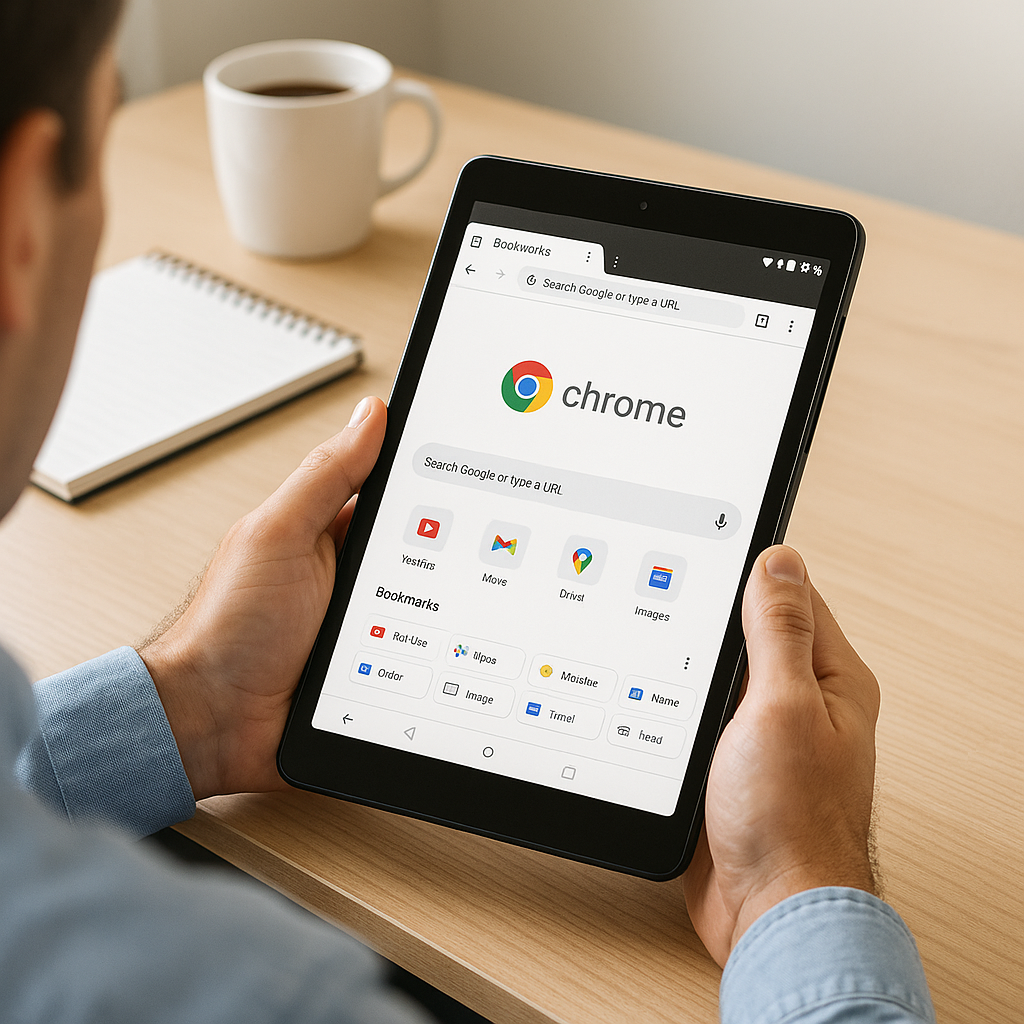
The new bookmark bar that Google has rolled out appears just below the Omnibox (the address and search bar) on larger mobile devices. This includes the capability to display Favicons and site names, making it easier than ever to navigate through your frequently visited sites. For business owners, whether you’re managing an online store, a booking service, or a digital marketing agency, streamlined browsing means less time clicking around and more time focusing on core tasks.
### Seamless Workflow Integration
With this feature, you can have quick access to essential tools and resources directly from your browser. Imagine running a café and needing to frequently check supplier websites or promotional materials. Instead of searching each time, you can keep them readily accessible. This not only saves time but increases the efficiency of your operations. The ability to scroll deeper into your bookmark list with a simple chevron is equally important, allowing you to manage larger sets of resources seamlessly.
## Easy URL Access with Long Press
Another useful enhancement comes from the ability to long-press a bookmark to see the complete URL. This functionality can be particularly beneficial for those working on collaborative projects or sharing resources. You can quickly verify or share a link during a meeting without needing to pull it up in another tab, improving communication and decision-making on the spot.
### Accessibility and Productivity
To maximize the potential of this new feature, you must enable it manually. By default, the bookmark bar is set to “Hidden on narrow screens.” To activate the feature, simply go to Settings, then Appearance, and select “Show bookmarks bar.” Taking this step can significantly alter your browsing habits, leading to a more accessible experience suitable for multitasking.
## Open-Source Solutions and Custom Implementation
As we emphasize at Best Choice, technology should empower your business and enhance productivity. While Google’s update to Chrome is exciting, combining this feature with our custom-built solutions can take your productivity to the next level.
For example, if you operate a warehouse, integrating customized inventory management systems with a personal bookmarking solution can facilitate quicker access to tools that manage stock. We focus on developing solutions tailored to your business needs, ensuring that you can utilize features like the Chrome bookmark bar optimally.
### Case Studies: Real-Life Applications
1. **Cafés and Restaurants:** Think about a café that constantly checks online delivery platforms, supplier websites, and social media. With the new bookmark bar, the owner can easily keep these resources at their fingertips, improving operational efficiency.
2. **Clinics and Healthcare Providers:** A clinic manager could bookmark critical health information resources, patient management systems, or health regulatory websites. This allows the team to access crucial information without delay, enhancing patient care.
3. **E-commerce Stores:** An online store owner can benefit greatly by keeping stock management or customer feedback pages just a click away, ready for quick actions that can improve customer experience.
## Boosting Team Collaboration
Moreover, the ability to share bookmark folders within your team can enhance collaboration. This powerful feature can ensure that everyone is aligned with the resources they need for a project. Whether you are managing marketing material or coordinating tasks across departments, effective sharing can drastically improve workflow velocity and team cohesion.
### Final Thoughts: Embracing New Technology
The newly introduced bookmark bar in Chrome for Android tablets and foldables is not just a small tweak; it represents a significant advancement towards better mobile productivity. By integrating this feature with custom solutions tailored to your business needs, you can create a more efficient and responsive work environment.
At Best Choice, we are dedicated to helping you harness the power of technology to improve your business. If you’re interested in enhancing your workflow or integrating customized solutions with tools like the new Chrome bookmark bar, don’t hesitate to contact us today. Together, let’s build the future of your digital landscape.