# Microsoft is Listening: Upcoming Changes to Windows 11 You Need to Know
With recent waves of feedback from dedicated users, Microsoft has decided to take action in a bid to enhance the Windows 11 experience. As a business decision-maker or entrepreneur, understanding these changes is crucial, not only for your individual workflow but also for your organization’s overall productivity. At Best Choice, we believe embracing new and improved technologies is vital for growth and success in today’s competitive landscape.
## Why User Feedback Matters
In his recent blog post, Pavan Davuluri, the executive vice president of Windows and Devices, underlined the importance of incorporating user feedback into the development process. After a thorough examination of the concerns shared by Windows Insiders and everyday users, Microsoft is embarking on a path of improvement. As businesses, we rely on software that streamlines our operations, enhances our workflows, and ultimately drives revenue. Understanding these technological shifts allows us to adapt and leverage new features effectively.
## Key Changes Coming to Windows 11
### 1. A Balanced Approach to AI Integration
In a significant shift, Microsoft plans to dial back AI integration, particularly with its Copilot feature. By streamlining its functionality, with a focus on genuinely useful applications, users will experience a more tailored interface. This means less clutter and improved functionality. As businesses, we can truly benefit from tools that serve our needs without overwhelming us with unnecessary options.
### 2. Enhanced Taskbar Customization
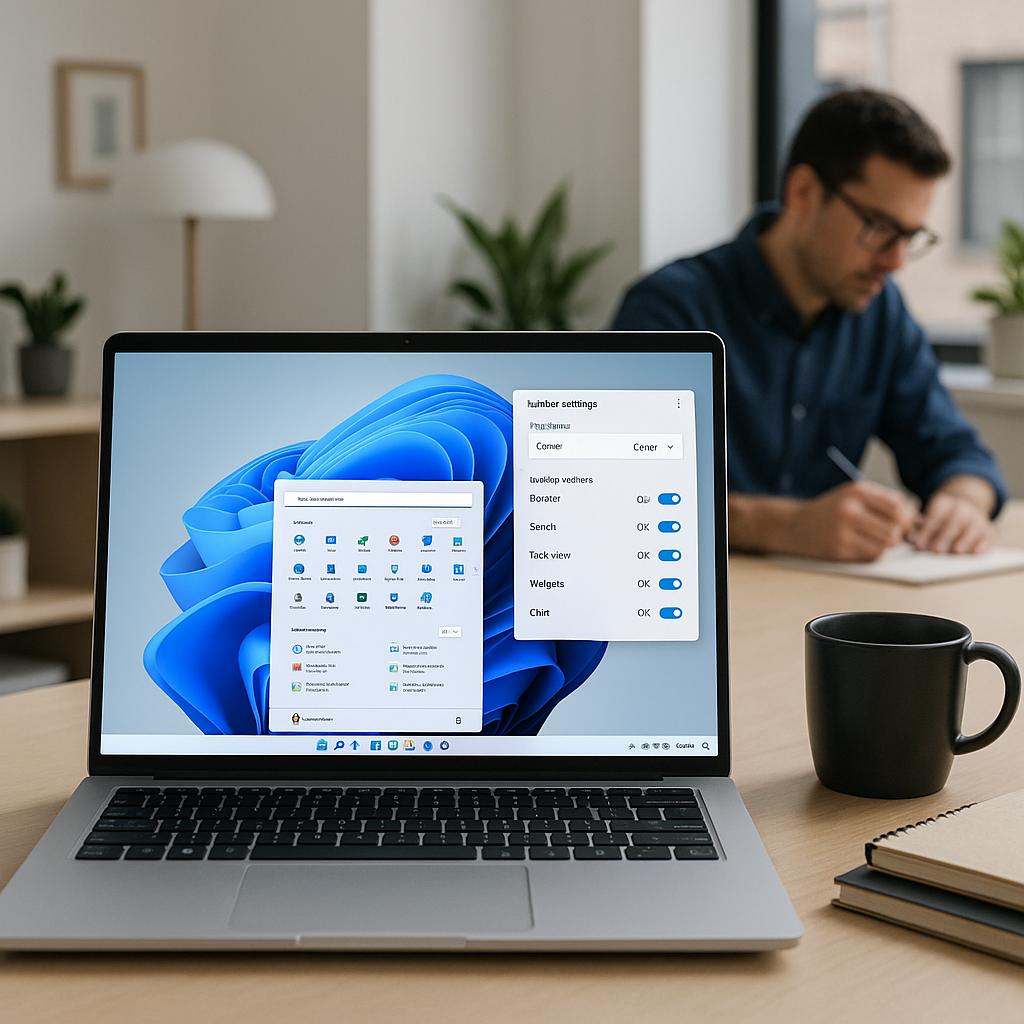
For many users, the taskbar is an essential aspect of their daily operations. Microsoft is now allowing users to reposition the taskbar to the top or sides of the screen. This flexibility can significantly enhance usability and cater to different user preferences, allowing individuals to customize their workspace according to their unique needs. Imagine a cafe where baristas can quickly access necessary applications without distraction or an online store where managers can efficiently monitor sales data.
### 3. Improved File Explorer Experience
Updates to the File Explorer aim to deliver a faster, smoother user experience. As business decision-makers often juggle large volumes of data, this quicker launch experience and enhanced navigation capabilities will optimize our daily tasks significantly. A smoother File Explorer means less time wasted searching for files and more time focusing on what truly matters—our business growth.
### 4. More Control Over Updates
One standout feature among the upcoming changes is the ability to manage updates better. Users will no longer be forced to uninstall their devices at inconvenient times, creating a more stable working environment. For a business clinic, this means avoiding interruptions during critical patient consultations or treatments—a feature that can have real-world consequences on operations.
### 5. Lower Memory Footprint for Better Performance
With Microsoft planning to lower the baseline memory footprint of the operating system, organizations can expect improved performance across the board. As many PC manufacturers battle high RAM and SSD costs, reducing memory usage can help businesses cut down on expenses while maintaining high-performance platforms for work.
### 6. Enhancements to Reliability
Microsoft’s upcoming focus on improving the reliability of Windows will address crashing issues and enhance connectivity. For industries like warehousing—where real-time data access and USB-connected devices are crucial—these improvements can reduce downtime and bolster operational efficiency.
## What This Means for Your Business
These changes present a significant opportunity for businesses across Denmark and Europe to streamline their processes and enhance productivity. After all, our technology should empower us, not hinder our operations. Here are some actionable tips to leverage these improvements:
– **Stay Updated:** Ensure that your organization is always using the latest version of Windows to benefit from these improvements.
– **Evaluate Your Settings:** Take advantage of the customization options; tailor the taskbar and File Explorer to suit the specific needs of your team.
– **Optimize Your Workspace:** Create an environment that’s conducive to productivity, utilizing the new features as a way to reduce distractions.
– **Provide Feedback:** Join the conversation by sharing your feedback with Microsoft to help shape the future of Windows further.
## Conclusion
As Windows evolves, we at Best Choice are excited to see how these enhancements will positively impact businesses across various sectors in Denmark and beyond. Staying informed about technological advancements can give you a competitive edge. If you need assistance integrating or optimizing these changes for your business, don’t hesitate to reach out to us. Together, let’s unlock your potential to thrive in this dynamic digital landscape.