What’s the Difference Between USB 3.0 & 2.0 and Which Should You Use?
As technology continues to evolve at a remarkable pace, understanding the tools we use daily is paramount. One such tool that has become the backbone of our electronic connectivity is the USB (Universal Serial Bus). While the ports may look identical, there is a significant difference between USB 3.0 and USB 2.0 that could impact your business operations dramatically. In this article, we will explore those differences and help you decide which USB standard is best suited for your needs.
The Basics: Understanding USB Technology
USB technology allows devices to communicate and transfer data effectively and efficiently. USB 2.0 was released in 2000 and quickly became the standard for data transfer until USB 3.0 arrived in 2008. It’s crucial to understand the fundamental differences in speed, data transfer capabilities, and overall performance to make informed decisions about your business needs.
Speed Comparison: USB 3.0 vs. USB 2.0
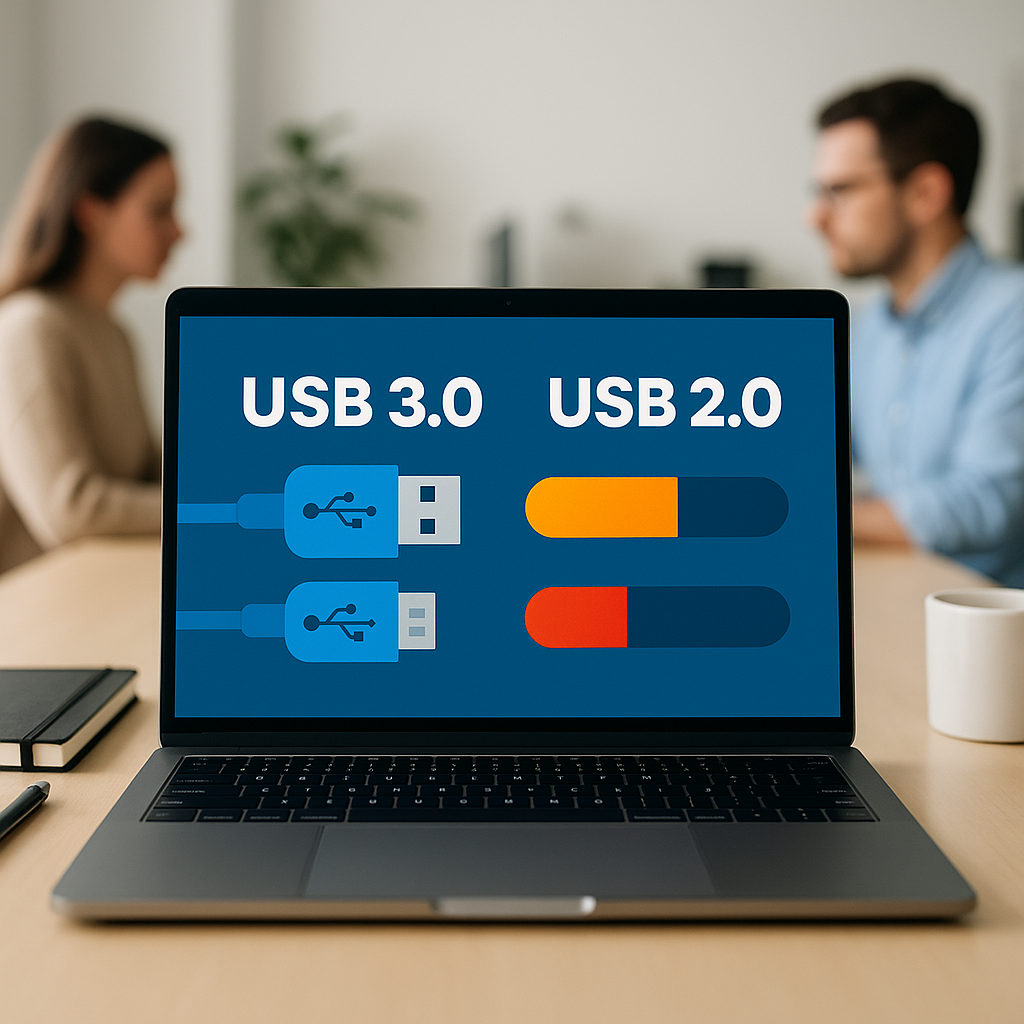
One of the most noticeable differences is the speed. USB 2.0 supports a maximum data transfer rate of 480 Mbps, which was fast for its time. However, USB 3.0 takes it a step further with a remarkable speed of up to 5 Gbps—more than ten times faster than USB 2.0! This increased speed can significantly impact how businesses handle data-intensive applications.
- For example, a video production company requiring rapid file transfers can save hours when using USB 3.0 versus USB 2.0.
- A clinical lab analyzing large data files for research will notice the difference in efficiency.
Power Supply Differences
Another key difference is the power supply provided by each standard. USB 2.0 can deliver up to 2.5 watts, which is sufficient for most low-power devices. USB 3.0, on the other hand, can provide up to 4.5 watts, enabling it to support devices that need more power. This means that you can connect and use devices such as external hard drives or hubs without the need for additional power sources, simplifying your setup.
Backward Compatibility
When it comes to compatibility, USB 3.0 is designed to be backward compatible with USB 2.0 devices. This means you can plug a USB 2.0 device into a USB 3.0 port without any issues. However, the transfer speed will revert to USB 2.0 levels. This backward compatibility helps businesses make gradual upgrades without having to replace all their existing devices at once.
Real-World Applications: Boosting Business Efficiency
Now that we understand the differences at a technical level, let’s talk about practical applications. Businesses can leverage the advantages of USB 3.0 in various ways:
- Imagine a retail store managing a large inventory using USB-connected barcode scanners that operate faster, making the checkout process seamless and boosting customer satisfaction.
- For a small IT consulting firm, using USB 3.0 external drives enables quicker backup and restoration times, saving critical billable hours.
Determining Your Needs
So, which USB standard should you use? The answer largely depends on your specific business requirements:
- If you handle large files, such as videos or high-resolution images, consider investing in USB 3.0 devices that can significantly reduce waiting time.
- If your business mainly uses smaller devices like keyboards and mice, USB 2.0 may still serve you well; however, future-proofing with USB 3.0 might be a wise investment.
Future Trends: Preparing for the Next Best Thing
As technology evolves, new standards like USB 3.1 and USB-C are emerging. These newer standards offer even higher speeds and enhanced features. At Best Choice, we ensure our clients stay abreast of the latest technology trends, providing advice on what best suits their operational demands.
Conclusion: Making an Informed Choice
In summary, while USB 2.0 and USB 3.0 may look the same at a glance, the performance differences can significantly affect your business efficiency. By leveraging USB 3.0 technology, you stand to increase productivity, save time, and enhance the overall functionality of your work setup. If you have any questions about implementing the right technology for your business, feel free to contact us at Best Choice. We’re here to help you find the best solutions tailored to your needs.