Is There Any Benefit to Restarting Your PC Regularly?
As a business decision-maker or entrepreneur in today’s fast-paced digital landscape, you might have heard the age-old advice: “Just restart your computer.” It’s a simple recommendation that many IT professionals echo, but you may wonder: how essential is this today? In this article, we at Best Choice will explore the significance of regularly rebooting your computer, how it can impact your business operations, and why it’s more relevant now than ever.
Your computer is more than just a machine; for many, it’s the heart of daily operations. From managing sensitive client data in a clinic or running inventory for a warehouse to processing transactions in an online store, ensuring that your IT systems run smoothly is crucial. Let’s delve into the empact of rebooting your PC and how it ties into maintaining optimal productivity at work.
Understanding the Importance of Reboots
Every time you reboot your system, it clears the memory and stops all running processes, allowing your computer to start fresh. This process helps to eliminate temporary files, refresh applications, and ensure any software updates take effect. In other words, rebooting can resolve minor glitches that may disrupt your workflow.
1. Addressing Performance Issues
Over time, applications can consume system resources, leading to sluggish performance. For example, if you manage a cafe and use a Point of Sale (POS) system, frequent reopening of software can slow down transactions and affect customer service. A simple restart can free up these resources, allowing your system to run smoothly and effectively cater to your customers.
2. Implementing Software Updates
Most software applications require you to restart your PC to implement updates. These updates often contain critical security patches and performance enhancements. For an online store, ensuring your e-commerce platform runs the latest version is vital for keeping your site secure and providing users with the best possible experience. Regular reboots can help you stay compliant and reduce the risk of data breaches.
3. Enhancing Security
Cyber security threats are rampant, and older systems are more vulnerable. Regularly restarting your PC helps ensure that security measures properly integrate into the system. If you operate a clinic, protecting sensitive patient information should be a top priority. Frequent reboots help maintain a secure environment for your data, ensuring compliance with regulations such as GDPR in Europe.
4. Reducing Software Conflicts
In most businesses, various applications run simultaneously, potentially leading to software conflicts that disrupt operations. For instance, in a warehouse setting, using inventory management software that doesn’t play well with your accounting program can cause errors. Regular reboots can provide a fresh slate, thereby minimizing conflicts and streamlining operations.
5. Improving System Longevity
Regularly rebooting your PC can extend its life by reducing the strain put on hardware resources. Imagine running a busy booking service; the last thing you want is hardware failure just before the peak season. Implementing a routine that includes scheduled restarts can help you avoid costly repairs or replacements in the future, ensuring uninterrupted service delivery.
6. Boosting Team Productivity
Employees often face productivity declines when dealing with PCs that are running slow or have software glitches. By establishing a regular reboot schedule within your business, you can combat these issues. A simple prompt to restart computers at the end of the day can lead to a more efficient workplace the following morning, enhancing overall effectiveness.
Actionable Tips for Optimizing Restarts
- Schedule Regular Restarts: Set a specific time, be it daily or weekly, for your team to restart their PCs to create a habit.
- Communicate Importance: Educate your employees about the importance of rebooting and how it enhances their work efficacy.
- Install Updates Automatically: Enable your system settings to automatically download and install updates during off-hours.
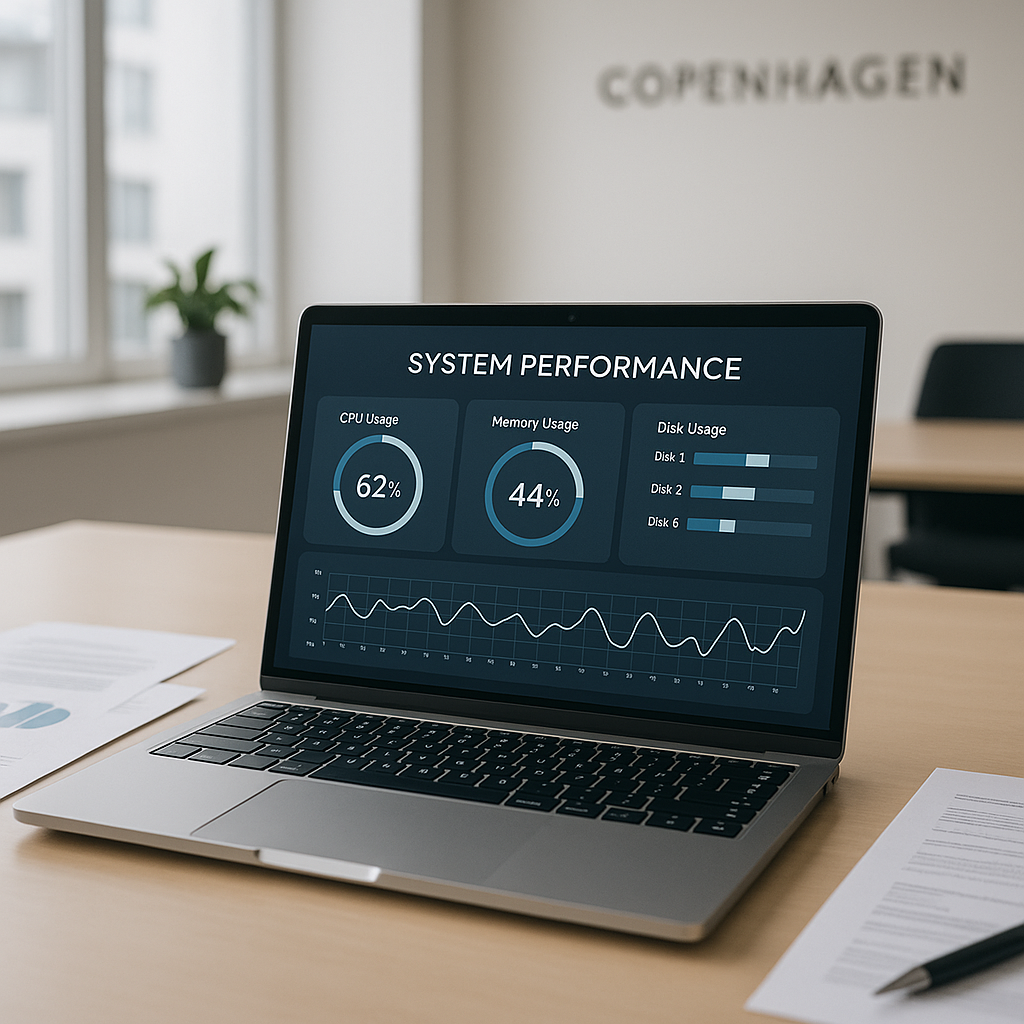
- Monitor System Performance: Keep track of your PC’s performance to determine if restarts are effectively improving speed and security.
- Develop a Backup Plan: Always back up data regularly to avoid any potential loss during unexpected restarts.
Conclusion
In conclusion, regularly restarting your PC is not just an old piece of advice; it’s a vital practice for maintaining optimal performance, security, and efficiency within your business. From cafes to clinics, implementing simple rebooting protocols can significantly enhance workflows and safeguard your data.
If you’re looking for tailored solutions to improve your IT systems or want to discuss how to better integrate automation in your operations, feel free to reach out to us at Best Choice. Together, we can help you streamline your processes and boost productivity in your organization.