How to Send a Message via Satellite on Your iPhone
In an increasingly connected world, it’s essential for business decision-makers and entrepreneurs to stay in touch, even when traditional communication networks fail. Whether you’re exploring remote hiking trails, managing operations from a warehouse far from the hustle and bustle of urban life, or running an online store while traveling to rural areas, having reliable communication is a key part of ensuring business continuity. That’s where Apple’s recently expanded satellite messaging feature comes into play.
Originally designed for emergency situations, this functionality has evolved into a useful tool that allows iPhone users to send and receive messages even when they are off the grid. In this guide, I will walk you through how to send and receive messages via satellite on your iPhone, ensuring that you can stay connected no matter where your business takes you.
How Satellite Messaging Works on Your iPhone
If you’re using an iPhone 14 or newer with iOS 18 or higher, you’re already equipped with satellite messaging capabilities. This built-in feature detects when you’ve lost cellular and Wi-Fi connectivity and seamlessly prompts you to switch to a satellite connection.
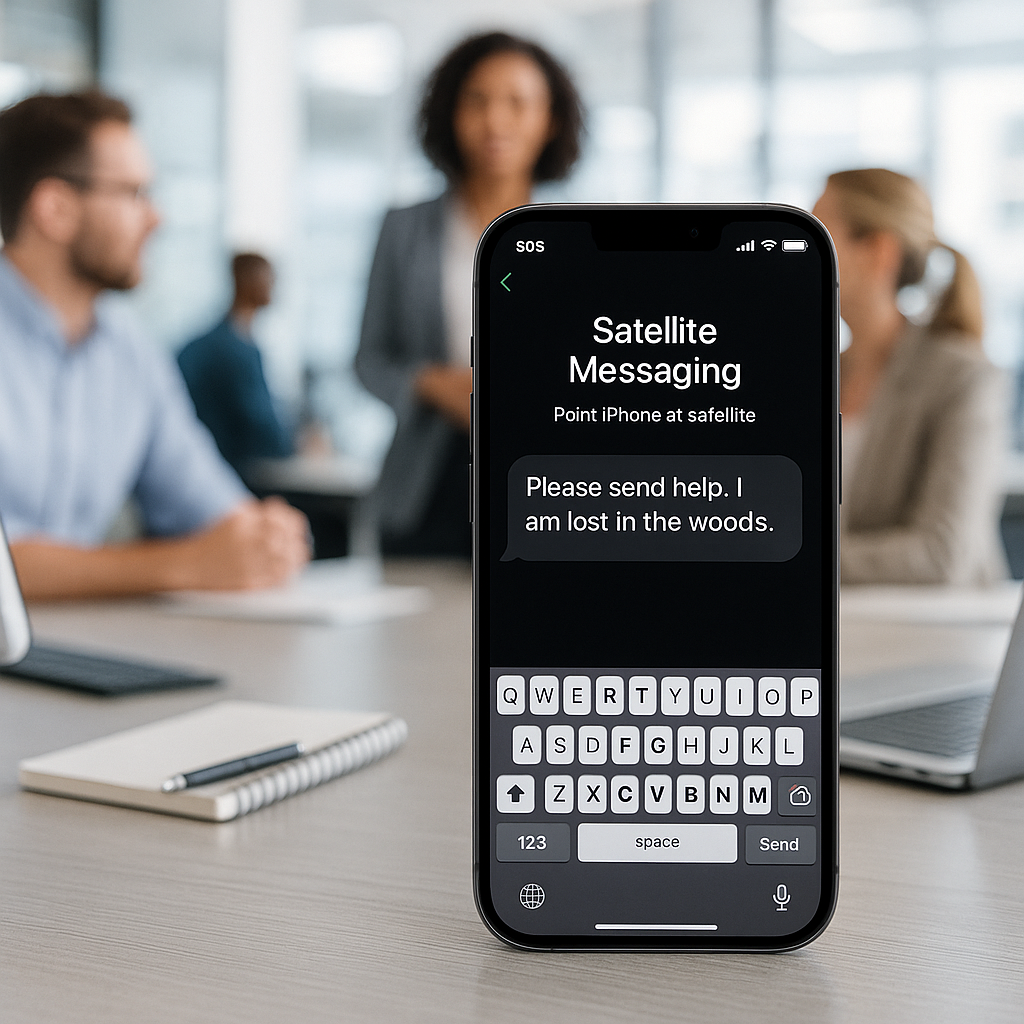
When you find yourself in a no-signal area, simply open your Messages app. If satellite messaging is available, you’ll see a prompt guiding you to connect to the satellite. You’ll follow on-screen instructions to position your iPhone, usually requiring a clear line of sight to the sky. The app will notify you once your message has been successfully sent, but keep in mind that delivery can take longer than standard text messages.
Preparing to Send Messages via Satellite
Before venturing out where cellular signals may dwindle, here are a few essentials to keep in mind:
- Activate iMessage: Ensure iMessage is turned on prior to your trip. This functionality allows for easy communication with family and friends.
- Add Emergency Contacts: Setting up emergency contacts and members of your Family Sharing group will enable them to reach you via SMS, even without you initiating the conversation.
- Check Compatibility: Ensure your device is compatible and your software is up to date.
Benefits of Satellite Messaging for Business
Imagine you’re managing operations at a warehouse located in a remote area of Denmark or giving a presentation to potential clients in a location with poor network coverage. With satellite messaging, you can check-in with your team, share important updates, or ensure your business runs smoothly without missing a beat.
This feature can also enable travelers to maintain contact with their offices or clients, all without the worry of a lost signal affecting their communication. Satellite messaging serves as an excellent safety net, allowing entrepreneurs to send assistance requests without searching for traditional networks.
Best Practices for Reliable Satellite Messaging
<pTo enhance your chances of successful connections, consider these practical tips:
- Find Clear Spaces: Environments with minimal obstructions—like fields or high points on a hiking trail—are optimal for reliable satellite messaging.
- Keep Messages Brief: Satellite bandwidth is limited. Opting for shorter messages will improve the chances of timely delivery.
- Monitor Battery Life: Maintaining a satellite connection consumes more power than regular messaging; ensure your device has sufficient battery life, especially when you venture outdoors.
Limitations of Satellite Messaging
While satellite messaging provides significant advantages, it’s essential to be aware of its limitations:
- Not for Continuous Conversations: Satellite messaging is designed for occasional use. Expect slower delivery and the inability to share images, videos, or media attachments.
- Reliability is Variable: Delivery times can fluctuate, and you should not rely on the service for urgent communication.
- Watch for Changes in Availability: Be prepared for possible pricing changes as Apple expands this feature further in Europe and beyond.
Who Can Receive Satellite Messages?
Messages sent through this feature can be delivered to any contact, whether they are using iMessage on Apple devices or standard SMS on other devices. Importantly, recipients do not require a satellite-capable device to receive messages, making this an excellent tool for keeping everyone in the loop.
When Is Satellite Messaging Most Useful?
Whether you’re an avid traveler, a small business owner, or managing logistics from a rural area, satellite messaging can be a game-changer. For those venturing into the wild or overseeing clinics or booking services in remote locations, the ability to send updates and communicate easily can significantly enhance operational efficiency.
Conclusion
As connectivity continues to evolve, I encourage you to explore how satellite messaging can serve your business needs. By integrating this feature into your communication strategy, you can not only ensure smooth operations but also maintain vital lines of communication. We at Best Choice are here to help you set up the best digital solutions tailored to your business requirements. If you have any questions or need assistance, please don’t hesitate to reach out to us!