Understanding Apple’s Background Security Improvements for Your Business Devices
In a world where digital security breaches are increasingly common, keeping your technology updated is more critical than ever. Recently, Apple introduced a new feature called Background Security Improvements for its operating systems: iOS, iPadOS, and macOS. This initiative is a game changer, especially for businesses that rely heavily on Apple devices. In this blog post, we will delve deeper into what these updates entail and why they are significant for your company.
As a business decision-maker or entrepreneur, your primary concern should be ensuring that your digital infrastructure is as secure as possible. Apple’s Background Security Improvements offer a streamlined approach to security updates, allowing for quicker and more efficient fixes without the cumbersome downtime typically associated with standard software updates. Let’s take a closer look at how this works and how it can benefit your business.
What Are Background Security Improvements?
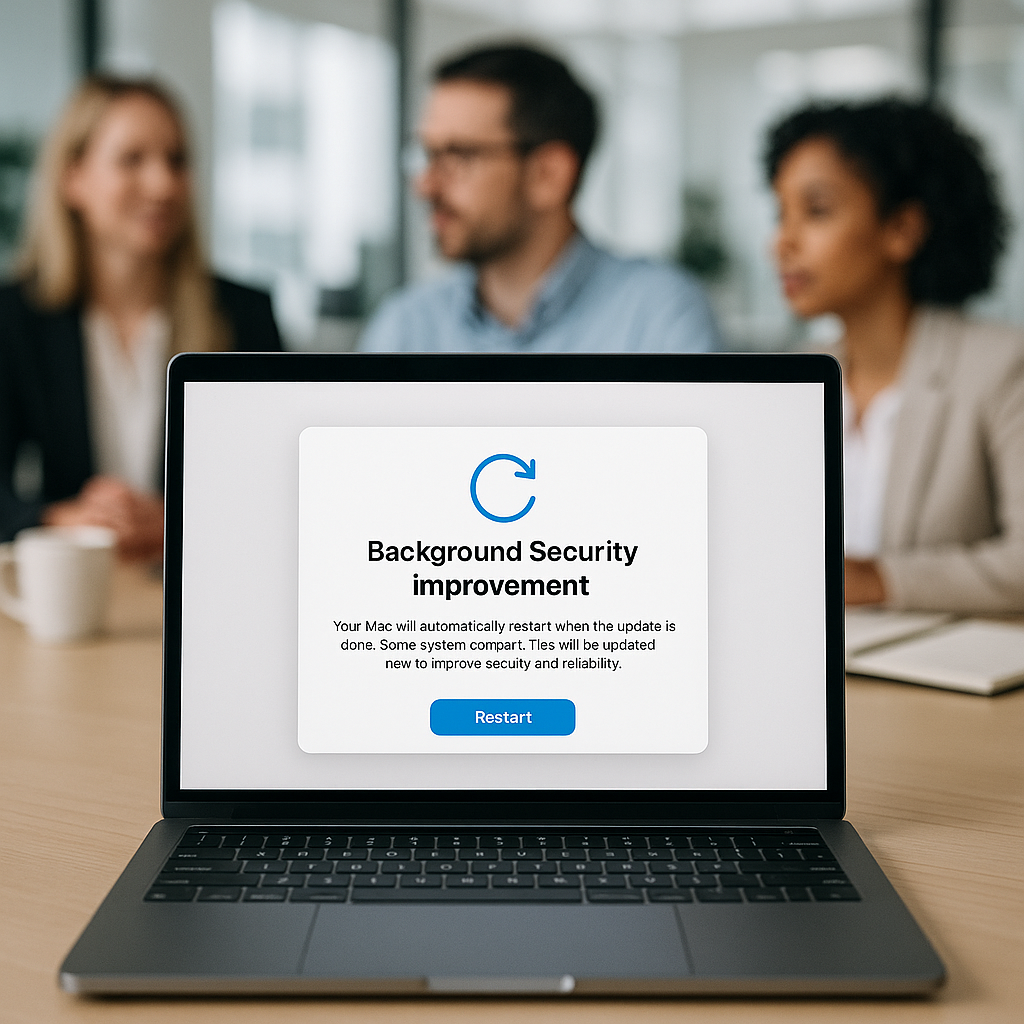
Background Security Improvements are small, incremental updates provided by Apple that can seamlessly integrate between larger software updates. These lightweight patches are intended for key components of Apple’s operating systems, such as the Safari browser and WebKit framework stack. They bring essential security fixes directly to your devices without the need for extensive manual intervention.
This means less time worrying about potential vulnerabilities and more time focusing on your business operations. By downloading them in the background, these updates make it easier to manage your security needs without disrupting your daily workflow.
The Benefits of Background Security Improvements
- Faster Application: Unlike traditional updates that can take 5 to 10 minutes to install, these smaller updates can be completed in under a minute. This means less downtime for your devices, which is critical for business continuity.
- Enhanced Security: Regularly applied updates are key to protecting sensitive business data. With these improvements, you’re keeping your systems fortified against potential attacks.
- Background Downloads: These updates are designed to download automatically in the background, minimizing the need for manual updates and allowing your staff to focus on their tasks without interruption.
How Do the Updates Work?
Once a Background Security Improvement has been released, all compliant devices running iOS 26.1, iPadOS 26.1, and macOS 26.1 can receive these updates. When they are ready, your devices will quietly download them in the background. However, a quick restart is necessary to complete the installation.
This is particularly beneficial in busy work environments such as clinics or cafes, where waiting for a long update can disrupt services. The ability to power cycle a device quickly ensures that businesses can keep their operations running smoothly.
Real-World Application: How a Café Benefit from This Update
Imagine you own a bustling café that relies on iPads for taking orders and processing payments. With Background Security Improvements, your devices will regularly receive critical security updates without impeding service. The automatic download process ensures that your systems are always up-to-date against vulnerabilities, all while your staff remains focused on providing excellent customer service.
Integrating Updates with Existing IT Frameworks
At Best Choice, we understand that businesses in Denmark and across Europe can benefit significantly from custom-built IT solutions. By building a robust IT framework that integrates seamlessly with Apple devices, we can help ensure that your operations run smoothly while incorporating the latest security measures.
If you’re using popular open-source solutions or third-party applications, we can assist in integrating Background Security Improvements into your existing infrastructure, thus fortifying your security posture without compromising efficiency.
Insights and Recommendations for Business Security
In the digital age, proactive security measures are essential. Here are some actionable insights to consider for your business:
- Make security updates routine: Encourage your team to check for updates regularly to ensure that all devices are secure.
- Evaluate your IT framework: If you’re not already doing so, consider how integrating Background Security Improvements can enhance your current systems.
- Stay informed about updates: Keep an eye on Apple’s release notes for Background Security Improvements to understand the significance of each patch.
Conclusion
As we navigate a future increasingly reliant on technology, ensuring the security of our digital assets is paramount. With Apple’s Background Security Improvements, we at Best Choice can help you make the most of these updates, ensuring that your business remains secure without the hassle of extended downtime.
Don’t hesitate to reach out to us at Best Choice for tailored IT solutions that fit your specific business needs. We’re here to help you enhance your workflow and secure your digital operations effectively!