# Microsoft Lets Insiders Choose Their Windows 11 Start Menu Size
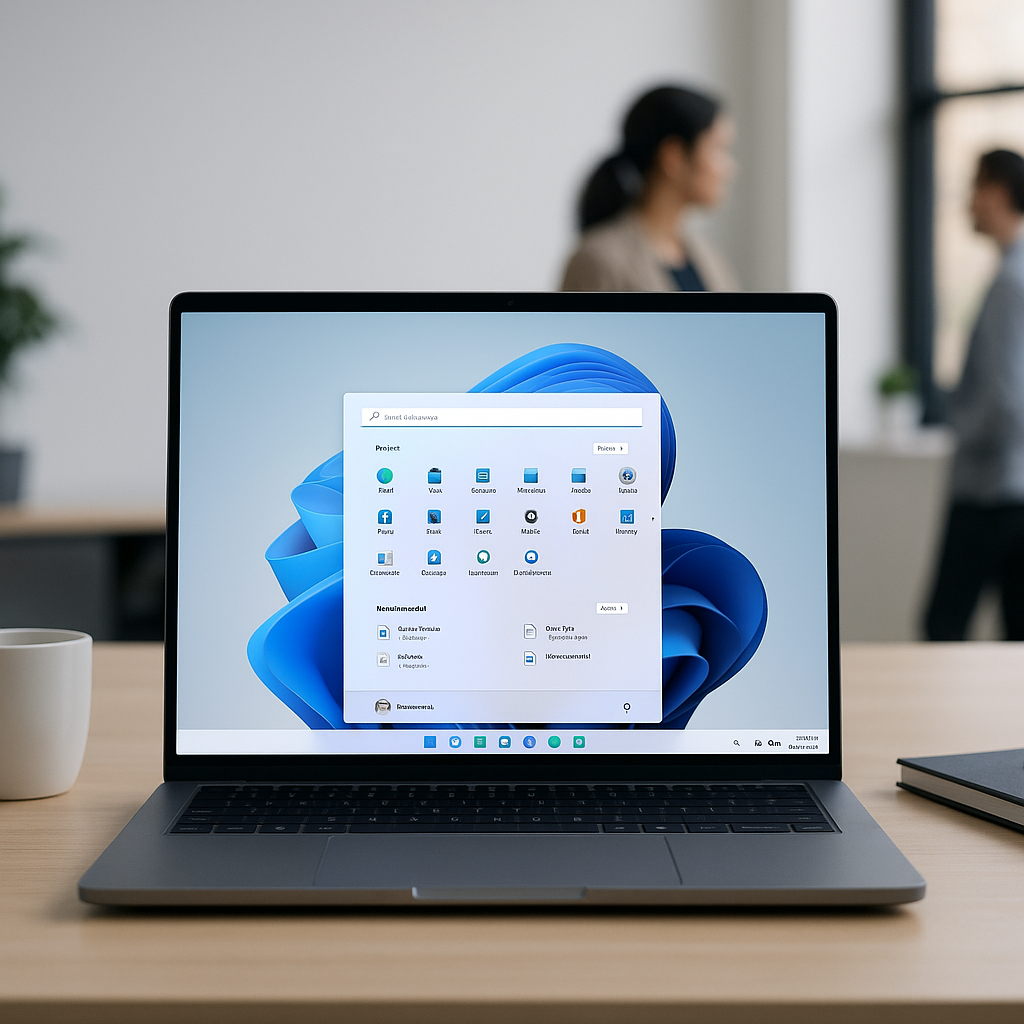
In the ever-evolving landscape of technology, user customization is becoming more crucial. Windows 11 users have long expressed their desire for more control over their operating system, and Microsoft has taken this feedback to heart. Recently, Microsoft introduced a feature that allows insiders to choose their Windows 11 Start menu size. This seemingly small adjustment is significant, as it reflects a larger trend towards user empowerment and personalization in the digital workspace.
At Best Choice, we understand how vital it is for businesses to maintain an efficient workflow, and optimizing your operating system can play a crucial role. By giving users options—like adjusting the size of the Start menu—Microsoft is not just promoting flexibility but also enhancing productivity. This article will deepen your understanding of this new feature and how such customization can benefit your business operations.
## Understanding the New Start Menu Customization
### Tailoring Your Experience
One of the most exciting aspects of the new update is that it allows users to tailor their experience according to their specific needs. Whether you’re running a bustling café, managing a warehouse, or operating an online store, having a workspace that fits your preferences can significantly increase productivity.
The customizable Start menu enables users to manage their apps more efficiently. For instance, café managers can expand their view to quickly access point-of-sale applications while simultaneously keeping communication tools at hand. This adaptability leads to time-effective multitasking, paving the way for smoother business operations.
### The Benefits of a Customizable Start Menu
You may wonder how a mere change in the Start menu’s size could yield substantial benefits. Let’s explore some critical points:
– **Improved Productivity**: A tailored Start menu means that relevant applications are easily accessible, reducing the time spent searching for necessary tools.
– **Enhanced User Experience**: Customization leads to a more intuitive and satisfying user experience, which can also lower the learning curve for new employees.
– **Better Task Management**: With the ability to reposition frequently used tools, employees can manage their daily tasks effortlessly.
## Repositioning the Windows 11 Taskbar
### Making Navigation Easier
In addition to the Start menu customization, Microsoft is also testing features that would allow users to reposition the Windows 11 taskbar. By enabling this functionality, users can place their taskbar at the top, sides, or bottom of their screen, depending on their workflow preferences.
Imagine a warehouse manager needing quick access to inventory management software. With the ability to position the taskbar where they see fit, they can have their essential tools within immediate reach, significantly enhancing operational efficiency.
### Seamless Integration with Existing Tools
At Best Choice, we understand the importance of seamless integration. Whether you’re using third-party applications or open-source solutions common in Denmark and Europe, customization can create a more cohesive working environment. If your existing tools aren’t optimized for your workflow, we can help you integrate them more effectively.
## Real-World Applications
### Catering to Different Business Needs
Let’s look at a few examples of how a customizable operating system can benefit various business types:
– **Cafés**: Staff can adjust their Start menu to include the necessary apps such as scheduling software and communication tools, streamlining their customer service process.
– **Warehouses**: Workers can prioritize inventory management applications for rapid access, decreasing downtime and increasing overall productivity.
– **Online Stores**: E-commerce managers can keep tracking tools visible, making it easier to manage stock levels and sales functionalities in real time.
### Automation and Efficiency
In today’s fast-paced environment, automation is key. By customizing their digital workspace, employees can focus on the tasks that truly matter instead of wasting time navigating through a cluttered interface. This increased efficiency translates to higher profits and better customer satisfaction.
## Actionable Tips for Customizing Windows 11
As you look to enhance your business’s workflow using Windows 11, consider the following tips:
– **Assess Your Needs**: Take stock of which applications you use most frequently and make sure they’re front and center in your Start menu.
– **Experiment with Taskbar Positioning**: Try different taskbar placements to see which configuration allows you to work more effectively.
– **Utilize Shortcuts**: Create shortcuts for the tools you use most—they can save significant time in your day-to-day operations.
## Conclusion
As Microsoft allows insiders to customize their Start menu and taskbar, businesses have an excellent opportunity to enhance their productivity and efficiency. At Best Choice, we believe that the right digital tools can revolutionize your workflow. If you’re looking to optimize your operations or create custom solutions tailored to your business needs, I invite you to contact Best Choice. Let’s work together to create a digital workspace that empowers your business to thrive!