How to Run a Local AI Chatbot on Your iPhone
In today’s fast-paced digital world, harnessing the power of AI can significantly enhance how we interact with technology. As business decision-makers and entrepreneurs, we often seek smart solutions to streamline our operations and improve customer engagement. One such solution is running a local AI chatbot directly on your iPhone. In this article, I’ll walk you through the benefits of utilizing a local AI chatbot, how it works, and the practical steps to implement it effectively in your business.
The beauty of adopting advanced technology like AI chatbots lies in their ability to provide seamless customer interaction and automate routine tasks. Imagine having a digital assistant that responds to your customers’ queries 24/7, all while being secure and operating even when offline. Whether you’re a cafe owner responding to menu inquiries or a clinic managing appointment schedules, a local AI chatbot can be a game-changing asset for your business.
Understanding Local AI Chatbots
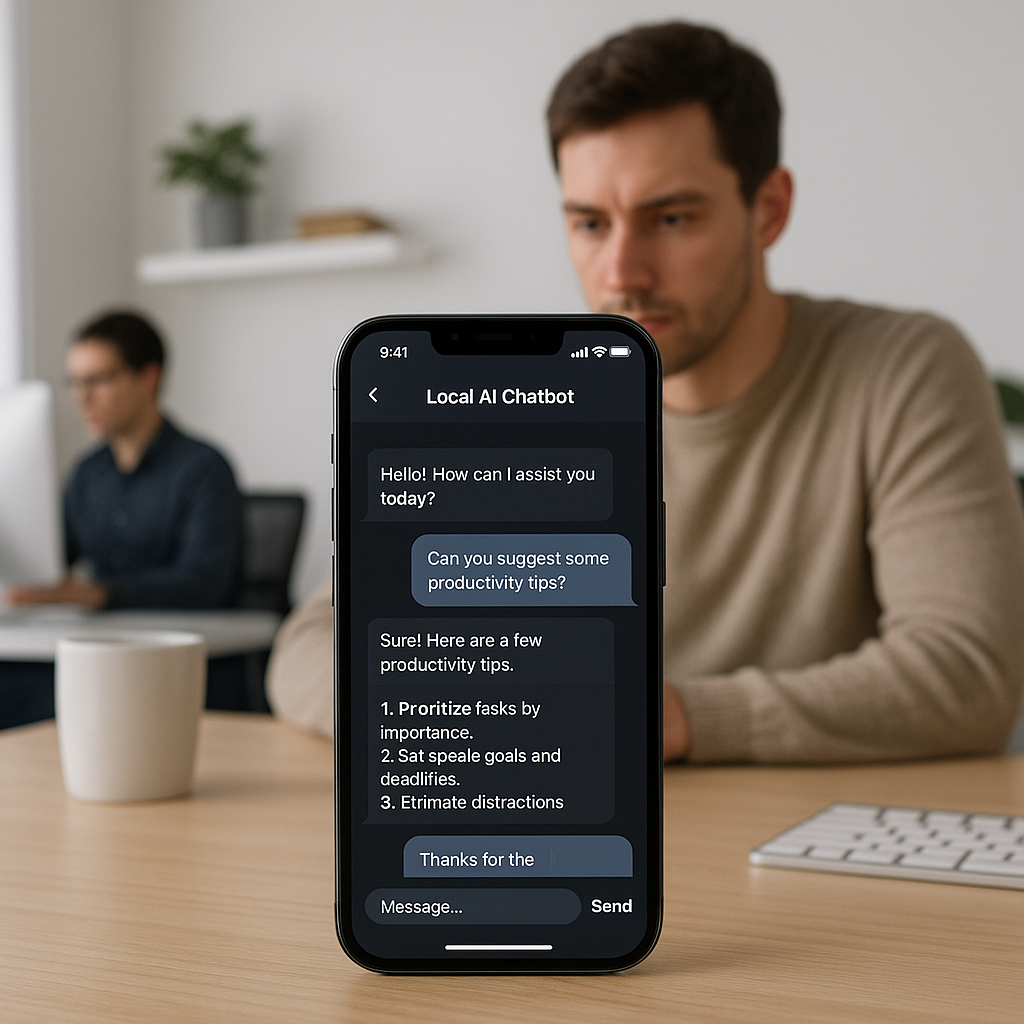
First, let’s clarify what a local AI chatbot is. Unlike cloud-based solutions that rely on internet connectivity to function, a local AI chatbot functions directly from your device. This means it can operate independently, providing instant responses without the latency often associated with internet traffic
.
The Benefits of Using Local AI Chatbots
Implementing a local AI chatbot on your iPhone comes with several advantages that can significantly enhance your business operations:
- Offline Performance: One of the most compelling reasons to use a local chatbot is its ability to operate without internet access. This feature is crucial for businesses in areas with poor connectivity.
- Enhanced Privacy: With data breaches making headlines regularly, a local chatbot can help protect sensitive customer information by keeping data within your device.
- Faster Response Times: Because the chatbot does not need to connect to external servers, responses are delivered almost instantaneously, enhancing customer satisfaction.
- Customizability: Local chatbots can be tailored to your unique business needs, allowing you to create a specific voice, tone, and functionalities that resonate with your audience.
Implementing a Local AI Chatbot
Setting up a local AI chatbot on your iPhone might sound daunting, but with the right approach, it can be a smooth process. Here’s how you can get started:
- Choose the Right Software: Look for AI frameworks that allow you to create and run chatbots locally. Tools like Rasa or Botpress offer excellent open-source solutions that can be customized for your use.
- Define Your Use Cases: Decide on the primary functions of your chatbot. Will it answer FAQs, take bookings, or provide product recommendations? Establishing clear use cases will guide your chatbot design.
- Train Your Chatbot: Input data, responses, and scenarios that you want your chatbot to understand. Consider common questions you receive from customers to tailor its responses effectively.
- Test for Functionality: Before launching, thoroughly test your chatbot to ensure it performs as expected. This includes checking its response accuracy, understanding context, and overall user experience.
Real-World Applications
Let’s consider real-world scenarios where local AI chatbots can improve workflows:
For cafes, a local AI chatbot could manage customer inquiries about menu items, dietary restrictions, or reservation options, thereby allowing staff to spend more time serving customers rather than answering repetitive questions.
In a clinic, a local chatbot can streamline appointment scheduling and answer common patient queries about services offered, making sure that the reception is less overwhelmed, leading to improved patient experience and satisfaction.
Online stores can capitalize on local chatbots to provide personalized shopping experiences. For instance, a chatbot can guide customers through a product catalog, recommend items based on prior purchases, and assist with order status inquiries.
Maximizing Your Local Chatbot’s Efficiency
Once your local AI chatbot is up and running on your iPhone, continuous optimization is vital. Here are some actionable tips to ensure your chatbot remains effective:
- Regularly Update Content: Keep your chatbot’s information current. Regular updates ensure that customer interactions are relevant and accurate.
- Monitor Performance: Review response times, customer satisfaction ratings, and engagement metrics to identify areas for improvement.
- Solicit Feedback: Encourage users to provide feedback on their chatbot experience. This feedback can provide valuable insights into how to improve functionality.
Conclusion
Implementing a local AI chatbot on your iPhone is not just a trend; it’s a smart business move that can save time, enhance customer engagement, and improve overall operational efficiency. By optimizing customer interactions and automating routine tasks, you position your business for growth and success.
If you’re interested in exploring how a local AI chatbot can benefit your unique business scenario, we at Best Choice are here to assist you. Let’s work together to harness the power of AI and elevate your business operations. Don’t hesitate to reach out for a consultation today!