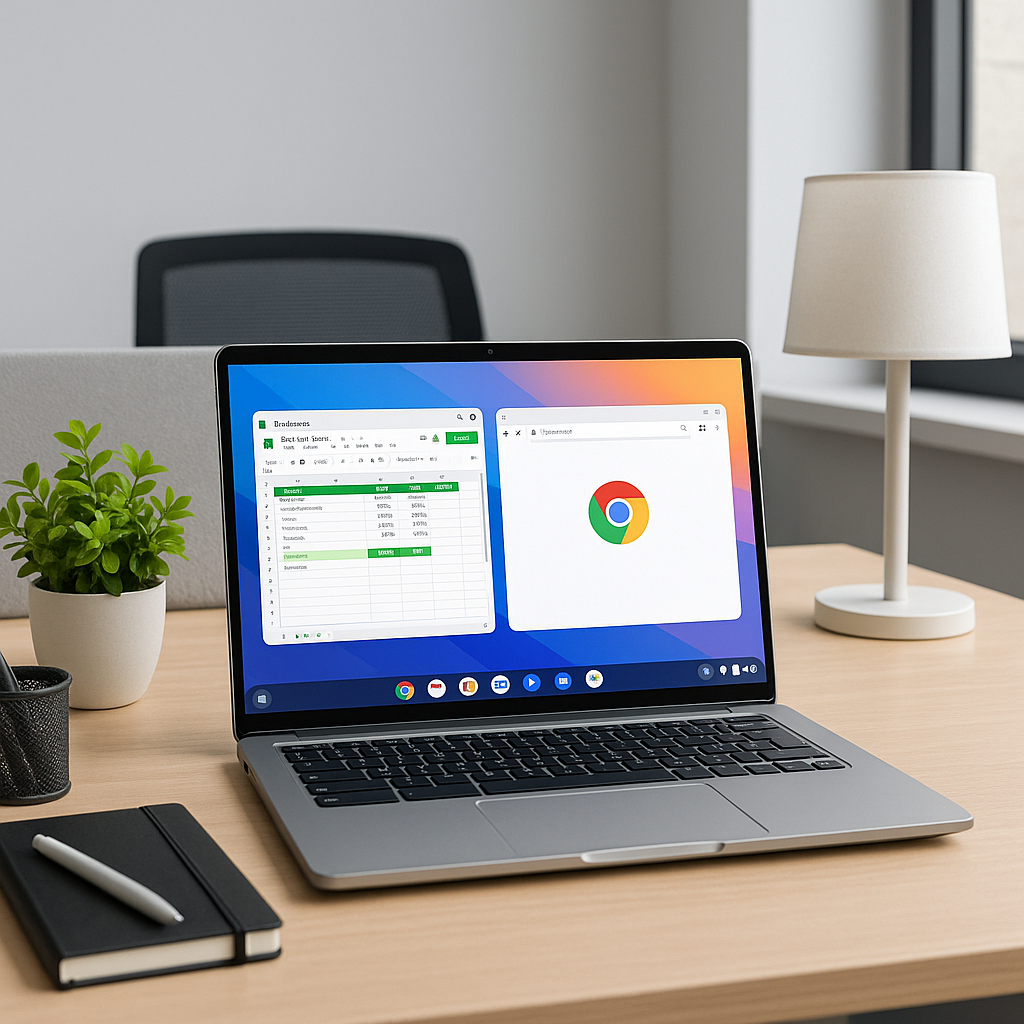
The Best Chromebook You Can Buy in 2026
As we venture deeper into the digital age, the need for efficient and versatile computing devices continues to grow. With the rise of remote work, online learning, and a general shift towards cloud-based tasks, Chromebooks have emerged as a frontrunner, delivering speed, security, and affordability. At Best Choice, we appreciate how these devices operate seamlessly, offering more than just a basic laptop experience. Today, let’s explore what makes Chromebooks a fantastic choice for everyday tasks and which models are the best options in 2026.
Modern Chromebooks boast brighter screens, faster processors, and improved designs that cater to a variety of uses – from staying productive at school to streaming your favorite series on the go. Whether you’re a business decision-maker looking for a reliable laptop for your team or an entrepreneur in search of a budget-friendly option that doesn’t skimp on performance, Chromebooks are worth considering. In this article, I will guide you through the best Chromebooks available today and outline their key features that can help enhance your routine and efficiency.
Best Chromebooks in 2026
Acer Chromebook Plus 514 (CB514-6H/T)
The Acer Chromebook Plus 514 is a strong contender in the market, balancing performance and price. Designed for productivity, it features a 12th-gen Intel Core i3 processor, 8GB of RAM, and a sleek 14-inch display that makes it perfect for tasks ranging from document editing to video calls. It also supports Android apps, ensuring users can expand their toolbox with a wide range of productivity tools or entertainment apps.
Acer Chromebook Plus Spin 514 (CP514-5HN)
This 2-in-1 device offers flexibility without compromising performance. With its adaptable design, it can easily transform from a laptop to a tablet, making it ideal for artists and note-takers. The screen is vibrant and responsive, enhancing the overall user experience whether you’re in the office or on the move.
Acer Chromebook Plus 516 GE
For those needing something a bit more robust, the Acer Chromebook Plus 516 GE delivers exceptional performance with its advanced specs. This model is especially appealing to businesses that require a device for handling more demanding tasks while maintaining reliability and speed. With ample storage and processing capabilities, it’s excellent for multitasking.
Lenovo Chromebook Plus 14
Finally, the Lenovo Chromebook Plus 14 rounds out our top picks. It’s a great option for users who prioritize build quality and screen clarity. Its long battery life ensures productivity throughout the day, whether you’re at a café or in a meeting. The familiarity of Chrome OS, combined with Lenovo’s reliable hardware, makes this a solid choice for anyone looking for a dependable laptop.
Chromebooks: Why Choose Them?
One question I often encounter is: “What is Chrome OS, and why should I use it over Windows?” For many, Chrome OS’ simplicity is its biggest draw. Unlike traditional operating systems that come cluttered with unnecessary applications, Chrome OS offers a streamlined experience focused on web-based productivity. It boots up in seconds and allows for quick resets, which can save you time and reduce frustration.
However, I acknowledge that simplicity can also present limitations for certain users, particularly those in specialized fields such as video editing or software development. Fortunately, Google continually enhances the capabilities of Chrome OS. With recent updates, users can access more advanced features like video editing tools through Google Photos and even run desktop-level applications through web versions of popular software like Adobe Photoshop.
The Features that Matter
When evaluating a Chromebook for your needs, it’s essential to focus on specifications that align with your routine:
- Processor: Aim for at least a 12th-gen Intel Core i3 or AMD Ryzen 3 processor to ensure smooth performance.
- RAM: A minimum of 8GB is recommended, particularly if you multitask.
- Storage: Look for models with 128GB SSD for better performance.
- Display: A Full HD (1080p) IPS screen is essential for a clear and vibrant visual experience.
- Webcam: Especially in today’s environment, ensure your device has a quality 1080p webcam.
When to Avoid Chromebooks
While Chromebooks offer many benefits, they might not be suitable for every user. If you heavily depend on specific Windows or Mac applications, you may find the lack of native software support a limitation. Certain industries, such as finance or advanced graphic design, might still require traditional computing solutions where Chromebooks cannot match the required software ecosystem. Additionally, if top-tier gaming is a priority, the lack of native gaming capabilities could be another drawback.
Conclusion
In conclusion, Chromebooks have cemented their place in the realm of everyday computing, thanks to their affordability, simplicity, and functionality. If you require a device that’s efficient for web-based tasks, communication, and light productivity, there’s a Chromebook out there that fits your needs. At Best Choice, we’re dedicated to helping you navigate these options and find the best technology solutions for your business. Whether you’re looking to equip your team with reliable devices or you need support in integrating these tools into your workflow, don’t hesitate to reach out. Let’s explore how we can assist you today!