How Long Should A Laptop Battery Last On A Single Charge?
As a business decision-maker, understanding the longevity of your laptop battery is crucial, especially if you rely on these devices for your day-to-day operations. Whether you’re an entrepreneur running a café, a warehouse manager, or a clinic owner, knowing how long a laptop can run on a single charge can significantly impact your productivity and efficiency. In today’s fast-paced digital world, a reliable battery life ensures that you can work uninterrupted, attend meetings, and manage your online store without constantly searching for an outlet.
At Best Choice, we believe that a well-informed decision can lead to better investments in technology. You’re not just looking for a laptop; you’re looking for a tool that will enhance your workflow and minimize downtime. Let’s take a closer look at the expected battery life of laptops, factors that influence their performance, and practical tips to optimize battery usage for your daily needs.
Understanding Battery Life
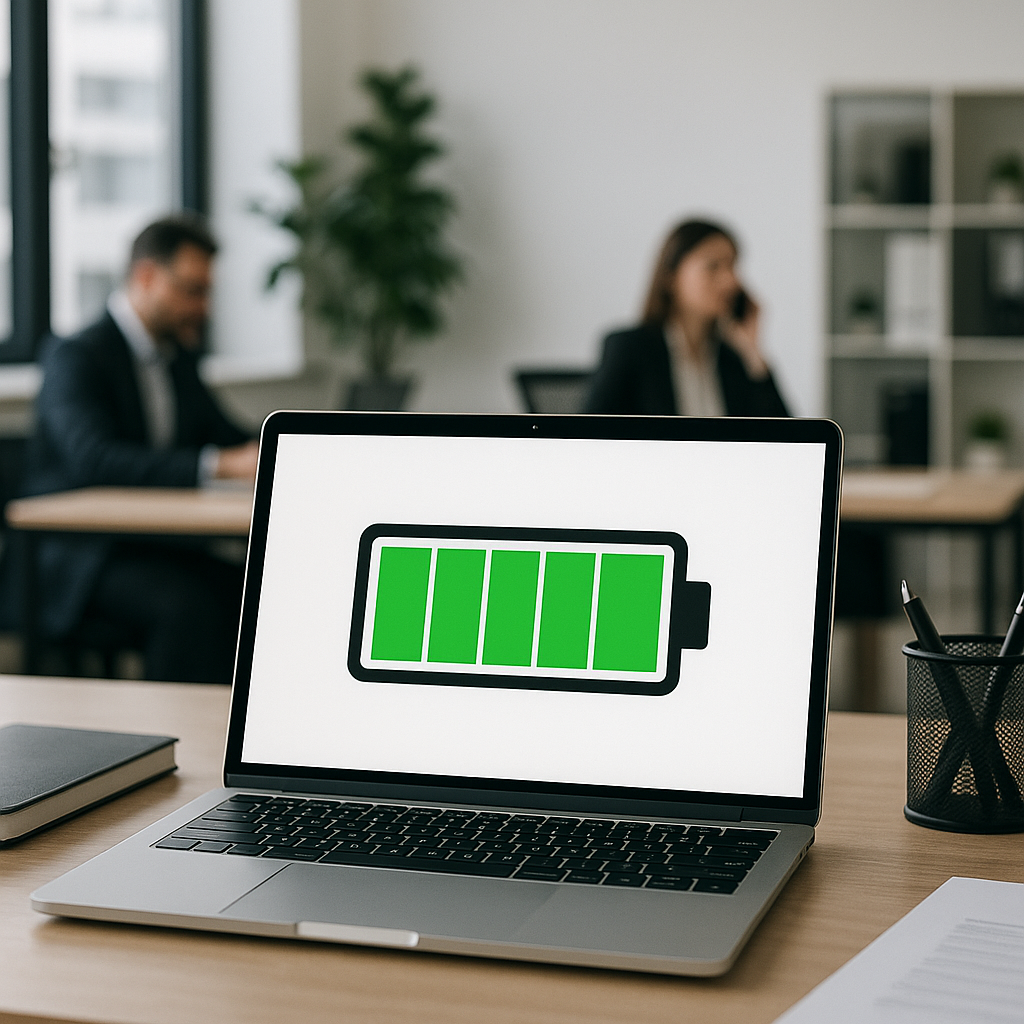
Battery life refers to how long your laptop can operate without needing a recharge. On average, most modern laptops offer a battery life that ranges from 6 to 12 hours, depending on the model, specifications, and usage. However, this number can fluctuate widely based on a range of factors.
Factors Influencing Battery Life
- Screen Brightness: Higher brightness settings consume more energy. Lowering your screen brightness can lead to longer battery life.
- Background Applications: Running multiple applications simultaneously can strain your CPU and drain the battery faster. Be mindful of what applications you have open, especially high-power ones.
- Wireless Connectivity: Keeping Wi-Fi and Bluetooth on when not in use can sap battery power. Disable them if they’re not needed.
- Power Settings: Many laptops come equipped with power-saving modes. Leverage these settings to optimize battery performance.
- Age of the Battery: Over time, batteries lose their maximum capacity. Regular maintenance and consideration of replacement might be necessary.
Real-World Scenarios: Laptop Use Cases
Let’s dive into how maximizing battery life can impact various business models.
1. The Coffee Shop Entrepreneur
If you own a café, having a laptop with a long-lasting battery is essential. It allows you to manage orders, update your menu, or oversee a successful online ordering system directly from your shop. By ensuring your laptop can last several hours on a single charge, you minimize interruptions, allowing you to focus on customer service and boosting sales.
2. The Warehouse Manager
A warehouse manager may rely on laptops to manage inventory, track shipments, and communicate with suppliers. Investing in a laptop with a longer battery life empowers the manager to roam freely throughout the warehouse, updating records and ensuring the supply chain runs smoothly without being tethered to a power outlet.
3. The Remote Online Store Owner
For entrepreneurs running online businesses, constant access to their digital store is crucial. A laptop that supports eight hours or more of battery life allows these owners to attend to customers, manage orders, and create new marketing strategies without the fear of losing power during critical operations.
4. The Healthcare Professional
In a clinical setting, laptops are often necessary for patient management systems and record-keeping. A durable battery life reduces the need to rush back to the charging station, allowing healthcare professionals to provide uninterrupted care to their patients, whether they are managing appointments or documenting critical patient information on the go.
Practical Tips to Extend Battery Life
Reducing battery consumption is key to maximizing the life of your laptop. Here are some actionable tips:
- Close Unused Programs: Always close applications you aren’t using to keep the focus on essential tasks.
- System Updates: Keeping your operating system and applications updated ensures you benefit from the latest power-saving technologies.
- Optimize Your Display Settings: Consider using dark mode or low-resolution settings to preserve battery life, especially on OLED screens.
- Battery Health Monitoring: Use software tools to monitor your battery health and performance metrics regularly.
Choosing the Right Laptop for Your Needs
When it comes to selecting a laptop, consider factors such as processing power, screen size, and particularly battery longevity. Many brands provide specifications that detail battery life; look closely at these numbers and ensure they align with your needs.
- Devices aimed at business users often prioritize battery life and are worth considering for your operations.
- Many open-source operating systems, such as Linux, are known for their efficiency and can help maximize the existing hardware performance, extending battery life.
Conclusion
In conclusion, the longevity of a laptop battery is a vital aspect of any business strategy. A reliable laptop not only ensures productivity but also enhances workflow and operational efficiency. By understanding what influences battery performance and applying practical strategies, you can ensure your laptop serves you well for hours at a time.
If you’re contemplating which laptop to choose or need assistance in optimizing your current technology to match the demands of your business, we at Best Choice are here to help. Contact us for expert advice tailored to your unique needs and let us guide you toward the best digital solutions for your enterprise.