# Unlocking the Potential of Your Keyboard: How Remapping Unused Keys Can Boost Your Productivity
As business decision-makers or entrepreneurs, we often find ourselves swamped with various tasks, software, and communication tools. The digital workspace can sometimes feel cluttered, akin to a messy desk, where important functions are overshadowed by less useful ones. Today, I want to talk about a subtle yet highly effective strategy to enhance your efficiency: remapping those unused keys on your keyboard.
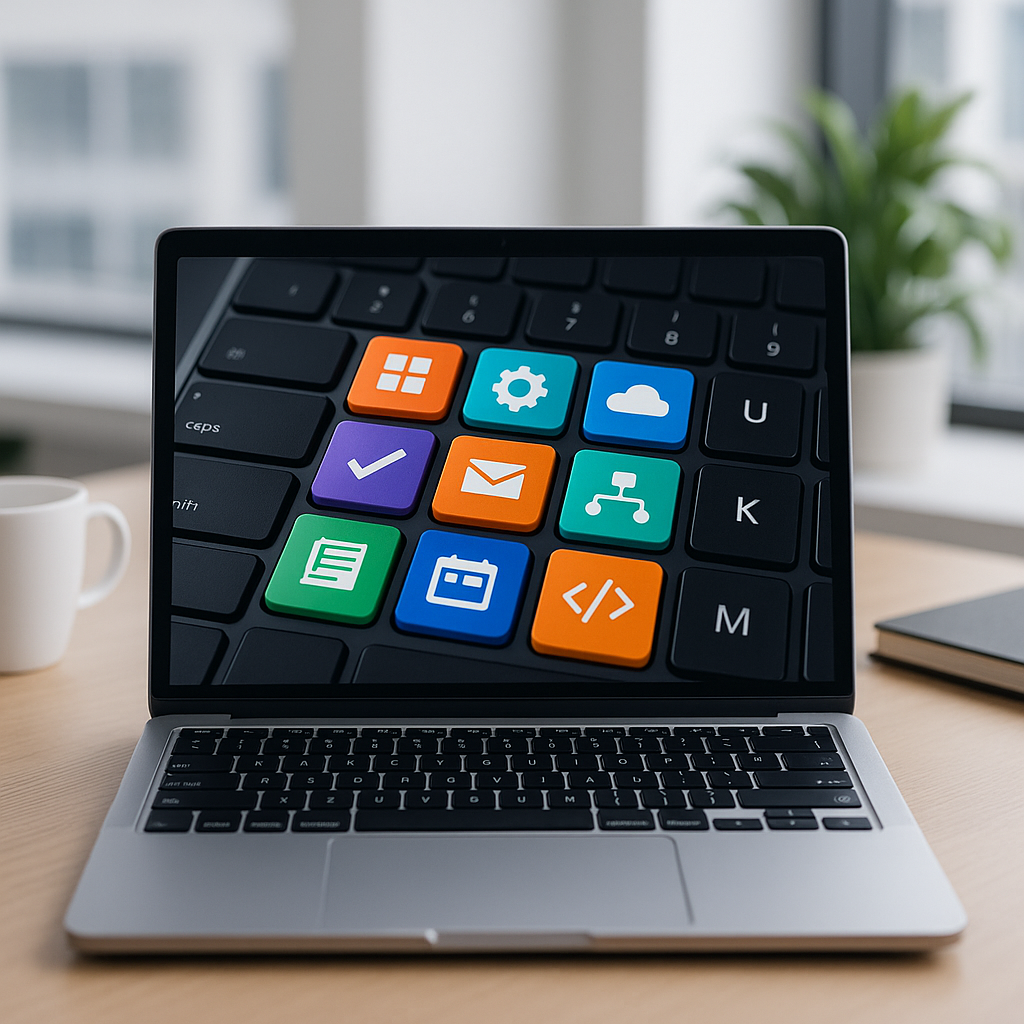
You may not realize just how many keys on your keyboard go untouched on a daily basis. These keys can be transformed into powerful shortcuts that streamline your workflow, save you time, and ultimately boost productivity. By assigning new functions to these forgotten keys, we at Best Choice can help you unlock your keyboard’s full potential.
## Why Remap Keys?
### Streamline Your Workflow
When you remap unused keys, you essentially create shortcuts for the actions you perform most often. For example, imagine a busy online store manager who spends a considerable amount of time switching between tabs and applications. By remapping keys to directly access frequently used tools—like your e-commerce platform’s analytics dashboard or your customer relationship management (CRM) system—you can significantly reduce the time spent navigating, allowing you to focus more on growing your business.
### Customize to Suit Your Needs
Not every entrepreneur operates the same way. You might need different functions compared to someone else in your team. In a clinic, for instance, healthcare professionals require quick access to patient charts or scheduling systems. If they remap their keyboard with those tools at their fingertips, they can shift their focus back to patient care rather than scrolling through endless menus.
### Enhance Team Collaboration
If your team is working on shared projects, remapping keys can help standardize shortcuts across your devices. This is especially beneficial when you’re collaborating on a web platform or cloud solution. Teams that share the same shortcuts can improve communications and handoffs, making project management more fluid and efficient.
## Popular Remapping Tools
While there are several existing solutions designed to facilitate keyboard remapping, we can guide you in selecting the right tool for your needs, or even customize a unique solution for your business. Here are some popular options widely used in Denmark and Europe:
1. **SharpKeys**: This open-source utility lets you easily assign new functions to any key on your keyboard. It’s especially good for simple remapping without any fuss.
2. **AutoHotkey**: An advanced tool, AutoHotkey allows for powerful scripting. This is perfect for entrepreneurs who want to create specific shortcuts or automate repetitive tasks.
3. **Karabiner**: For Mac users, Karabiner is an incredibly versatile tool for remapping keys and creating custom shortcuts.
## Taking Action: Steps to Remap Your Keyboard
### Assess Unused Keys
Start by identifying the keys you rarely use. For many users, keys like Caps Lock, the Function Keys (F1-F12), or even specific number keys are often overlooked. Note which keys could serve a more functional purpose for your unique tasks.
### Deciding on Functionality
Consider what functions would benefit your workflow. Would you prefer quick access to a search bar? Or perhaps a shortcut to your inbox? Write down the functions you would like to assign to maximize efficiency.
### Choose a Remapping Tool
Select a remapping tool such as SharpKeys or AutoHotkey, depending on your level of comfort with technology. If you’re unsure, we can assist in helping you choose the right one that fits your business needs.
### Implement Changes and Test
After setting up your remapped keys, try them out in your daily operations. It may take some time to adapt, but soon they’ll become second nature. Observe if there are any other keys that you could also remap or adjust as you see fit.
### Train Your Team
If this is a team-wide initiative, ensure everyone understands how to utilize the new shortcuts effectively. This could be as simple as conducting a brief training session, all of which we can help facilitate.
### Monitor Performance
Keep an eye on productivity levels post-remapping. Are tasks being completed more efficiently? Reducing habitual navigation can lead to more time allocated towards larger business projects or customer engagement.
## The Bigger Picture: Boosting Overall Productivity
In the broad landscape of modern business, small adjustments can have monumental impacts. By remapping your keyboard, you can save time, reduce friction in your workflow, and ultimately enhance your productivity levels.
## Conclusion
At Best Choice, we understand that every minute counts in today’s fast-paced business environment. If you’re ready to explore how remapping your keyboard functions can revolutionize your workflow, don’t hesitate to reach out. Let’s transform those unused keys into powerful assets that streamline your operations and drive your business forward. Contact us today for personalized help or solutions tailored specifically for your needs!