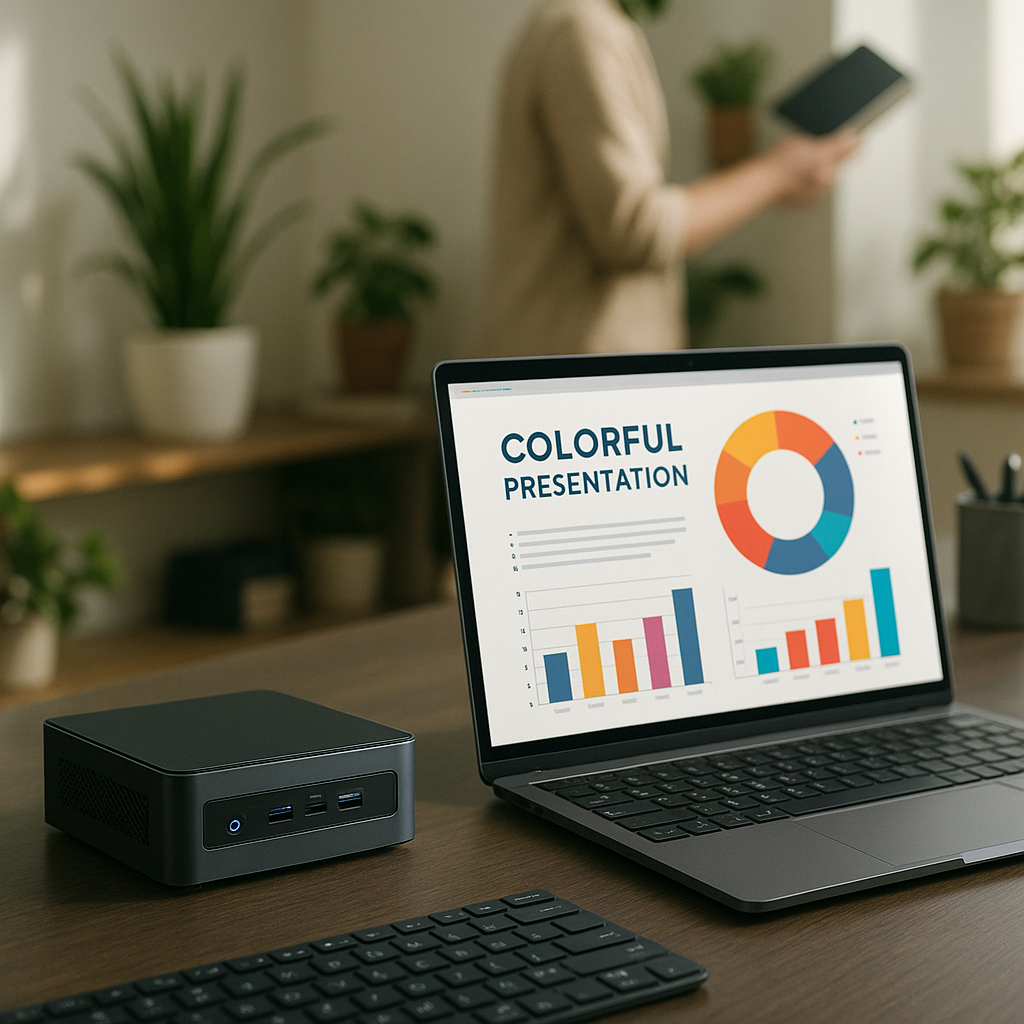
# Mini PC vs. Laptop: Which Is Better for Your Home Office?
In the modern business landscape, the home office has become a hub of productivity for entrepreneurs and decision-makers across Denmark and Europe. Choosing the right device for your home office is crucial, as it influences both your work efficiency and overall comfort. The two primary contenders in this space are mini PCs and laptops, and each has its unique set of advantages and drawbacks.
As someone invested in providing top-notch IT consulting and solutions, I can tell you that the choice between a mini PC and a laptop isn’t straightforward. It ultimately depends on your specific needs and workspace. In this article, I will touch on the essential aspects of both mini PCs and laptops, delve into how custom-built solutions can enhance your work experience, and offer insights that can help you make an informed decision.
## 1. Size and Portability
**Mini PCs** are compact and space-saving, making them an excellent choice for home offices with limited space. These devices can be easily tucked away on a shelf or mounted behind a monitor, giving you a clutter-free workspace. An entrepreneur running a small cafe, for example, can effectively utilize a mini PC to manage orders, track inventory, and conduct transactions without needing a bulky system.
On the other hand, laptops are inherently portable. They allow you to work from your living room one day and a coffee shop the next. If your role requires frequent travel or you often shift your workspace, a laptop gives you that flexibility. As a business decision-maker, this convenience can boost your productivity manifold.
## 2. Performance and Customization
When it comes to performance, both mini PCs and laptops can be powerful. However, mini PCs often offer better customization options. At **Best Choice**, we specialize in creating bespoke IT solutions, including custom-built mini PCs that cater to your specific business needs. For instance, if you’re operating a warehouse and require specific software that demands more processing power, a tailored mini PC can be engineered to ensure optimal performance.
Laptops, while powerful, often come with fixed specifications. Upgrading hardware components such as RAM and storage can be limited. If you require a solution that can grow and adapt alongside your business, a custom-built mini PC might be the better choice.
## 3. Cost-Effectiveness
In many cases, mini PCs provide a more budget-friendly option than laptops. For entrepreneurs looking to set up an efficient home office without breaking the bank, a custom solution can be an intelligent investment. For instance, a small clinic may require multiple stations for its staff. By opting for mini PCs, they can manage costs while still delivering top-notch service to their patients.
Laptops can be pricier, especially if you are drawn to models featuring the latest technology. Additionally, they often come with features you might not need, making them less cost-effective. When budgeting for your home office, consider what performance specs will serve your needs best.
## 4. Connectivity and Expansion
Mini PCs generally provide superior connectivity options, including multiple USB ports, HDMI outputs, and Ethernet ports, facilitating quick and hassle-free connections to various devices and peripherals. For example, if your business includes a booking system for services, a mini PC can easily integrate with your existing setup to streamline your operations.
Laptops, while typically equipped with various connectivity options, may not offer the same degree of available ports due to their compact design. This limitation can be an inconvenience if you rely on multiple devices for your work.
## 5. User Experience and Comfort
In a home office setting, comfort is key. Mini PCs allow you to choose your own peripherals—such as a large monitor, ergonomic keyboard, and mouse—helping you create an ideal workstation tailored to your needs. This setup can significantly improve your comfort over long working hours.
While laptops do come with integrated keyboards and screens, extended use can lead to discomfort due to their design. A laptop stand can help, but adjusting to a mini PC setup generally offers better ergonomics overall.
## 6. Future-Proofing
The pace of technological advancement continues to accelerate. When investing in technology, consider how future-proof the solution will be. Mini PCs, thanks to their customizable nature, can be easily upgraded to meet increasing demands. Whether it’s adding more RAM or switching to a faster processor, mini PCs allow you to keep your setup relevant for years to come.
Laptops, while still viable for many users, often need to be replaced entirely as technology evolves, making them less sustainable in the long run.
## Conclusion: Which Should You Choose?
Ultimately, the decision between a mini PC and a laptop depends on your specific business goals, preferences, and work style. Each option has distinct advantages that can enhance your home office experience. If you’re leaning toward customized solutions that are flexible, cost-effective, and tailored to your needs, we at Best Choice are here to help you every step of the way.
By offering personalized consultations, we can assess your requirements and help develop a custom IT solution that aligns perfectly with your workspace dynamics. Don’t hesitate to reach out to us for guidance or further assistance in creating the ideal home office setup that works for you!