Gemini for Mac and the Rise of Everyday Business Automation
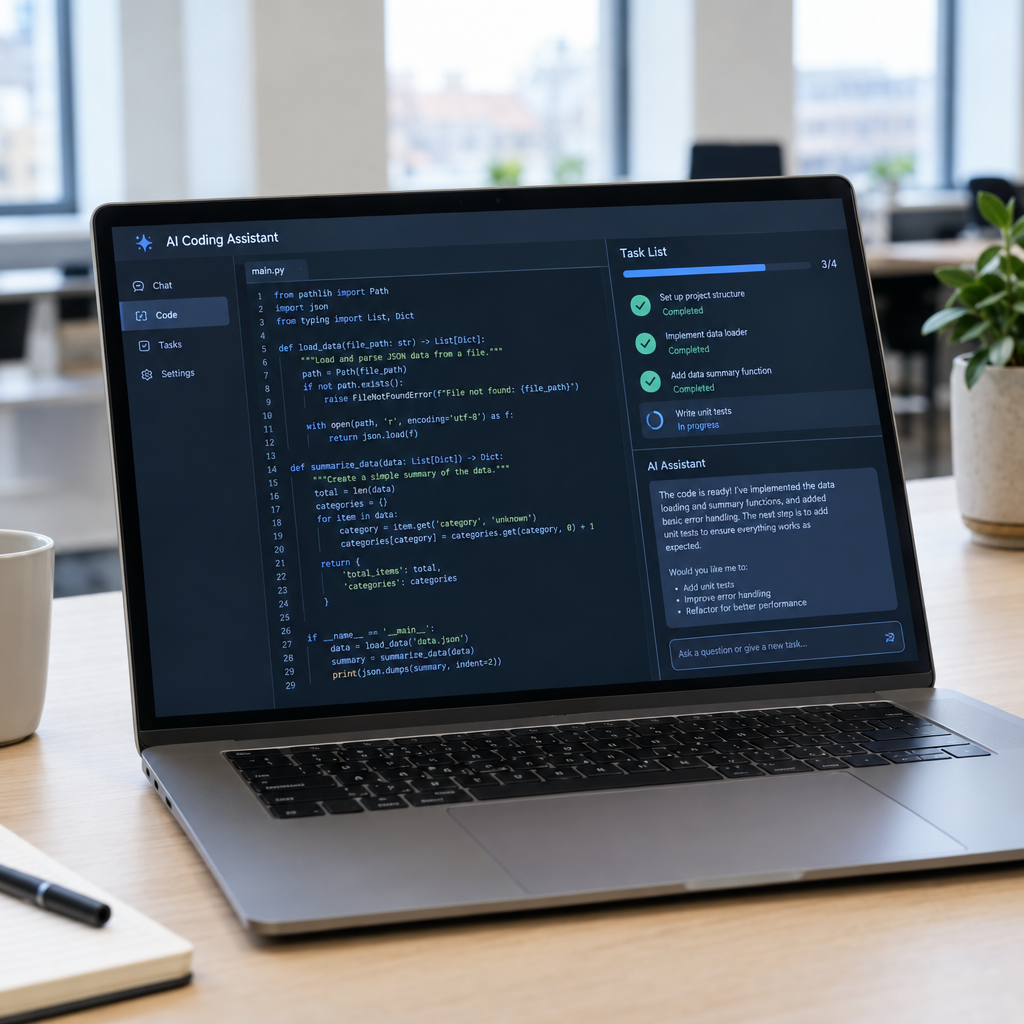
Google is expanding what its Gemini app for Mac can do: according to the announcement, it can use a computer to handle repetitive activities such as listing products on eBay, filling in forms and helping with creative tasks. For business owners, this points to a wider shift: AI is moving beyond answering questions and starting to interact with the software people use every day.
That can save time, but a general-purpose AI assistant is not automatically a complete business automation system. At Best Choice, we help businesses identify which tasks are safe to automate, connect the right systems and build workflows that fit how their teams actually work. The goal is not to add AI for its own sake, but to reduce manual work while keeping people in control.
1. What computer-using AI means for your business
A computer-using AI can follow instructions and interact with buttons, fields and menus on a screen. Instead of simply suggesting text for an employee to copy, it may be able to enter that text into a form or complete a sequence of actions in an app. The exact capabilities depend on the product, its permissions and the apps involved.
This is useful when a process is repetitive but does not yet have a direct connection between systems. For example, a small online shop might ask an assistant to prepare product details for a marketplace listing. That can shorten the work, but a person should still check prices, descriptions, stock and images before anything goes live.
2. Where repetitive-task automation can help
Many businesses have small, time-consuming tasks that happen dozens of times a week. A booking service may need to transfer customer details from an enquiry into a scheduling system. A clinic may prepare standard appointment information, while a warehouse team may update order records or create routine reports.
AI can also support creative and administrative work: drafting product descriptions, organising information, preparing social media content or filling out standard forms. These tasks are often good starting points because the output is easy to review. We recommend choosing a process that is frequent, clearly defined and low risk before automating more important decisions.
3. When a tailored workflow is better than a desktop assistant
Using a computer like a person can be convenient, especially when no integration is available. However, screen-based automation may be affected by changes to a website, pop-ups, slow loading or changes in layout. It may also be difficult to manage consistently when several employees need to follow the same process.
For a business-critical workflow, we can build a tailored solution that connects the steps behind the scenes. For example, when a customer places an order, a webshop can send the details to inventory, invoicing and delivery systems automatically. Staff can receive alerts for exceptions instead of checking each order manually. This makes the process easier to monitor and can reduce duplicate entry and avoidable errors.
4. Connect AI with the tools you already use
Automation does not always mean replacing your current software. We can help improve existing websites, webshops, CRM systems, booking tools and databases by connecting them through APIs or carefully designed workflows. Where direct connections are unavailable, browser automation may be a practical alternative, with appropriate checks in place.
Open-source tools can also be useful. For example, n8n can coordinate workflows between services, while Playwright or Selenium can automate browser actions. The right choice depends on your process, technical environment and support needs. We can assess whether a platform, an open-source tool or a custom-built workflow is the best fit.
5. Keep privacy, security and human review in mind
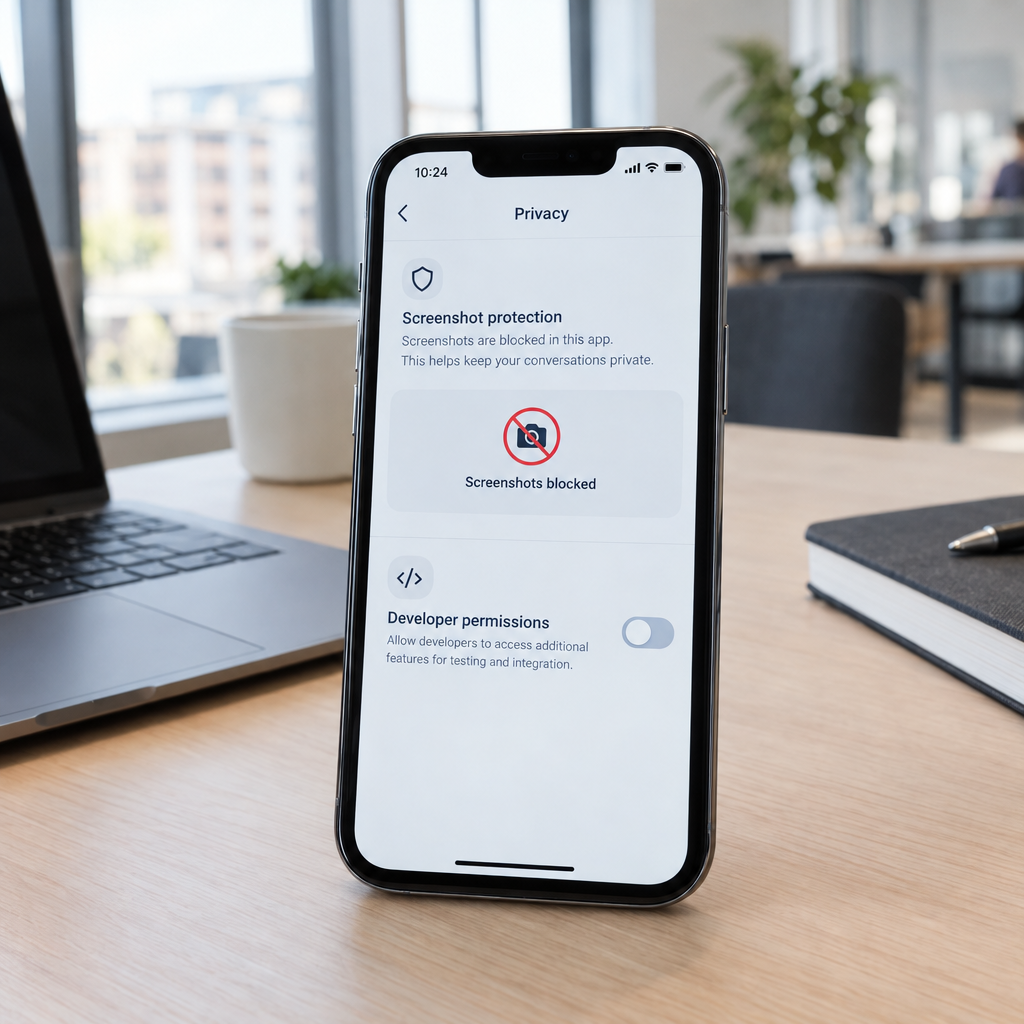
Giving an AI assistant access to a computer can expose business or customer information. Before enabling automation, decide what data the tool may access, which actions it may take and who is responsible for reviewing its work. Use limited permissions where possible, and avoid giving an assistant access to financial or sensitive records unless the process has been carefully assessed.
Businesses in Denmark and across Europe should also consider data protection obligations, including GDPR, when personal information is involved. Keep an audit trail for important actions, test with non-sensitive data and require human approval for payments, customer commitments or changes that are difficult to reverse. Automation should make work more reliable—not remove accountability.
6. Start small, measure results and build from there
Choose one task and document how it is completed today. Measure how long it takes, how often mistakes occur and what a successful result looks like. Then test an automated version with a small group, review the results and improve the workflow before expanding it.
A café might begin by automating routine supplier data entry; a warehouse could start with order-status updates; and an online store might streamline product listing preparation. Track practical outcomes such as staff hours saved, fewer errors and faster response times. If the task depends on several systems or needs reliable oversight, a tailored workflow may deliver more value than asking a general assistant to repeat screen actions.
Gemini’s reported Mac capabilities show how quickly AI tools are moving into everyday work. The best results come from matching the tool to the task, protecting business data and designing automation around real operational needs. Contact Best Choice to discuss an AI or automation solution that can help your business save time and work more smoothly.