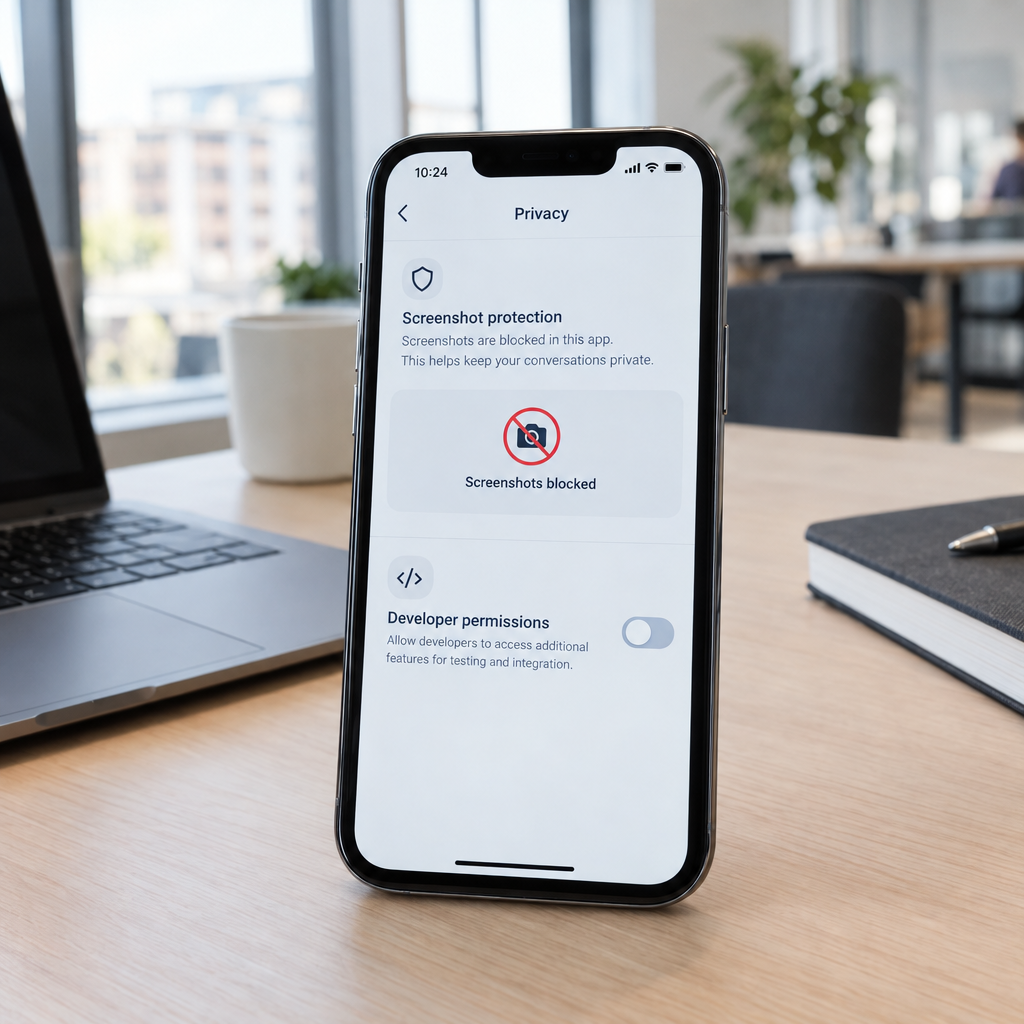
Signal’s Screenshot Blocking Highlights a Bigger Business Privacy Challenge
AI agents can increasingly interact with software by reading what is displayed on a screen. That can make routine tasks faster, but it also raises a practical question for businesses: who—or what—can see sensitive information on a device? Signal’s reported decision to block screenshots by default is one response to the risk of AI tools capturing private conversations.
The change is a useful reminder that privacy controls need to keep pace with new technology. But a screenshot safeguard is not a complete security strategy, and the reported approach has been described as incomplete. At Best Choice, we help businesses think beyond one setting and build workflows that control access to information while still allowing useful automation.
1. Why AI agents may need access to your screen
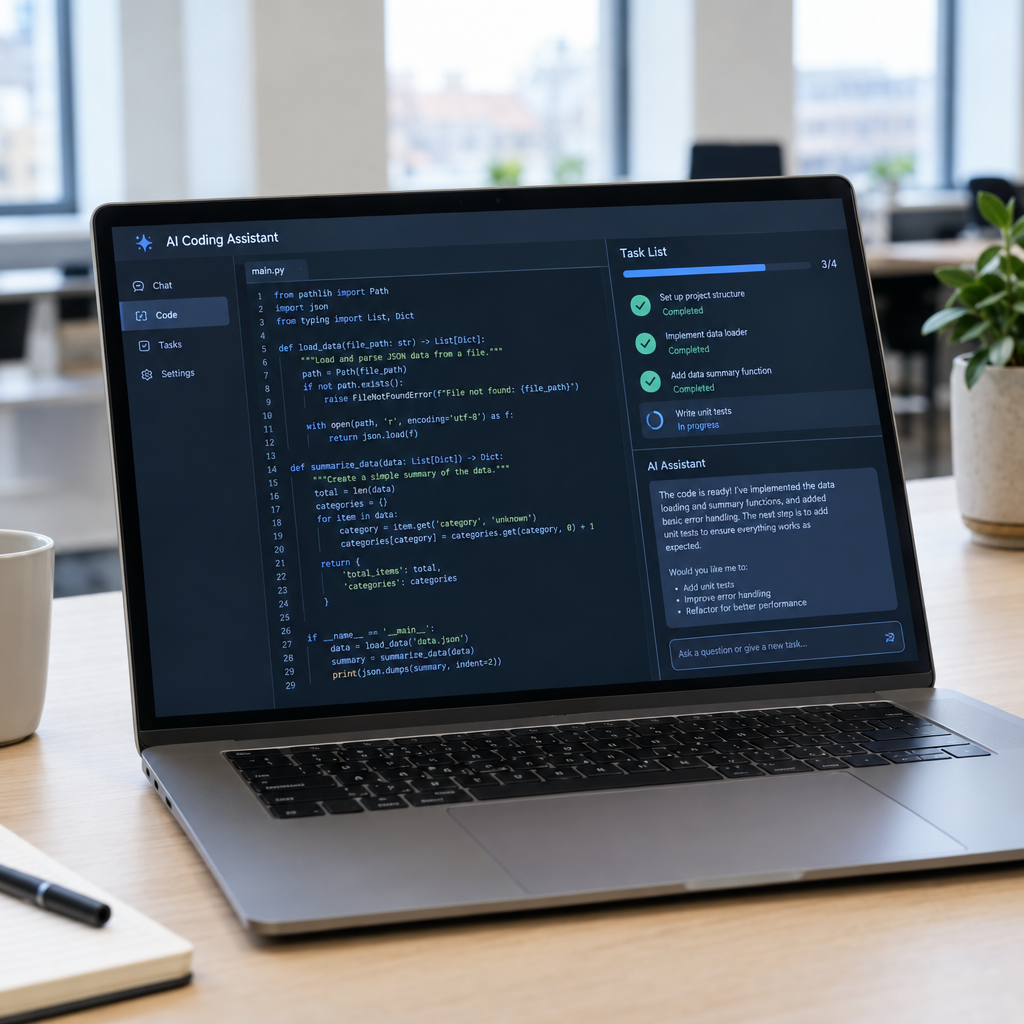
Some AI agents work through the same interface a person sees. They may inspect a screen, identify a button, read text, and then take an action. This can help automate repetitive work, but it may also expose information that was never intended to be shared with an AI service.
For example, an employee might use an AI assistant to organise messages while a customer’s address, payment details, or health information is visible. If the agent captures that screen, sensitive data could be processed or stored in ways the business has not considered. The key issue is not whether AI is useful; it is whether the right data is visible to the right tool at the right time.
2. Screenshot blocking helps, but it is only one layer
Blocking screenshots can reduce one route for capturing information, especially when an AI agent relies on screen images. However, it does not automatically prevent every form of access. An agent might interact through accessibility features, browser permissions, copied text, integrations, or other device capabilities.
Businesses should also remember that protection can vary by operating system, app version, and device settings. A security control that works in one environment may not behave the same way across every employee’s phone or computer. We recommend treating screenshot blocking as one useful safeguard, not a guarantee that information cannot be accessed.
3. Why developers need clear, practical privacy controls
A blanket restriction can protect users, but it may also interfere with legitimate business needs. A support team might need to document a software issue, while a training manager may need to create an approved guide. That is why developers and organisations need clear ways to decide when screen capture or AI access is allowed.
Good controls should be understandable and easy to manage. For example, a business could permit approved capture in a training environment while blocking it in customer records or private conversations. The goal is to make privacy the default without making everyday work unnecessarily difficult.
4. Build safer workflows instead of relying on screenshots
When an AI tool needs to perform a task, giving it structured access to only the information it requires can be safer than letting it inspect an entire screen. A custom workflow can connect approved business systems and pass along limited fields, such as an order number or appointment time, rather than exposing a full customer record.
At Best Choice, we can design tailored integrations and automation around a company’s actual processes. For instance, an online store could send an AI-supported workflow only the order status and delivery details needed to answer a customer. A clinic could automate appointment reminders without exposing clinical notes to a general-purpose assistant.
5. Practical steps for businesses in Denmark and Europe
Before employees use AI agents with business devices, review what data those agents can see and where their inputs may be processed. This matters particularly for organisations handling personal information under GDPR, including businesses in Denmark and across the European Union. Your privacy notice, internal policies, and contracts with technology providers should match how the tools are actually used.
- Classify sensitive information: Identify customer, employee, payment, and health data that should not be exposed unnecessarily.
- Limit permissions: Give AI tools access only to the apps and information needed for a defined task.
- Test real workflows: Check how protections behave on the devices and software versions your team uses.
- Set clear staff guidance: Explain which AI tools are approved and what information employees must not share.
- Review access regularly: Remove permissions when tools, roles, or business processes change.
6. Choose tools that support privacy and useful automation
Open-source software can be part of a flexible technology strategy, particularly when a business wants more control over hosting, integrations, or data flows. Signal itself is an open-source messaging project, but choosing open-source software alone does not guarantee that a particular workflow is secure. Configuration, updates, access management, and staff practices still matter.
We help businesses assess their existing systems and connect suitable platforms without adding unnecessary complexity. A warehouse, for example, could automate stock updates using controlled system integrations rather than asking an agent to read screens containing supplier and customer information. That approach can save time while making data access easier to understand and audit.
Protect information while making work easier
Signal’s reported screenshot-blocking change draws attention to an important challenge: AI agents can be useful, but they should not receive unrestricted access to business information. A single privacy feature can help, yet dependable protection comes from combining sensible permissions, clear policies, and workflows designed around the data each task truly needs.
At Best Choice, we help businesses in Denmark and across Europe improve automation, integrations, and data security. Contact us to discuss how to make AI work more effectively for your business while keeping sensitive information under control.