What Businesses Can Learn from the Reported Air Force Cloud Breach
A reported security breach involving the US Air Force’s cloud systems is a reminder that no organisation is immune to cyber threats. Reuters reported that the incident was discovered during system upgrade work within the previous month, but public details about how attackers gained access or what systems were affected remain limited.
For businesses in Denmark and across Europe, the useful takeaway is not to guess at the specifics of this case. It is to review how your own cloud services, user accounts, integrations and software changes are protected. At Best Choice, we help businesses build practical IT and automation systems with security considered from the start.
1. What the reported breach tells us—and what it doesn’t
Based on the information reported, the breach was discovered during upgrade work. That detail highlights the value of reviewing systems regularly, but it does not establish that the upgrade caused the incident. The public report also does not provide enough information to identify the attackers, the method used or the full impact.
For business leaders, this distinction matters. Avoid drawing conclusions from incomplete reports; instead, use them as a prompt to check your own security controls. Knowing which systems you depend on, who can access them and how unusual activity is detected is more useful than assuming your business is too small to be targeted.
2. Cloud services still need strong security controls
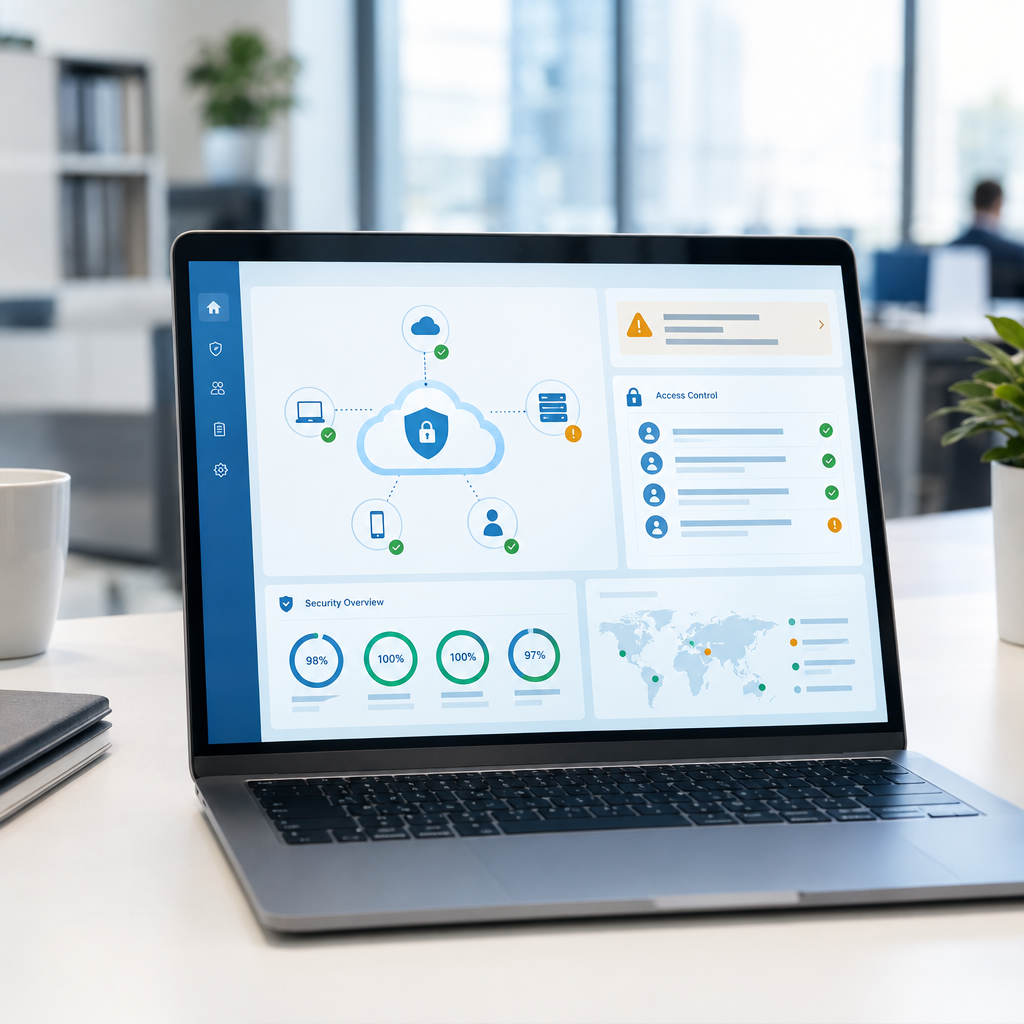
Cloud platforms can make it easier to collaborate, scale and access business tools from different locations. But moving data to the cloud does not automatically secure it. Permissions, account settings, integrations and monitoring all need ongoing attention.
We at Best Choice can help design custom cloud workflows that give employees access to the information they need without making everything available to everyone. For example, a warehouse team may need stock and order data, while only a few authorised managers should be able to change payment or customer records.
3. Make access and monitoring part of everyday operations
Start by reviewing user accounts and permissions. Remove access when staff leave or change roles, require multi-factor authentication where available, and avoid shared accounts that make activity difficult to trace. Keep an inventory of important cloud services, connected apps and system owners.
Monitoring is just as important. Useful alerts can flag unusual sign-ins, unexpected changes to sensitive settings or repeated failed login attempts. Open-source tools such as Wazuh and OpenSearch can be part of a monitoring setup when they suit an organisation’s needs. They still require careful configuration, maintenance and review to provide meaningful protection.
4. Treat upgrades and integrations as security-sensitive work
Software upgrades are essential for performance and security, but changes can introduce risks if they are not planned and checked. Before an update, document the current setup, confirm that backups are available and test the change in a suitable environment where possible. Afterward, verify that key functions still work and review logs for unexpected activity.
The same care applies when connecting a webshop, booking system, CRM or accounting platform. An integration should only exchange the data it needs, and its access should be reviewed periodically. We can help businesses map these connections, automate routine workflows and reduce unnecessary data sharing between systems.
5. Build a practical response plan before an incident
A response plan does not need to be complicated to be useful. Decide who is responsible for investigating a security alert, who can disable a compromised account and how you will contact staff, customers or relevant providers. Keep important contact details and recovery instructions somewhere accessible even if your main systems are unavailable.
For a clinic, that might mean knowing how to isolate an affected workstation while protecting access to essential appointment information. For an online store, it could mean temporarily restricting administrative accounts and checking whether customer or order data was exposed. Clear steps help teams act quickly instead of making critical decisions under pressure.
6. Turn security lessons into stronger business systems
The reported Air Force incident is a timely reminder to review cloud security, but effective protection is an ongoing process—not a one-time product or update. Begin with an inventory of your systems, review access, check backups and make sure someone is responsible for monitoring and follow-up. For organisations operating in Denmark and the EU, it is also sensible to assess how security practices support relevant data-protection and regulatory obligations.
At Best Choice, we help businesses improve cloud setups, connect systems safely and automate workflows around their real needs. Contact us to discuss a practical security and IT plan that supports your operations while helping protect your business data.