# Understanding Do Not Disturb and Focus Modes on Your iPhone
As entrepreneurs and business decision-makers, we often find ourselves juggling various responsibilities throughout the day. Distraction can be a significant barrier to productivity, leading to lost time and decreased efficiency. With technology at our fingertips, our smartphones can either aid us in our quest for focus or hinder it. Apple has introduced features on the iPhone designed specifically for this purpose: Do Not Disturb and Focus modes. But how do they work, and how can they help improve our daily workflow?
In this article, I will break down the characteristics of these two functions, explore their unique benefits, and provide practical tips for integrating them into your daily routine to minimize interruptions and maximize productivity.
## What is Do Not Disturb?
The Do Not Disturb feature is designed to silence calls, alerts, and notifications while your iPhone is locked. It’s a simple yet effective tool that allows you to focus on the task at hand without the continuous buzz of incoming notifications. Do Not Disturb can be activated for specific times, making it easier for you to define periods where you can work undisturbed.
Imagine you own a bustling cafe. During peak hours, the last thing you want is constant interruptions from notifications distracting your baristas or servers. Activating Do Not Disturb during these hours would allow them to focus on providing excellent service without distractions. This small but powerful feature can improve efficiency and customer satisfaction.
## What is Focus Mode?
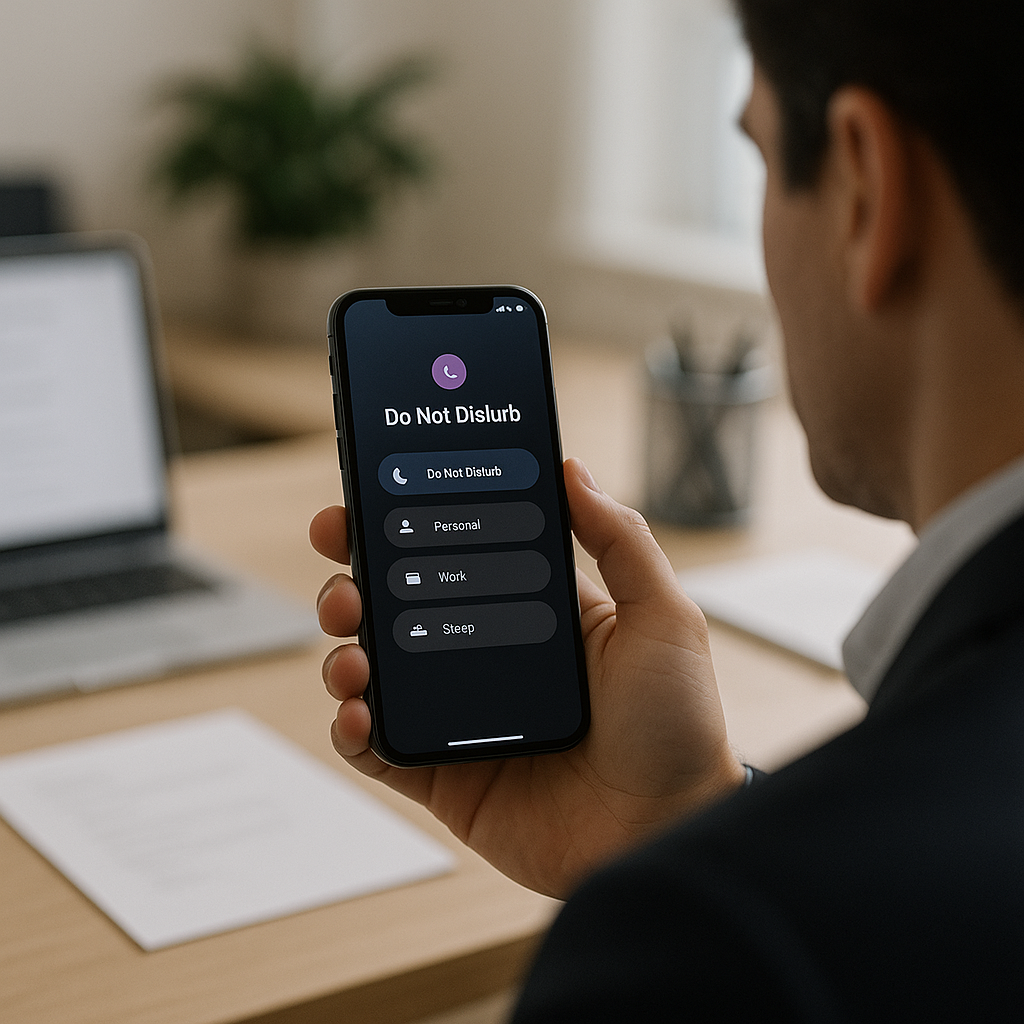
On the other hand, Focus mode expands on the idea of Do Not Disturb by allowing for a more tailored approach to silencing interruptions. Focus mode enables users to decide which notifications to allow based on their current activity. For example, you can set up a specific Focus mode for work, leisure, or personal time, allowing only important messages from certain apps or contacts to come through.
Suppose you run an online store. When preparing for a big sale, you may want to turn on a Work Focus mode. This mode would allow you to receive notifications from your team about inventory updates and customer inquiries, while temporarily silencing social media pings, news alerts, and other distractions. This filter can drastically improve your workflow and ensure that you remain productive during crucial periods.
## Key Differences Between Do Not Disturb and Focus Modes
### Flexibility in Notification Control
The primary difference between Do Not Disturb and Focus modes lies in their flexibility. Do Not Disturb is a one-size-fits-all solution that simply silences notifications. In contrast, Focus modes provide customizable settings that allow you to create tailored environments for different activities.
### Customization
With Focus, you can customize not just which people and apps can contact you but also what your home screen looks like during that time. For instance, when you’re in a work Focus mode, you can choose to display only work-related widgets and apps on your home screen.
### Location Awareness
Focus mode can also utilize your iPhone’s location services. For example, it can automatically activate when you arrive at work, shifting your notifications based on location and ensuring you are always in the right mindset for different environments.
## Practical Tips for Using Do Not Disturb and Focus Modes
### Set Up Specific Focus Modes for Different Scenarios
As a business leader, think about the different types of activities you engage with in a day. Create distinct Focus modes for meetings, email checks, relaxation, or even family time. This can help delineate your working hours from personal life more effectively.
### Schedule Do Not Disturb
If you consistently find your productivity hindered during particular hours, consider scheduling Do Not Disturb during those times. For example, if you run a warehouse, implementing a do-not-disturb schedule for inventory audits can increase accuracy and efficiency.
### Automate Based on Location
Take advantage of location-based triggers for your Focus modes. For instance, you could set your “Work” Focus to activate when you reach the office and switch back to “Personal” when you get home.
### Communicate with Your Team
Let your team know that you are utilizing Focus modes. This transparency helps establish expectations around availability and responds promptly to critical messages during working hours.
## Conclusions
In today’s fast-paced business environment, managing distractions is crucial for maintaining productivity and achieving goals. Understanding the differences between Do Not Disturb and Focus modes on your iPhone can help you tailor your notification settings to fit your unique needs, allowing you to work smarter, not harder.
At Best Choice, we believe that integrating technology efficiently in your day-to-day can dramatically boost your productivity, save precious time, and help streamline workflows. For more insights on leveraging technology to enhance your business performance, feel free to reach out! We are always here to help you make the best choice for your digital solutions.