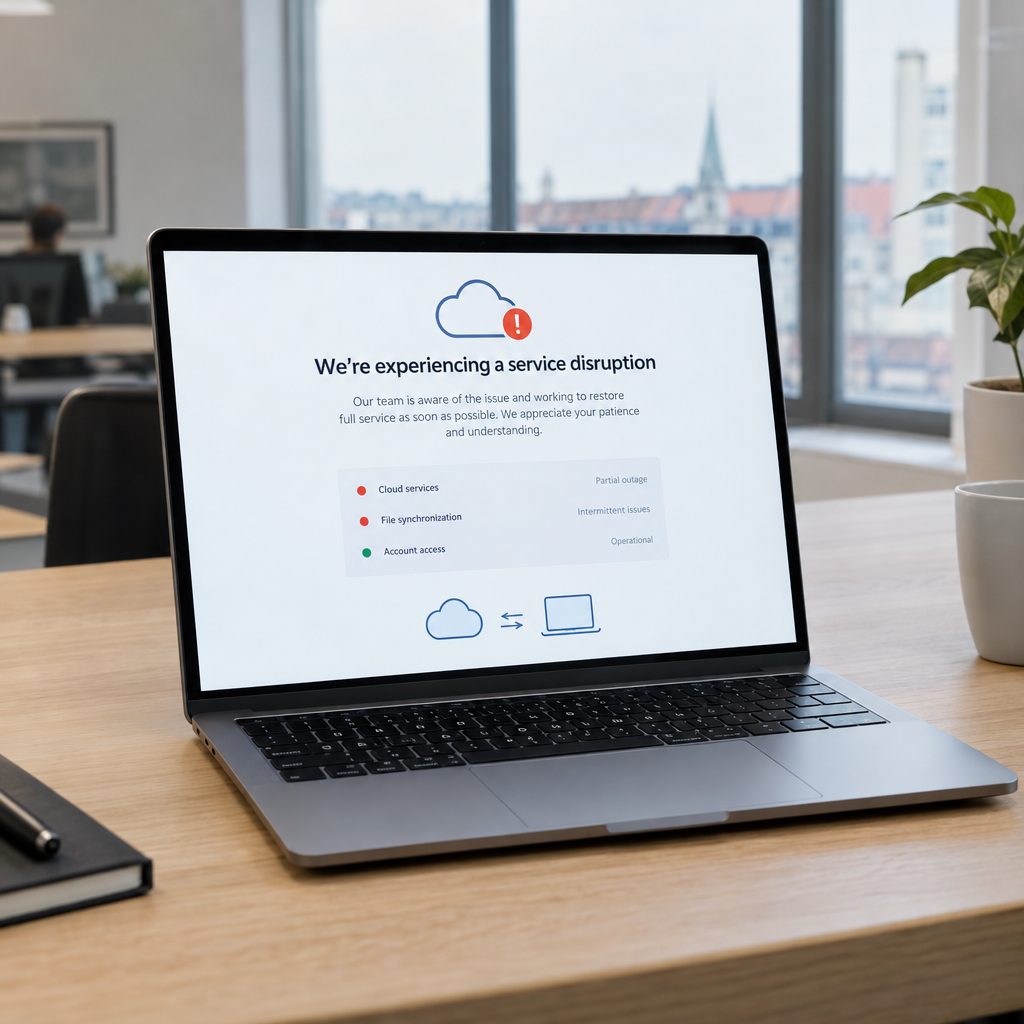
When iCloud or another Apple service has an outage, the effects can reach further than a missing email or a delayed file sync. A team may be unable to access shared documents, sign in to an app, receive customer enquiries, or complete a task that depends on Apple’s services. The full extent of the disruption described in the report is not yet known, so businesses should check the latest service information before deciding what is affected.
For Danish and European businesses, the incident is a useful reminder: even reliable cloud platforms can become temporarily unavailable. At Best Choice, we help companies build practical systems that keep essential work moving when a third-party service has problems. With the right planning, a disruption can be an inconvenience rather than a business-critical event.
1. First, find out what is actually affected
“Apple services are down” can mean different things for different users. One business may be unable to use iCloud Drive, while another may still have access to its files but experience trouble with email, sign-in, or another connected service. The reported scope may also change as an incident develops.
Before changing settings or asking staff to switch tools, check Apple’s official system status page and confirm which services your business uses. Ask employees to report specific symptoms, such as an error message or a missing function. This helps distinguish a broad outage from a local network, device, or account issue.
2. Map where your business depends on Apple services
A small dependency can have a large effect if it sits in the middle of a workflow. For example, a café might use iPads to manage bookings, while a consultant stores shared documents in iCloud. An online shop may rely on Apple sign-in for a connected service, even if its own website is hosted elsewhere.
We recommend making a simple list of the tools your team relies on and what happens if each one is unavailable. Include the person responsible, the business process affected, and a temporary alternative. This lightweight continuity plan helps decision-makers see which systems deserve a backup first.
3. Keep critical workflows moving with custom-built solutions
At Best Choice, we can develop tailored business systems that reduce dependence on a single provider. A custom booking workflow, for example, can accept and store requests in a business database, then send confirmations through an available channel. A warehouse system can record orders and stock movements independently of a staff member’s personal cloud account.
The right design depends on the business. A clinic may need a clear process for handling appointment requests if a connected service is unavailable, while a webshop may need orders to continue flowing into its order-management system. We plan for these cases with secure data storage, controlled access, monitoring, and documented fallback steps.
4. Make backups and access plans part of daily operations
Cloud synchronisation is useful, but it is not the same as a complete backup or a tested recovery plan. Businesses should know which information is backed up, how often it is saved, who can restore it, and how long recovery is expected to take. Important access details should also be available to authorised staff if the usual sign-in route is disrupted.
We help businesses automate backups and create practical recovery procedures suited to their systems. For a European company, the plan should also consider GDPR responsibilities, data location, retention, and access controls. The goal is not to duplicate everything unnecessarily; it is to protect the information and processes that keep the business running.
5. Choose integrations carefully and avoid a single point of failure
Apple services can be part of a strong business setup, but critical workflows should not depend on one fragile connection. When we integrate platforms, we look at what happens if an API, login provider, email service, or cloud storage connection is temporarily unavailable. Where appropriate, we can build queues, retry logic, alerts, and alternative ways for staff to complete essential tasks.
Open-source tools may also be suitable for some organisations. For example, Nextcloud can provide self-hosted file sharing and collaboration, while PostgreSQL is commonly used as a reliable database foundation. These tools still need professional setup, security updates, backups, and ongoing support; choosing open source does not remove the need for good operations.
6. Turn an outage into a useful resilience check
A short review can reveal practical improvements. Identify the tasks that stopped, estimate the time or revenue affected, and note which workarounds were effective. Then prioritise fixes based on business impact rather than trying to redesign every system at once.
For a café, that might mean keeping a manual booking list available. For a warehouse, it could mean a controlled offline process for recording urgent stock movements. For an online store, it may involve monitoring integrations and ensuring orders are safely recorded before fulfilment begins. Small, tested safeguards can save hours of confusion during a larger disruption.
Build a business that can keep working
An Apple service outage does not automatically mean your business systems are at risk, but it is a good reason to review your dependencies and recovery plan. We at Best Choice can help you assess your current setup, improve integrations, automate routine processes, and build custom solutions that support business continuity.
Contact Best Choice to discuss a practical, secure setup for your company in Denmark or elsewhere in Europe.