Why Some Websites Are Blocking AI Agents from Accessing the Web
AI agents can help people compare products, find services and complete routine online tasks. For a busy customer, an agent that can research options or prepare a purchase may save valuable time. But that experience can quickly become frustrating when a website blocks the agent or asks the user to take over.
For businesses, this is more than a technical inconvenience. Website owners need to protect customers, data and services, while businesses using AI need reliable, responsible ways to connect their tools to online systems. At Best Choice, we help companies find practical ways to use automation without relying on unauthorised access or fragile workarounds.
1. Why websites block AI agents
Websites often cannot easily tell whether a request comes from a real visitor, a search engine, a shopping assistant or a harmful bot. Some automated traffic can overload a service, copy valuable content, test stolen passwords or make fraudulent purchases. Blocking suspicious activity is therefore an important part of website security.
Sites may use rate limits, CAPTCHA checks, login requirements and bot-detection services to manage access. These protections can sometimes affect legitimate AI agents too, especially when an agent browses in an unusual pattern or makes many requests in a short time. A block does not always mean that a company is against AI; it may be applying a broad security rule.
2. How access restrictions affect customers and businesses
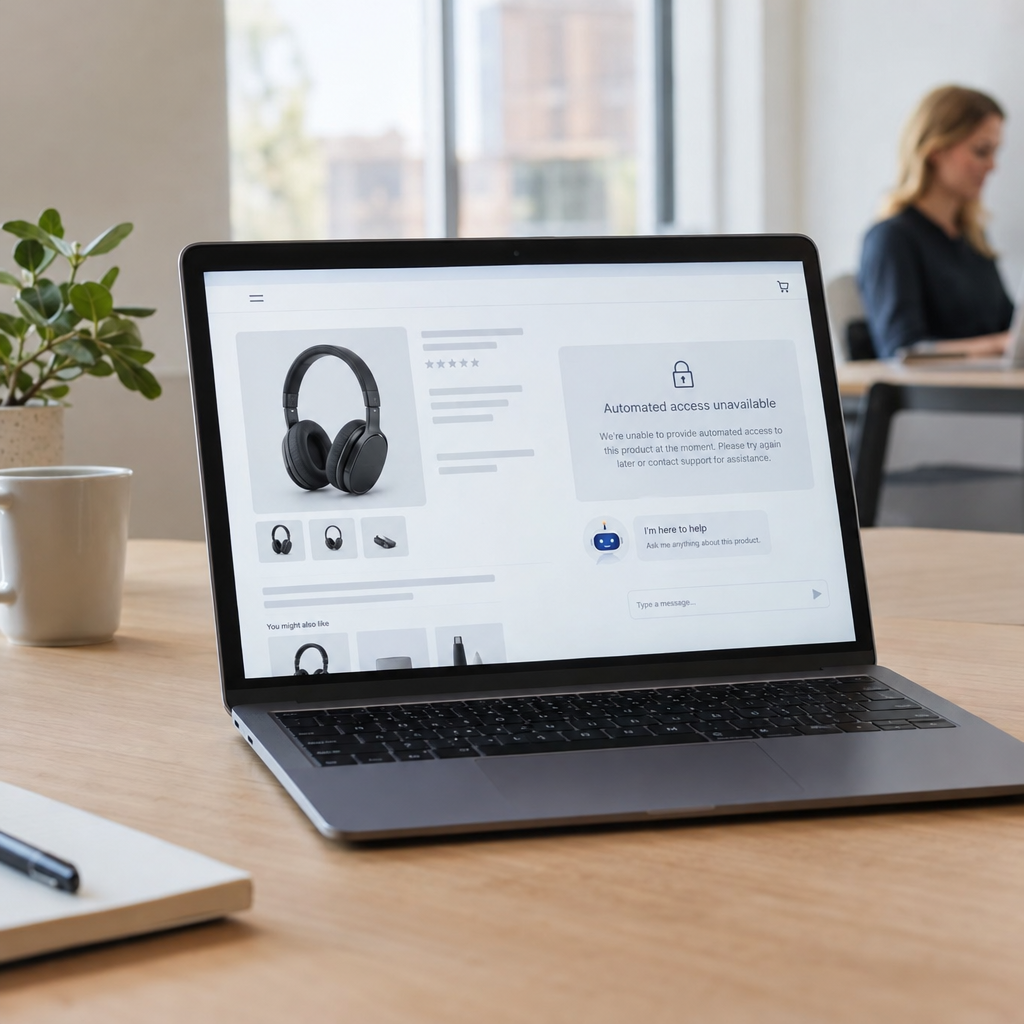
When an AI agent cannot access a product page, booking system or account, it may be unable to finish the task. A customer might have to verify their identity, select a product or confirm a payment themselves. That handover can be sensible for security, but it can also interrupt the experience if the website gives no clear explanation.
Businesses can face a different challenge: useful automation may stop working when a website changes its layout or blocks automated browsing. For example, a retailer comparing supplier prices or a clinic organising appointment information may find that a browser-based process is unreliable. This can create extra manual work rather than save time.
3. Safer ways to connect AI with online services
The most reliable approach is usually a clear, authorised connection—not trying to get around a website’s protections. Where available, an official API, partner integration or approved data feed gives an AI system structured information and predictable access. It is typically more stable than asking software to behave like a person clicking through web pages.
If a third-party service does not provide an API, we can assess other permitted options, such as a manual approval step or a limited workflow using the service’s stated terms. We also recommend a human confirmation for sensitive actions, including payments, cancellations and changes to personal information. This keeps the user in control while still letting automation handle routine research and preparation.
4. What businesses can automate responsibly
A café might use an AI assistant to answer common questions about opening hours, menus and reservations, while sending unusual requests to a staff member. An online store could help shoppers find suitable products from its own catalogue and pass the chosen items to a secure checkout. In both cases, the business controls the information and the actions the assistant is allowed to perform.
A warehouse could connect an internal assistant to stock and order data, helping staff find products or prepare replenishment tasks. A booking business could automate reminders and appointment searches through its own system. These workflows can save time and improve customer service without depending on unrestricted access to unrelated websites.
5. Practical steps before introducing an AI agent
- Define the task: Decide exactly what the agent should do and which actions require approval.
- Check access rules: Review the website’s terms and look for official APIs, integrations or partner options.
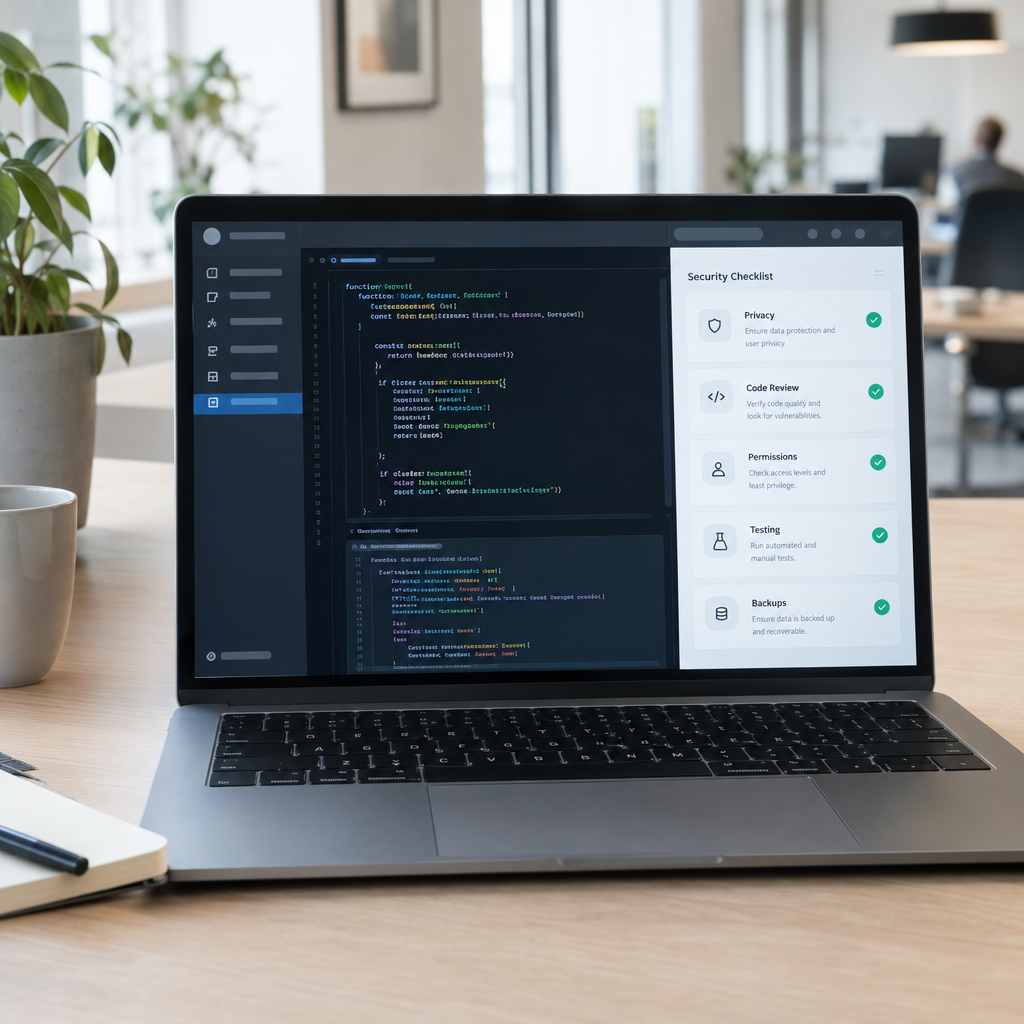
- Protect personal data: Collect only what is needed, set appropriate access controls and consider GDPR obligations in Denmark and across Europe.
- Plan for failure: Make sure the process can pause, explain the problem and hand the task to a person.
- Measure results: Track completion rates, time saved, errors and customer feedback—not just how many tasks are automated.
Open-source tools can also play a useful role. For example, businesses may use automation platforms such as n8n or AI frameworks such as LangChain as part of a broader system. The right choice depends on your existing software, security requirements and the task; a tool alone will not solve access restrictions or guarantee a dependable workflow.
6. Build AI automation around reliable access
AI agents are most useful when they have clear permissions, dependable data and a safe way to involve a person. If an external website blocks an agent, the answer is not necessarily to push harder. It may be better to use an approved integration, connect the agent to your own systems or redesign the process so that customers remain in control of important decisions.
We at Best Choice help businesses assess their workflows and build practical connections between AI, websites, CRMs, booking systems and other business software. Contact us to discuss a secure, tailored approach that reduces routine work while respecting access rules and customer trust.