The Pros and Cons of Using Cloud Storage Over Local Storage
Cloud storage makes it possible to access business files from almost anywhere, share them with colleagues and avoid running every storage system yourself. But moving everything online is not automatically the right choice. For a Danish café, an online shop or a growing consultancy, the best setup depends on how the business works, what data it handles and how quickly it needs to recover from a problem.
At Best Choice, we help businesses choose, connect and improve storage systems around their everyday workflows. In this guide, I compare cloud and local storage, explain the trade-offs, and show how a tailored or hybrid approach can help you manage files securely without adding unnecessary complexity.
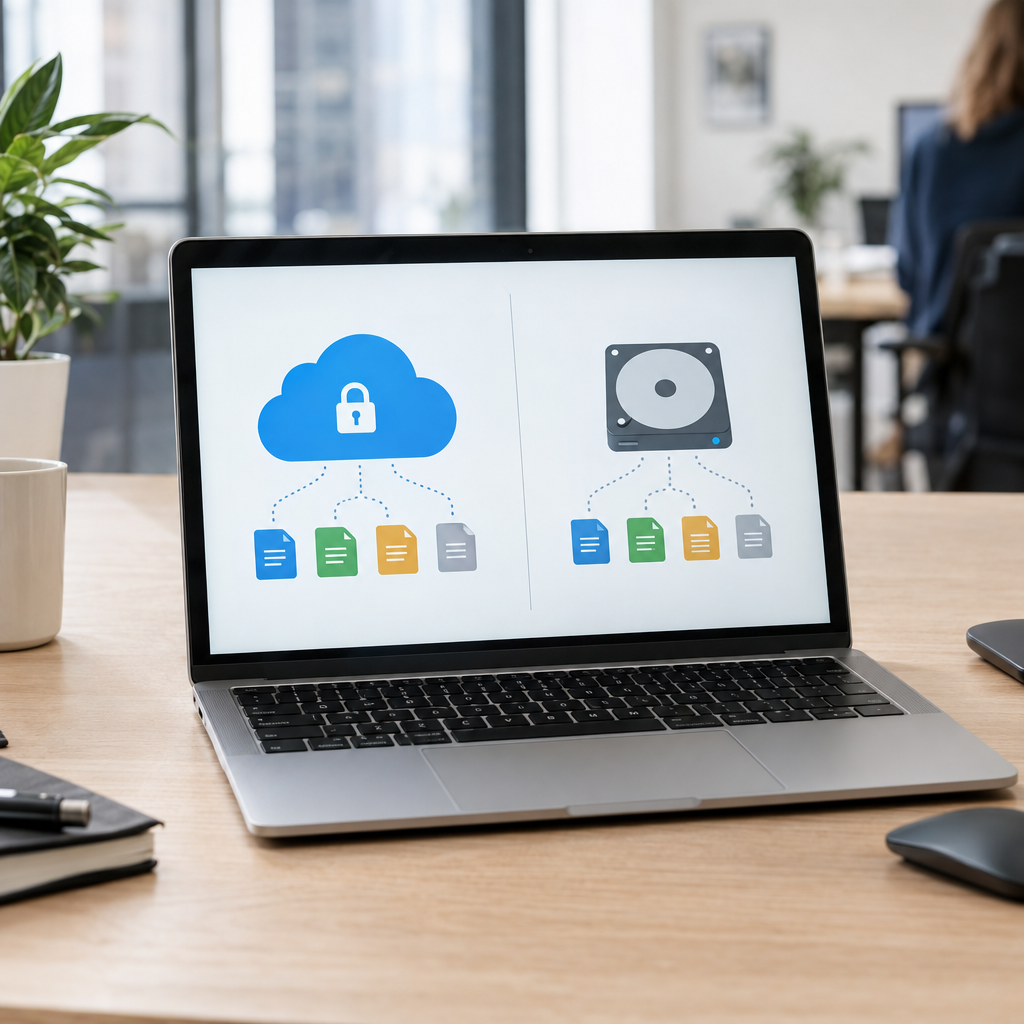
1. What is the difference between cloud and local storage?
Cloud storage keeps files on servers accessed over the internet. A provider typically maintains the infrastructure, while your team uses a browser, desktop application or connected business system to work with files. Examples include managed file-storage services and self-hosted platforms such as Nextcloud.
Local storage keeps data on equipment your business controls, such as a computer, network-attached storage (NAS) device or on-site server. You can access it over your office network, and remote access can be added, but your business is responsible for maintaining the equipment and protecting the data.
The practical difference is not simply “online versus offline.” It is who manages the infrastructure, how employees access information and how your organisation handles security, backups and recovery.
2. The advantages of cloud storage for businesses
Cloud storage is convenient for teams working across locations. A shop manager in Copenhagen and a supplier or colleague elsewhere in Europe can access the same approved documents without emailing versions back and forth. Permission settings can also help control who can view, edit or share particular files.
Cloud services can reduce the need to buy and maintain office servers. Capacity is often easier to adjust as a business grows, although the price can rise with storage, users and extra features. Automatic synchronisation and version history may also make it easier to restore an earlier file after an accidental change.
Cloud storage can connect to other business processes, too. For example, an online shop could automatically save product images and supplier documents in organised folders, while a booking service could store customer forms with the right access restrictions. At Best Choice, we can help integrate storage with websites, CRM systems and other business tools so staff spend less time moving files manually.
3. The disadvantages and risks of cloud storage
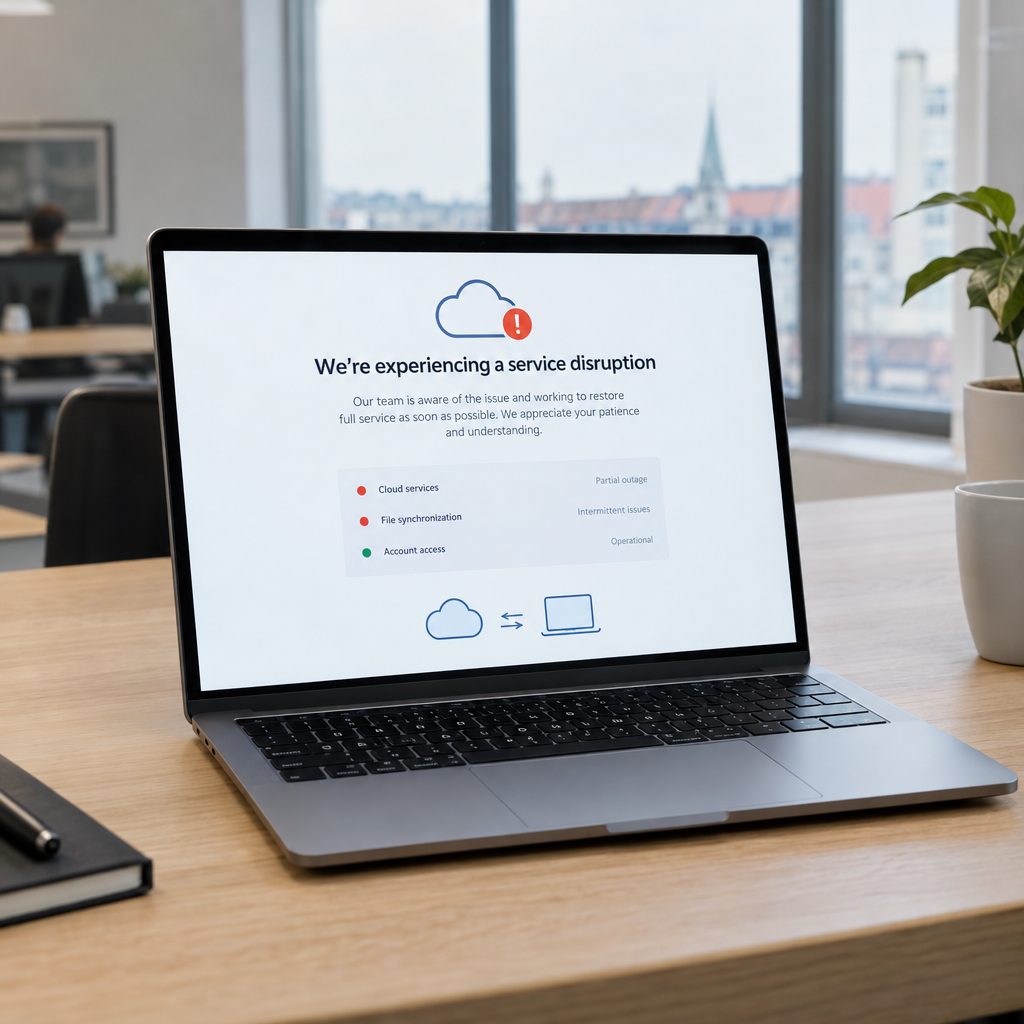
Cloud services depend on a reliable internet connection. If a connection fails, employees may lose access to files or find that synchronisation is delayed. This can be a particular concern for warehouses, clinics or businesses in locations with unreliable connectivity.
There are also ongoing costs and provider considerations. Subscription fees can become significant as the number of users and files increases, and moving data to another provider later may require time and planning. Businesses should understand where their data is stored, how it is protected, what happens if an account is compromised, and how the provider supports export and deletion.
For companies operating in Denmark and the wider EU, data protection needs careful attention. Cloud storage does not automatically make a business compliant with GDPR. Review access controls, contracts, retention practices and the type of personal data being stored. Use multi-factor authentication, limit sharing links and make sure important information has a separate backup.
4. When local storage may be the better choice
Local storage can provide fast access to large files over an office network and give a business direct control over its equipment and configurations. A design studio working with video files, for example, may prefer local high-speed storage for daily editing, with selected projects backed up securely elsewhere.
However, local control also means local responsibility. Someone must monitor hardware, install updates, manage user access and test backups. A single office server is not a complete backup strategy: fire, theft, hardware failure or ransomware could affect both the original files and connected copies.
Consider local storage when your business has specific performance, connectivity or control requirements—and make sure you have a documented plan for backup and recovery. For a small café, a maintained local device may support point-of-sale operations, while important accounting and management files are backed up off-site.
5. A hybrid setup can offer a practical balance
Many businesses do not need to choose only cloud or only local storage. A hybrid setup can keep frequently used or large files on local equipment while synchronising selected documents to cloud storage for remote access and off-site protection. The right split depends on your workflows, privacy needs, budget and recovery requirements.
For example, a warehouse could use local storage for operational files that staff need quickly, while securely backing up stock reports and business documents online. An online store might keep product assets in shared storage and automatically archive older files. A clinic could use carefully controlled systems designed around sensitive information and restrict access by role.
Custom integrations can make this arrangement easier to manage. Best Choice can map your processes, connect storage to existing applications and automate routine tasks such as folder creation, file routing or backup alerts. We can also help configure an existing service or assess an open-source option such as Nextcloud where self-hosting and greater control are important.
6. How to choose the right storage for your business
Start by listing the files your team uses, who needs access and how quickly you would need to restore them after an incident. Identify sensitive data, large files, remote workers and any systems that depend on reliable access. This makes it easier to compare options based on actual business needs rather than headline storage prices.
- Check total cost: Include subscriptions, hardware, maintenance, migration and backup—not just the initial price.
- Plan access: Use individual accounts, role-based permissions and multi-factor authentication.
- Test recovery: Confirm that backups work and that your team knows how to restore files.
- Plan for change: Check how easily you can export data or move to another setup.
- Automate carefully: Reduce manual file handling, but test integrations and keep clear ownership of important data.
Rather than moving every file at once, start with a small, low-risk group of users or documents. Review performance, access, costs and staff feedback before expanding. This gives you a chance to fix workflow or permission issues early.
Conclusion
Cloud storage can make collaboration and remote access easier, while local storage offers direct control and fast access on-site. Each has trade-offs, and for many businesses a thoughtfully designed hybrid setup is the most practical choice. Good access controls, tested backups and a clear data-management plan matter whichever option you choose.
If you are deciding how to store business files or want to connect storage with your existing systems, contact Best Choice. We can help you assess your needs and build a secure, workable approach for your business.