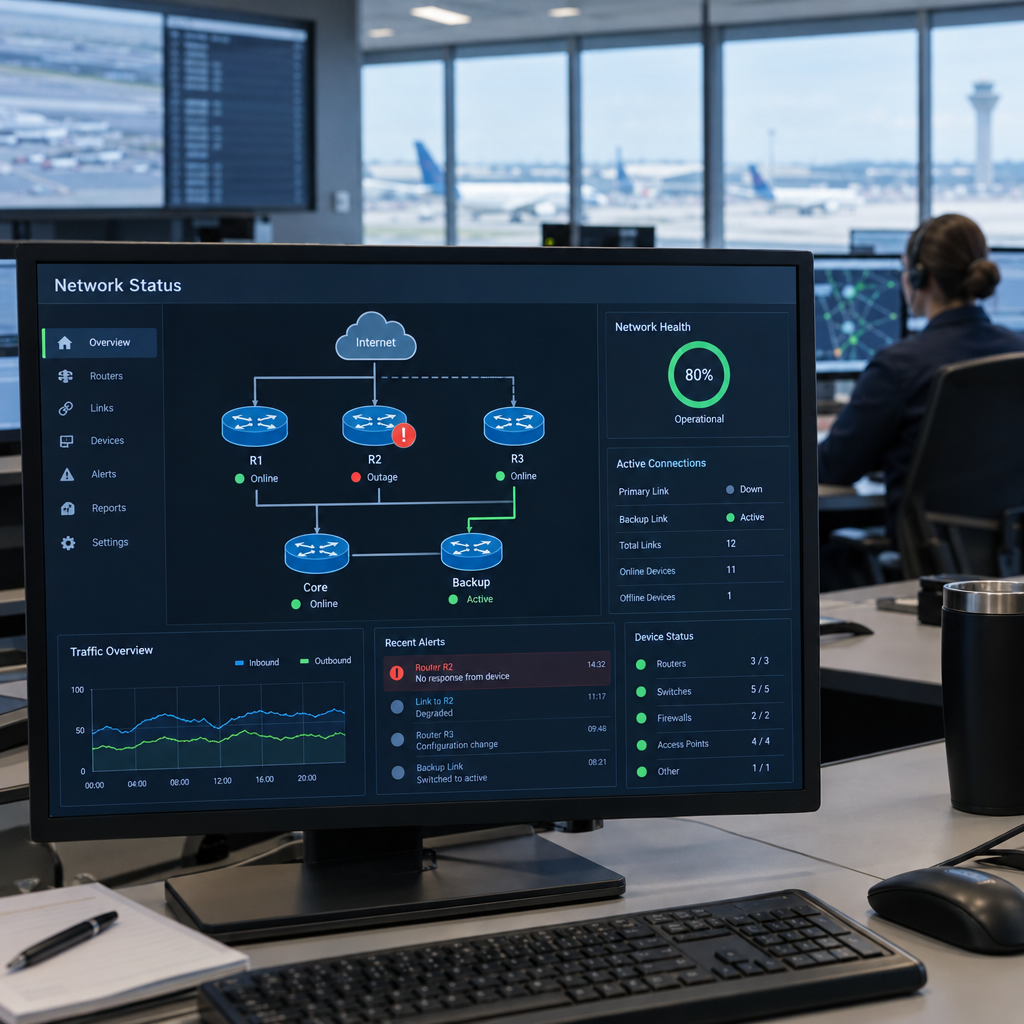
A router installation issue that contributes to a nationwide aviation disruption is a reminder that even one part of an IT network can have consequences far beyond the network itself. The FAA has suspended installation of the router involved in a US flight ground stop and disabled the other 68 routers already installed. The incident underlines why testing, monitoring and careful change management matter when organisations update critical systems.
For business owners, the lesson is relevant even outside aviation. A router or network service may support payments, bookings, stock systems, customer communications or staff operations. At Best Choice, we help businesses design and improve IT solutions so technology changes are controlled, potential failures are easier to detect, and essential work can continue when something goes wrong.
1. Why a router can become a business-critical component
A router directs data between networks and devices. In a business, that can mean connecting a point-of-sale system to payment services, linking a warehouse to its inventory software, or enabling staff to access cloud applications.
When a network component fails or behaves unexpectedly, the impact can spread to other connected services. A café may be unable to process card payments, while an online store could lose access to order management or customer support tools. The FAA incident is a high-profile example of why organisations should understand which operations depend on each piece of infrastructure.
2. The value of staged installation and testing
Installing new equipment across many sites at once can make a problem harder to contain. A safer approach is to test changes in a controlled environment, then introduce them to a small group of locations before expanding the rollout.
We help businesses plan this process around their real operations. For example, a retailer might test a router configuration in one shop, confirm that payments and inventory updates work, and keep a documented route back to the previous setup. This approach reduces the risk of a technical change disrupting every location at the same time.
3. Build resilience with backups and clear recovery plans
Reliable IT is not only about preventing failures. It is also about deciding in advance what the business will do if a system becomes unavailable. Depending on the needs of the organisation, this can include backup internet connections, spare equipment, automatic failover, and simple instructions for staff.
A clinic, for instance, may need to keep appointment and communication processes available even if its primary internet connection fails. A warehouse may need a fallback process for receiving goods and updating stock. We can assess which services are most important and design a practical continuity plan around them.
4. Monitor systems and manage changes carefully
Monitoring can help teams spot unusual traffic, connection problems or equipment failures before they grow into a larger disruption. Alerts are most useful when they reach the right person and explain what action is needed, rather than creating a flood of notifications.
We can also help establish a clear change-management process: record what is being changed, who approved it, when it will happen, and how to reverse it if necessary. For a booking service, this might mean scheduling network updates outside peak appointment hours and verifying that online bookings, email confirmations and staff access still work afterwards.
5. Connect network reliability to the rest of your IT
Business networks rarely operate alone. They support cloud services, databases, websites, CRM systems, VoIP telephony, payment tools and automated workflows. If these systems are not designed to work together, a local network issue can quickly create manual work and frustrate customers.
At Best Choice, we can build custom integrations and automation that make operations clearer and more efficient. We also work with established open-source technologies where they fit the project, and can help businesses configure or improve third-party platforms. The goal is to make the full system dependable—not simply to install equipment.
6. Make resilience part of your IT plan
The FAA’s decision to suspend the installation and disable the other 68 routers already installed shows the importance of responding decisively when a risk is identified. Businesses can apply the same principle by reviewing new technology before it becomes widely deployed, documenting dependencies and making sure there is a recovery plan.
We recommend starting with a short review: list the services your team cannot work without, identify the network equipment and providers they depend on, and test what happens if a connection or device fails. If you want help improving router setup, network monitoring, integrations or business continuity, contact Best Choice. We can help you create an IT setup that supports your operations and gives your team a clearer path through unexpected disruption.