AI Found a Hole in Java: What Businesses Should Do About the “AAAAAA…” Security Warning
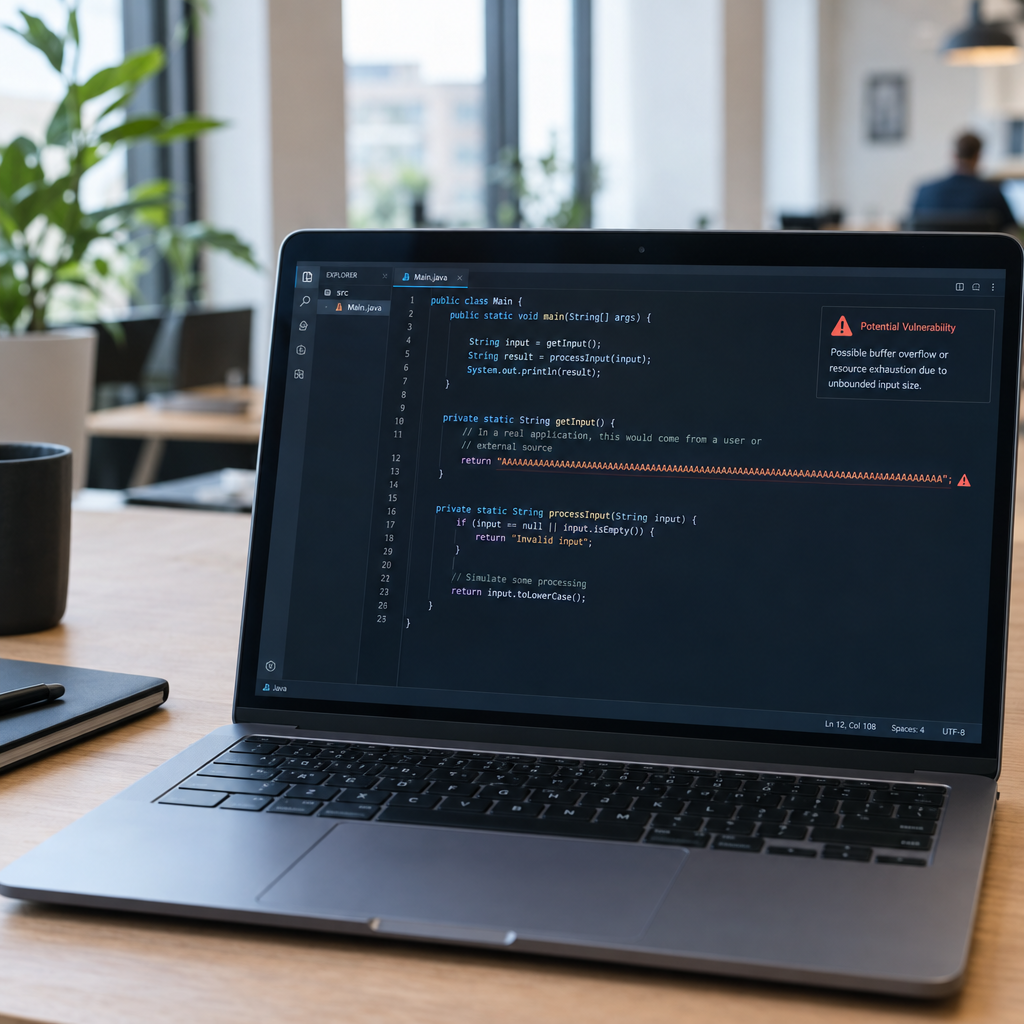
A report about an AI-discovered Java vulnerability has raised an important question for business leaders: could a small, unusual input expose a much bigger weakness in a business system? The headline refers to a string beginning with “AAAAAA…”, but the detail provided does not identify a specific vulnerability, affected Java versions, or confirmed attacks. That means it is worth taking seriously without jumping to conclusions.
Java is used across industries, from online shops and booking services to banking, healthcare and logistics. If a flaw affects a Java application or one of its components, the potential impact can be significant. At Best Choice, we help businesses take practical steps: identify where software is used, assess exposure, coordinate updates and improve the processes that keep systems secure.
1. Why a small input can matter
Applications receive and process data constantly. A form submission, API request or imported file may contain unexpected text, and software must handle it safely. A long or specially structured string can sometimes reveal a weakness in how an application validates, parses or processes input.
The “AAAAAA…” detail alone does not tell us how this particular issue works. It is not enough to confirm that sending repeated letters can compromise a system. The sensible approach is to check for a verified technical advisory and follow its guidance rather than test an assumption against a live business application.
2. Where Java may be hiding in your business
Many organisations know about their main website but have less visibility into the software behind it. Java may be running in an internal service, payment workflow, warehouse tool, reporting system or a third-party product. Older applications can also remain in use because replacing them feels risky or costly.
Start with a practical inventory. Record each application, who owns it, where it runs, which Java version it uses if known, and whether a supplier manages updates. We at Best Choice can help connect this information across systems, so decision-makers have a clearer view of their technology and its dependencies.
3. Check exposure before changing production systems
Before applying a change, find out whether your systems are affected. Look for information from the software vendor, the Java distribution provider, your hosting company and the relevant security advisory. Confirm the affected versions and recommended fixes with the people responsible for each application.
For example, a clinic should check both its appointment platform and the integrations that transfer patient information. An online store should include order management, payment connections and stock synchronisation in its review. Testing updates in a staging environment first can reduce the risk of disrupting essential services.
4. Patch carefully and strengthen basic defences
When a verified update is available, plan and apply it according to the vendor’s instructions. Back up important data, test key workflows and have a rollback plan. If an application is managed by an external provider, ask for written confirmation of its status and the date of any planned update.
Updates are only one layer of protection. Use least-privilege access, separate critical systems where practical, keep backups protected and monitor unusual application errors. A web application firewall or API gateway may help filter suspicious traffic, but it should not replace fixing vulnerable software.
5. Make security work part of everyday operations
Security is easier to manage when it is built into routine work instead of handled only during a crisis. Automated checks can help teams track software versions, flag overdue updates and route alerts to the right person. Clear ownership also matters: every important application should have someone responsible for maintenance and supplier follow-up.
For a warehouse, this could mean recording which systems support picking, delivery labels and inventory updates, then testing a patch outside busy hours. For a booking business, it may mean checking that updates do not interrupt calendars, reminders or payments. We can help design these workflows and connect relevant business systems so fewer checks depend on manual spreadsheets.
6. Use AI as an aid, not a security guarantee
AI tools can help researchers and security teams spot unusual behaviour or generate tests more quickly. But a reported AI discovery does not automatically mean a flaw is exploitable in every Java system, or that a business has been attacked. Human review, repeatable testing and trusted technical advisories are still essential.
Businesses should also review how they use AI in development and security processes. Keep sensitive customer data out of unapproved tools, verify generated code and document who approves changes. Open-source platforms and components are widely used across Denmark and Europe, but they still need clear ownership, timely updates and sensible configuration.
Take a calm, practical next step
A headline about a possible Java flaw is a useful reminder to know what software your business relies on and how it is maintained. Verify the details, identify affected systems, coordinate safe updates and strengthen the controls around critical services. These steps can reduce risk while helping your team avoid unnecessary disruption.
If you need help reviewing your systems, automating maintenance workflows or connecting business applications, contact Best Choice. We can help you turn a security concern into a clear, manageable action plan.