How Secure Is Your Password? Here’s How to Test It
A weak password can give criminals a way into your email, webshop, customer records or business systems. The risk is not limited to obvious passwords such as “123456”: predictable patterns and passwords reused across multiple accounts can be just as dangerous.
At Best Choice, we help businesses improve digital security in practical ways. In this guide, we explain how to assess password habits safely, create stronger logins and build better routines for your team.
1. Spot the password habits that put you at risk
Short passwords, common words and personal details—such as a company name, birthday or pet’s name—are easier to guess than many people expect. Keyboard sequences like “qwerty” and predictable changes such as adding “2026!” are also widely used and should be avoided.
Password reuse creates an additional risk. If one service is breached, criminals may try the same email and password on other websites, including business accounts. Give every important account its own password, especially email, banking, hosting and administrator access.
2. Test a password without exposing it
A password checker can give a useful estimate, but never type a real, current password into a random website. The checker itself could store or expose what you enter. Instead, assess your habits: is the password unique, sufficiently long and difficult to guess?
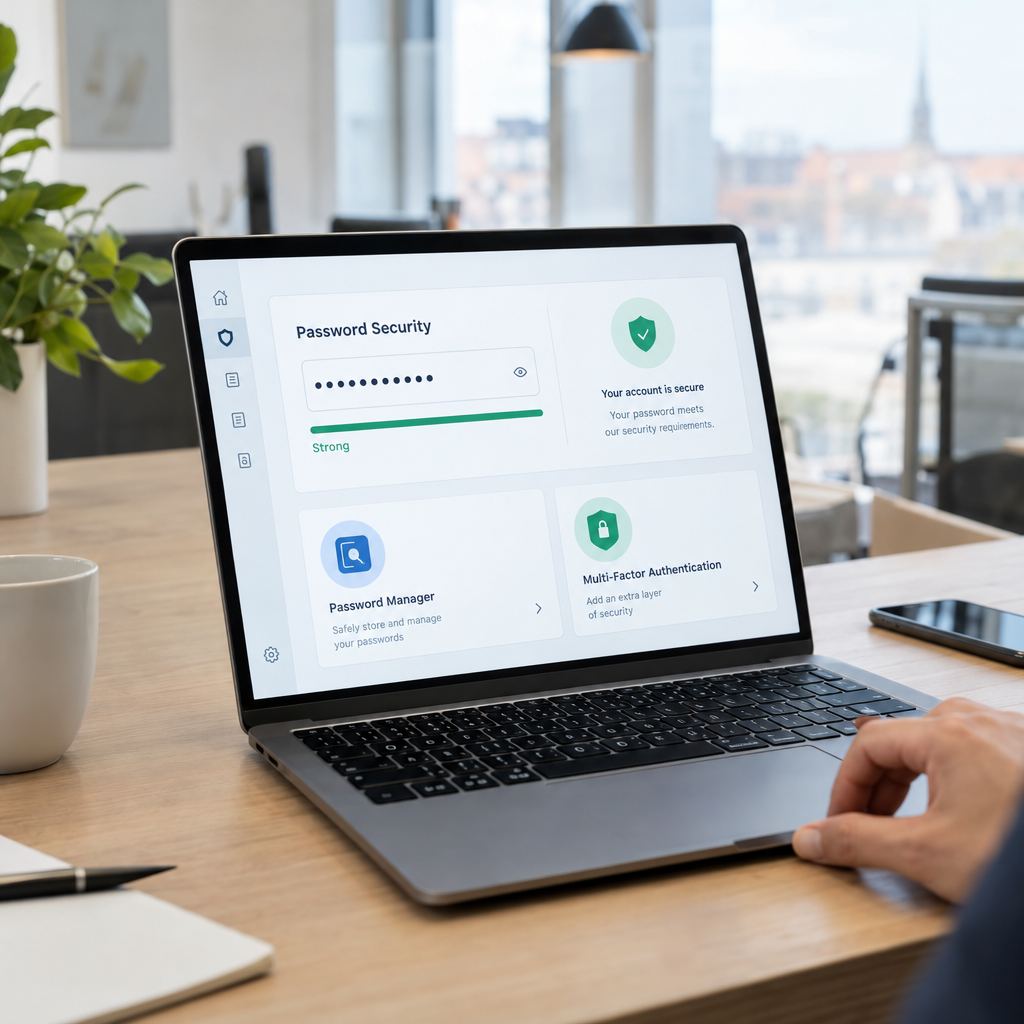
For business accounts, use a trusted password manager’s built-in strength and breach checks, or follow guidance from your IT provider. Some services can check whether a password appears in known breach data without sending the complete password, but use only reputable tools and understand how they handle your information.
3. Prioritise length, uniqueness and a password manager
Long, unique passwords are generally safer than short passwords made complicated with predictable substitutions. A randomly generated password stored in a password manager is a practical choice for most accounts. For a password you need to remember, use a long, uncommon passphrase rather than a familiar quote or personal detail.
A password manager can generate and store different logins, so employees do not need to reuse or write down passwords. We can help businesses choose and configure a suitable setup, organise shared access and create a clear process for removing access when someone leaves.
4. Add another layer with MFA or passkeys
Multi-factor authentication (MFA) asks for an additional proof of identity, such as an authenticator-app code or security key. It can help protect an account even if a password is stolen. Enable it first on email, administrator accounts, cloud services and systems containing customer or financial information.
Where supported, passkeys offer another way to sign in without typing a traditional password. We can help connect authentication methods to a company’s existing systems and make sure the process is secure without making daily work unnecessarily difficult.
5. Make password security part of everyday operations
Good security depends on clear routines, not just strong passwords. A café might use individual staff accounts for its booking and payment systems instead of sharing one login. A warehouse can give employees access only to the stock tools they need, while an online store can protect administrator accounts with MFA and review access regularly.
At Best Choice, we can build tailored workflows that connect account onboarding, access changes and offboarding with your existing business systems. This helps reduce manual tasks and makes it easier to spot unused accounts, excessive permissions or risky sharing practices. We can also help teams adopt suitable open-source password-management options, such as KeePassXC, where they fit the organisation’s needs.
6. Build a safer password strategy for your business
Start by identifying your most important accounts, checking for reused passwords and enabling MFA wherever possible. Set a policy that favours unique passwords and a password manager, and make sure employees know how to report suspicious login alerts. Avoid forcing routine password changes without a reason; change a password promptly if it may have been exposed or compromised.
Password security works best as part of a wider plan for identity, devices and business data. We can help you review your current setup, improve access workflows and integrate the right security tools for your company. Contact Best Choice to discuss a practical solution that protects your business while keeping work moving.