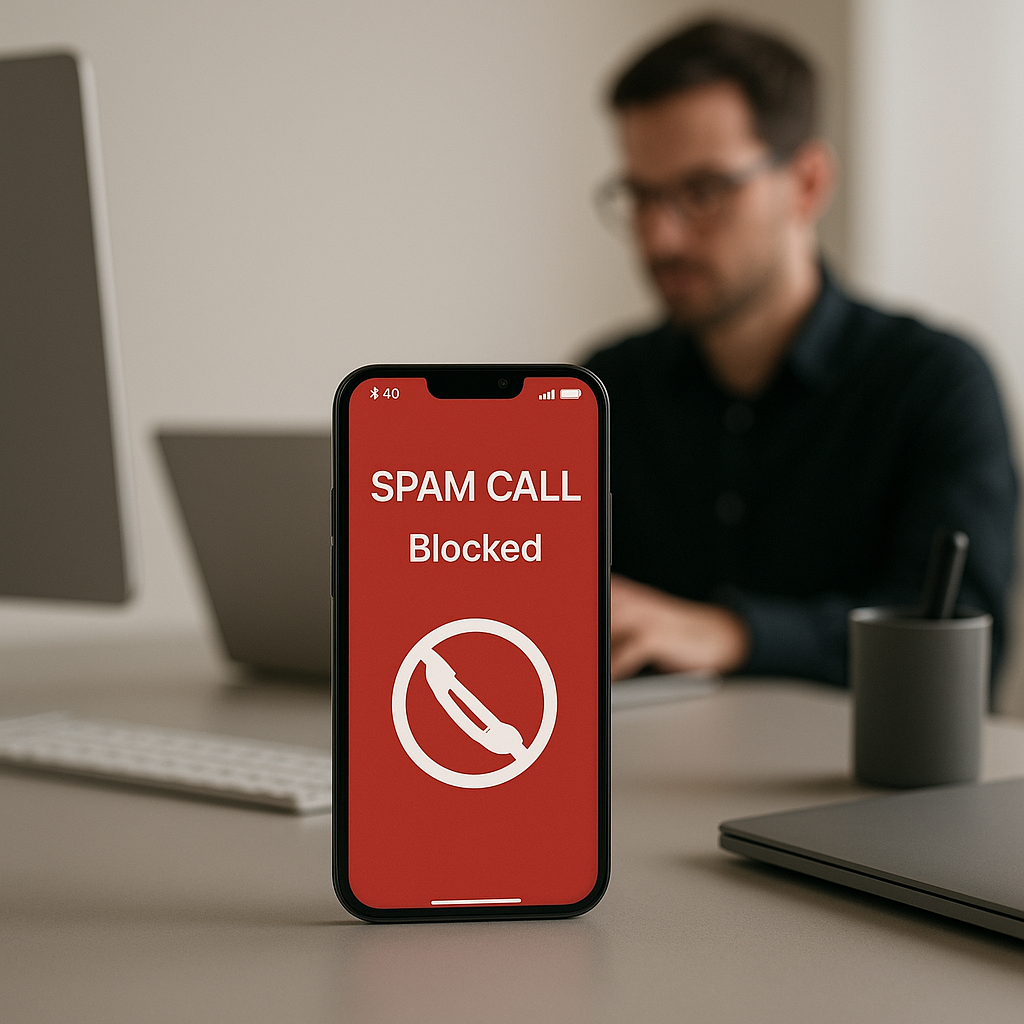
How to Help Stop Spam Calls on iPhone and Android
As a business decision-maker, your time is valuable. We at Best Choice understand how frustrating it can be to receive spam calls that disrupt your workflow and distract from important tasks. With the rise of robocalls, telemarketing, and unsolicited calls, it has become essential to take action against these interruptions. In this article, I will share effective strategies for identifying, silencing, and blocking spam calls on both iPhone and Android devices. We’ll explore built-in options that will not only improve your experience but also keep your focus on what really matters: growing your business.
In a world where communication is increasingly done through smartphones, having your device flooded with unwanted calls can lead to missed opportunities and wasted hours. Fortunately, both iPhone and Android have developed features designed to help you manage this challenge effectively. Let’s dive into the solutions available at your fingertips.
Understanding Spam Calls
Spam calls are unsolicited and often fraudulent attempts to sell you products or services. They can be more than just an annoyance; sometimes, they can lead to phishing attempts, where scammers seek to steal personal information. It’s crucial for business professionals like you to know how to combat them effectively.
Built-in Solutions on Your Smartphone
iPhone Features to Combat Spam Calls
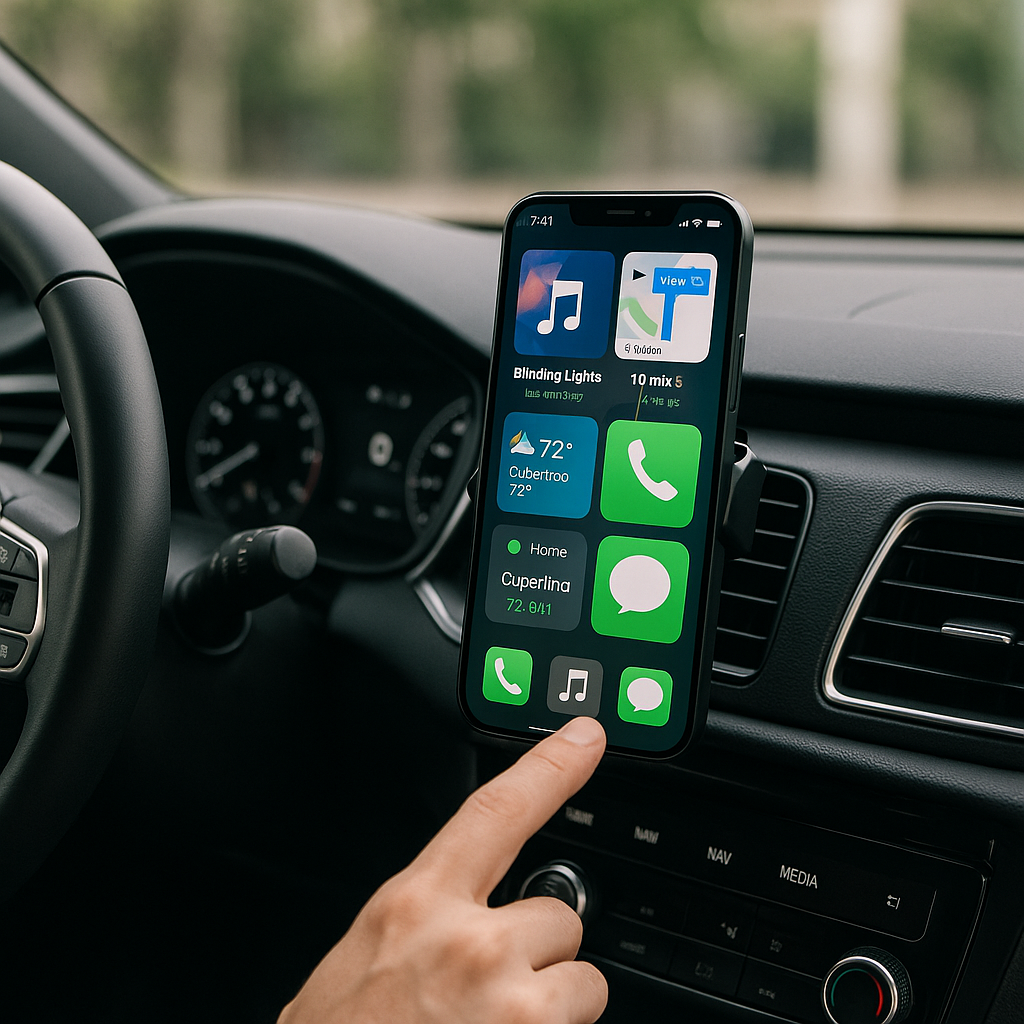
- Silencing Unknown Callers: If you’re using an iPhone, you have the option to silence calls from unknown numbers. Go to Settings > Phone and toggle on ‘Silence Unknown Callers’. This feature sends calls from unknown numbers directly to voicemail, so you only get disturbed by those in your contacts.
- Call Blocking and Identification: Apple offers a feature that allows third-party apps to help with call blocking and identification. Check the App Store for a variety of reputable services to enhance your protection.
Android Features to Combat Spam Calls
- Built-in Spam Protection: Most recent Android phones have built-in spam protection. Open the Phone app, navigate to Settings > Caller ID & Spam, and enable this feature. Your phone will then automatically alert you to potential spam calls.
- Blacklist Numbers: If you find yourself receiving repeated spam calls from the same number, take the initiative to block it. Open your Phone app, go to the recent calls list, tap the number, and select ‘Block Number’ to prevent future interruptions.
Using Third-Party Applications
While both platforms offer built-in solutions, you might be looking for something more robust. There are numerous highly-rated applications designed specifically for blocking spam calls. We recommend ensuring that any solution you choose integrates well with your existing systems. At Best Choice, we can help you set up and integrate these third-party apps into your workflow seamlessly, enabling you to maintain the business communication without unnecessary disruptions.
Practical Use Cases
Imagine you’re managing a busy café. Your phone rings off the hook—reservations, delivery orders, and customer inquiries. Suddenly, an unwanted spam call interrupts your flow, costing you a potential customer. By utilizing the tools mentioned above, your café can ensure that only pertinent calls get through, thus saving time and boosting customer satisfaction.
Let’s say you operate an online store. Spam calls can lead to missed sales and important customer inquiries. By implementing call silencing and spam tagging, you can focus on enhancing your online presence and customer service instead of dealing with interruptions.
Additional Actionable Tips
- Always report spam calls: On both iPhone and Android, you can report spam calls to help improve the system for everyone. This collaborative approach makes it harder for spam callers to get through.
- Educate your Employees: Ensure your team understands how to manage spam calls efficiently. Conduct a brief training to highlight the features they can utilize on their devices.
- Stay Updated: Keep your device’s software updated. Manufacturers regularly improve the built-in spam protection features in response to ongoing issues with spam calls.
Conclusion
Managing spam calls doesn’t have to be overwhelming. With the right settings and tools at your disposal, you can easily reduce unwanted interruptions and focus on what’s truly important for your business. If you need assistance in setting up these features or require custom solutions tailored to your business communication needs, don’t hesitate to contact us at Best Choice. Together, we can streamline your communications, allowing you to operate more efficiently and productively.