# Why is Your Laptop Fan So Loud?
As a business decision-maker or entrepreneur, keeping your tech gear in top shape is crucial for maintaining productivity and efficiency. One common annoyance many of us face is the loud noise from our laptop fans. While laptop fans play a vital role in keeping your device cool and ensuring it operates effectively, excessive noise can lead to discomfort and distraction. In this article, we’ll explore the reasons behind loud laptop fans, what it means for your device, and whether it’s a cause for concern.
Understanding the operation of your laptop’s internal cooling system is essential in maintaining optimal performance. In many cases, the noise produced by the fan can signify underlying issues that, if addressed promptly, could save your business time and money in the long run.
## How Laptop Fans Work
Laptop fans are designed to dissipate heat generated by the CPU and other components during operation. When the internal temperature rises, the fan activates to cool the system down. This is particularly common during resource-intensive tasks such as running heavy software applications, gaming, or even extensive browsing with multiple tabs open.
However, if your laptop fan is constantly loud, there might be several factors at play. Understanding these can help you decide the best course of action.
## Reasons for a Loud Laptop Fan
### 1. Overheating Components
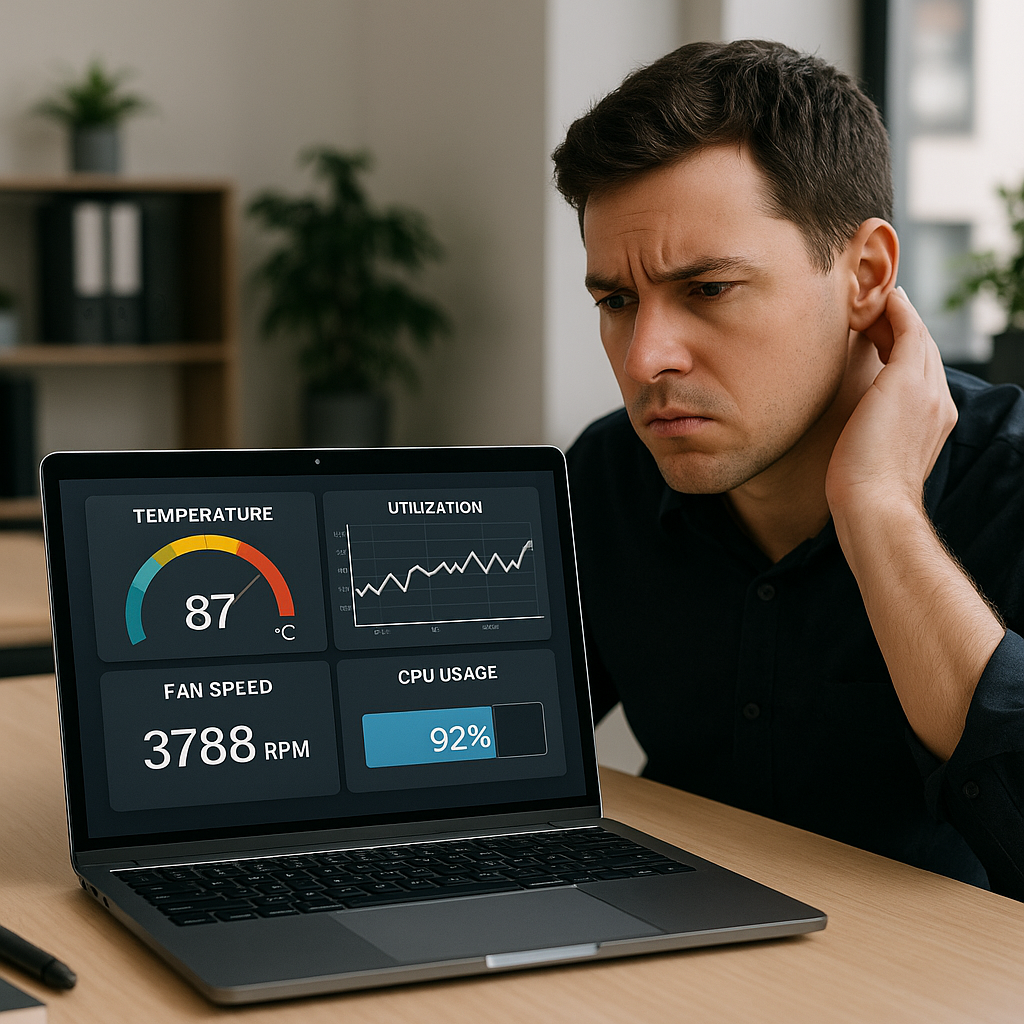
One of the primary reasons for a loud laptop fan is overheating. When your laptop’s CPU or GPU (graphics processing unit) generates too much heat, the fan speeds up to prevent damage. If you notice the fan noise persists even during low-intensity tasks, it may indicate dust buildup in the cooling vents or fan, impeding airflow. To solve this, regularly clean those areas to ensure optimal cooling and prevent heat accumulation.
### 2. Resource-Intensive Applications
As mentioned, running heavy applications can spike resource usage, leading to increased fan activity. For instance, if you’re managing a warehouse and your team is running data analytics software or inventory management systems, the fans might ramp up as these programs demand more processing power. If this is a frequent occurrence, consider upgrading to a device capable of handling these tasks smoothly to maintain productivity without frustrating noise.
### 3. Malfunctioning Fan or Hardware Issues
Sometimes, a loud fan could indicate a malfunction. If the fan is worn out or damaged, it might struggle to operate correctly or may even be producing unusual noises as it fails. In such cases, it’s crucial to have a professional examine the hardware.
### 4. Background Processes Running
Many laptops run background processes, often from software updates, cloud services, and security tools. These processes, although sometimes unnoticed, can consume significant processing power, causing the fan to work harder. As an action step, you can regularly check your system’s task manager to identify and manage these background processes, keeping the fan’s noise in check.
### 5. Environmental Factors
Sometimes, external factors can affect your laptop’s fan noise. If you’re working in a hot environment or on soft surfaces (like beds or couches) that block ventilation, your laptop may heat up excessively, triggering the fan to work overtime. Ensure you are using your laptop on a hard, flat surface and in a ventilated space to help reduce strain on the cooling system.
### 6. Consider Upgrading Your Laptop
If your laptop constantly struggles with noise and overheating, it might be time to consider upgrading. While this can seem like a hefty investment, choosing a laptop specifically designed for business use with better cooling systems will save both frustration and money in the long run. Devices with efficient thermal designs provide significantly quieter operation, allowing you to focus on your business without distractions.
## Conclusion
In summary, while a loud laptop fan can be bothersome, it can also be a warning sign of issues that may require your attention. Regular maintenance, awareness of how applications affect performance, and smart environmental choices can help keep your laptop operating smoothly. If you find yourself constantly battling noisy fans or your laptop still shows signs of overheating despite troubleshooting, it may be worth consulting with professionals who can provide the best recommendations for your technology needs.
Here at Best Choice, we specialize in IT solutions tailored to your business’s unique requirements. Whether you need advice on hardware upgrades, software setups, or efficient workflows, don’t hesitate to reach out. Let’s work together to ensure that your technology consistently empowers your business success.