When an air traffic control system still depends on floppy disks, it is a reminder that technology can keep working long after it has become difficult to maintain. The FAA’s move to phase out floppy disks highlights a challenge many businesses recognise: essential processes can become tied to old equipment, outdated software, or knowledge held by only a few employees.
For a business, modernisation is not simply about replacing old technology with something new. It is about making everyday work more reliable, secure, and efficient without disrupting the services customers depend on. At Best Choice, we help businesses plan and build practical IT solutions that connect existing systems, automate routine work, and support future growth.
1. Why businesses end up relying on legacy technology
Older systems often remain in place because they perform a critical task and replacing them feels risky. A warehouse may depend on a local program to track stock, while a clinic might use an old database to manage appointments and records. Over time, the original supplier may disappear, documentation can go missing, and only one or two employees may know how the system works.
This creates hidden costs. Staff may re-enter the same information in several places, wait for manual reports, or use paper and spreadsheets to work around limitations. If a key device fails, the business may have no clear recovery plan.
2. Modernisation should solve a business problem—not just update technology
A successful upgrade begins with understanding the workflow. We look at what information enters the business, where it goes, who uses it, and which steps cause delays or errors. That gives decision-makers a clear picture of what needs to change and what should be preserved.
For example, an online store might receive orders through its website but update inventory manually. We can build an integration that passes order and stock information between the webshop, warehouse, and accounting process. The goal is fewer repetitive tasks, more accurate stock levels, and faster order fulfilment—not technology for its own sake.
3. Replace risky dependencies in manageable stages
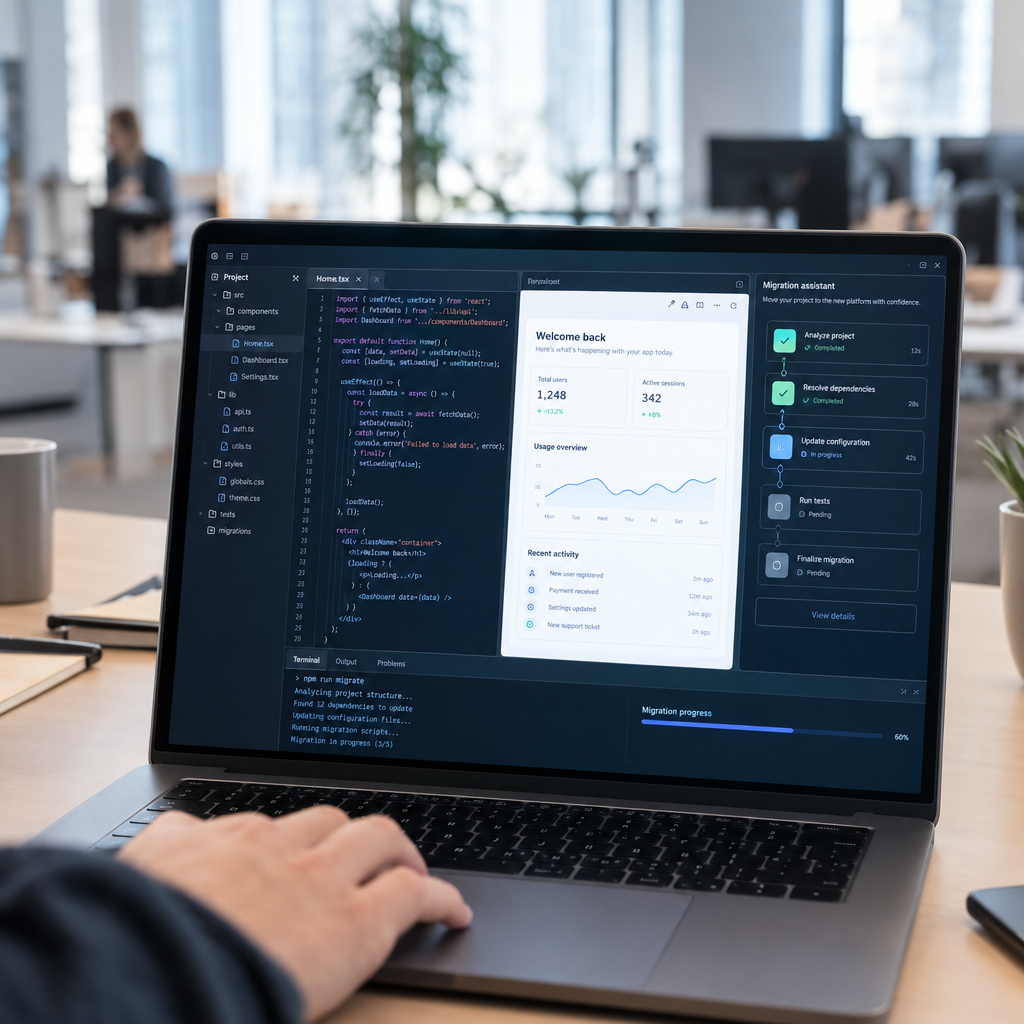
Businesses do not always need to switch off an old system in one dramatic move. A safer approach is to map its functions, identify the most fragile dependencies, and introduce replacements in stages. We can build a modern web interface or data service around an existing process, then move functions over as they are tested and approved.
A café, for instance, may want online table bookings but still rely on a familiar in-house process for managing shifts. A staged project could first connect bookings to staff notifications, then add reminders and reporting later. This reduces disruption while delivering useful improvements early.
4. Protect data during migration and integration
Data is often the hardest part of leaving an old system. Customer details, product records, bookings, and financial information may be stored in inconsistent formats or duplicated across files. Before migration, we recommend reviewing data quality, deciding what must be retained, and testing how information appears in the new environment.
Integrations also need clear rules. A clinic, for example, should carefully control who can access appointment and patient information, while an online retailer needs reliable order updates across its sales channels. For businesses operating in Denmark and elsewhere in Europe, privacy, security, access control, and applicable GDPR requirements should be part of the design from the start.
5. Choose maintainable tools and plan for continuity
Modern systems should be easier to maintain than the ones they replace. Depending on the project, open-source technologies such as Linux, PostgreSQL, and widely used web frameworks can provide flexible foundations without locking a business into a single proprietary product. The right choice depends on the company’s existing systems, support needs, skills, and security requirements.
We also recommend documenting integrations, assigning ownership, keeping backups, and testing recovery procedures. A warehouse should know how to keep processing essential orders if a connection goes down. A booking service should have a plan for access to customer appointments during an outage. Continuity planning turns an upgrade into a long-term business improvement.
6. Make automation useful for the people doing the work
Automation is most valuable when it removes repetitive effort without making the process harder to understand. A system can send booking confirmations, flag low stock, route a customer enquiry to the right team, or prepare a daily sales report. Employees then spend less time copying information and more time serving customers or solving exceptions.
We advise starting with a small number of measurable goals: reduce order-processing time, cut booking no-shows, or shorten the time needed to prepare reports. Review the results with the people who use the system every day, then improve it based on real feedback. This practical approach helps businesses avoid building features that look impressive but do not solve everyday problems.
Modernise with confidence
The lesson from legacy technology is not that every old system must be discarded immediately. It is that critical processes deserve a clear upgrade plan before a failure forces a rushed decision. With careful assessment, staged implementation, secure data handling, and useful automation, businesses can modernise while keeping essential work moving.
If your company is relying on outdated software, manual workarounds, or disconnected systems, contact Best Choice. We can help assess your workflows and build or integrate a solution that makes your business more reliable, efficient, and ready for what comes next.