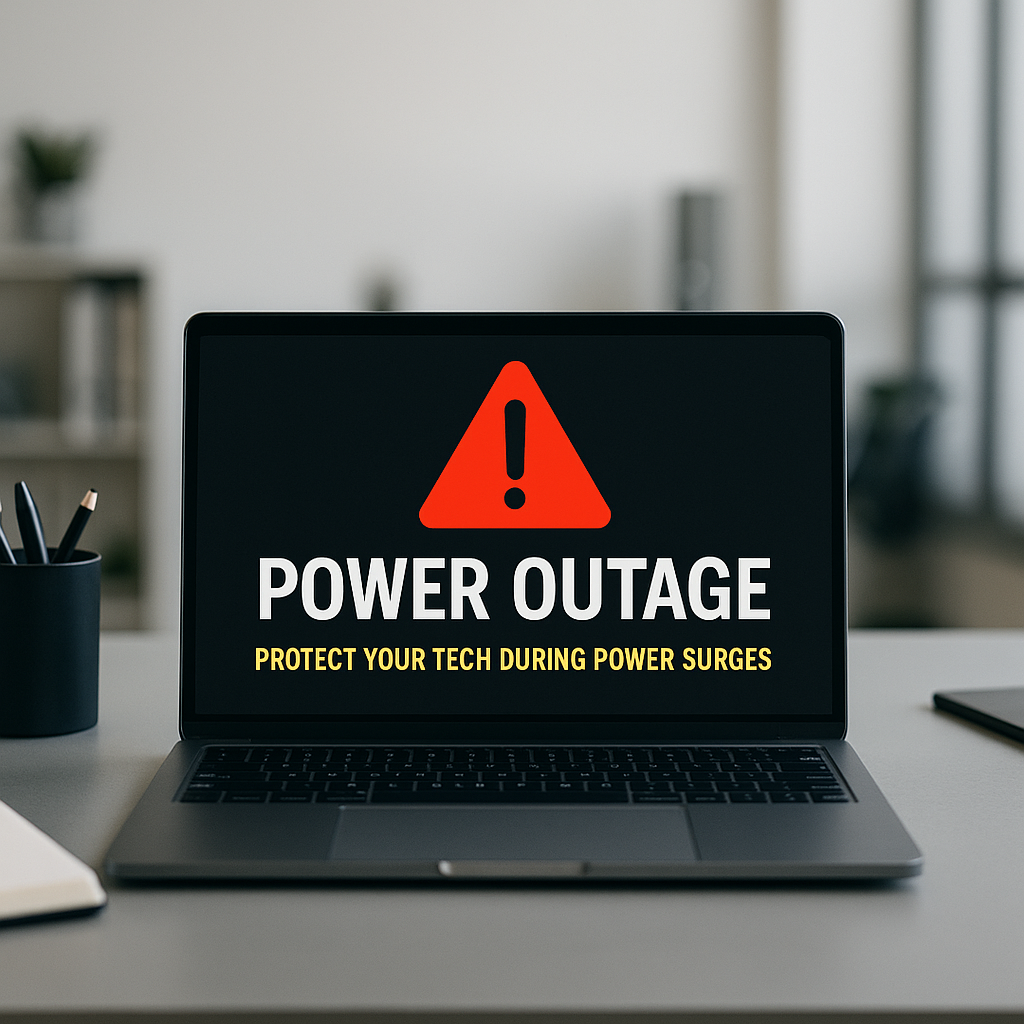
Why It’s Important to Unplug Your PC During a Power Outage
As a business decision-maker, you know that every aspect of your operations needs to run smoothly. That includes your technology. Power outages are a common occurrence, and while we often think about the immediate inconvenience they bring, the lingering effects on our technology can be significantly detrimental. At Best Choice, we understand how crucial your IT infrastructure is to your success, and today, we’re diving into the importance of unplugging your PC during a power outage.
Surprisingly, it’s not just the power loss that can harm your devices; it’s the way the electricity returns that poses an even bigger risk. When the power is restored, it can surge, potentially frying your devices if they remain plugged in. Effectively tackling this issue is vital, especially for businesses relying on technology for daily operations. Let’s explore how you can protect your tech and ensure your business continues to thrive.
The Risks of Power Surges
One of the biggest risks associated with power outages is the power surge that typically follows. Here’s what happens:
- Electrical Load Recovery: When power returns, the electrical grid may experience fluctuations as it stabilizes, causing a sudden spike in voltage.
- Device Vulnerability: Many devices, including PCs, monitors, and routers, aren’t designed to handle these unexpected surges. The internal components can become damaged or even fail completely.
- Increased Repair Costs: Replacing a fried motherboard or hard drive can lead to increased downtime and repair expenses, affecting your bottom line.
How Unplugging Protects Your Technology
The most straightforward safety measure you can take during a power outage is to unplug your devices. This action effectively disconnects them from the electrical system, reducing the risk of damage from power surges significantly. Here’s how unplugging protects your investment:
- Immediate Disconnection: By physically disconnecting your devices from the power source, you eliminate the risk of any surge affecting them.
- Device Longevity: Protecting your devices from power surges contributes to their lifespan, allowing you to get the most out of your investment.
- Easy Recovery: If your equipment is unplugged during an outage, you can easily reconnect and restart once power is restored.
Identifying Power Outage Patterns in Your Area
As you prepare your business for unexpected power outages, it’s essential to understand the patterns in your area. Regular outages or historical data can help predict when these occurrences might happen. Here are a few steps you can take:
- Local Utility Reports: Check with your local utility company to understand past outages and their frequency.
- Monitor Weather Conditions: Severe weather can often lead to outages. Stay informed about forecasts that might indicate potential disruptions.
- Employee Preparedness: Inform your team about the procedure during outages, including unplugging devices.
Implementing Backup Systems
At Best Choice, we advocate for the incorporation of backup systems to protect against data loss and protect vital technology. Here are some recommendations:
- Uninterruptible Power Supply (UPS): Investing in a UPS can provide temporary power, allowing you to save your work and shut down your computer safely.
- Regular Backups: Utilize cloud storage or external hard drives for regular data backups to ensure that you minimize potential data loss.
- Surge Protectors: Use high-quality surge protectors to absorb excess voltage during power surges and protect your devices.
Creating an Emergency Plan
Having a comprehensive emergency plan in place is crucial for your business continuity. Here’s a simple framework to help you develop this plan:
- Assign Roles: Designate individuals responsible for unplugging devices and executing the emergency plan.
- Regular Drills: Conduct mock drills to ensure that your team is prepared for power outages and knows exactly what to do.
- Document Procedures: Create a clear guide that outlines your process for unplugging devices and ensuring minimal disruption during outages.
Keeping Your Business Running Smoothly
The balance between technology and business operations is delicate. Power outages, while unavoidable, don’t have to lead to loss of productivity or revenue. By taking proactive measures such as unplugging your devices during outages, implementing a backup plan, and preparing your team, you can safeguard your IT investment. Here at Best Choice, we understand that technology is at the forefront of successful businesses. We’re ready to help you devise customized IT strategies that will protect your business from unforeseen challenges.
Conclusion
In the world of business technology, protecting your assets is just as important as leveraging them for growth. By unplugging your PC during a power outage, you minimize the risk of potential damage and increase the longevity of your equipment. If you’re looking for tailored IT solutions or want to implement more robust systems to safeguard your operations, contact us at Best Choice. Together, we can build a more resilient future for your business.