Fixing Common Android Auto Issues: An Easy Update Can Make All the Difference
As a business decision-maker or an entrepreneur, you understand the importance of efficiency in your daily operations. With the proliferation of connected devices and applications, ensuring seamless integration has become vital. One tool that many business professionals rely on, especially when commuting between meetings or managing tasks on the go, is Android Auto. However, like any technology, it can have its hiccups. Fortunately, many of these issues can be resolved with a simple update.
Android Auto is designed to make smartphone integration in your vehicle a breeze, helping you navigate, communicate, and manage your music, all while keeping your hands on the wheel and your eyes on the road. Yet, some users find themselves facing frustrating problems that can disrupt their workflows. In this article, I’ll discuss common issues with Android Auto and how they can be resolved, including some practical examples of how it can boost productivity for businesses across Denmark and Europe.
Understanding Android Auto: What Is It and How Does It Work?
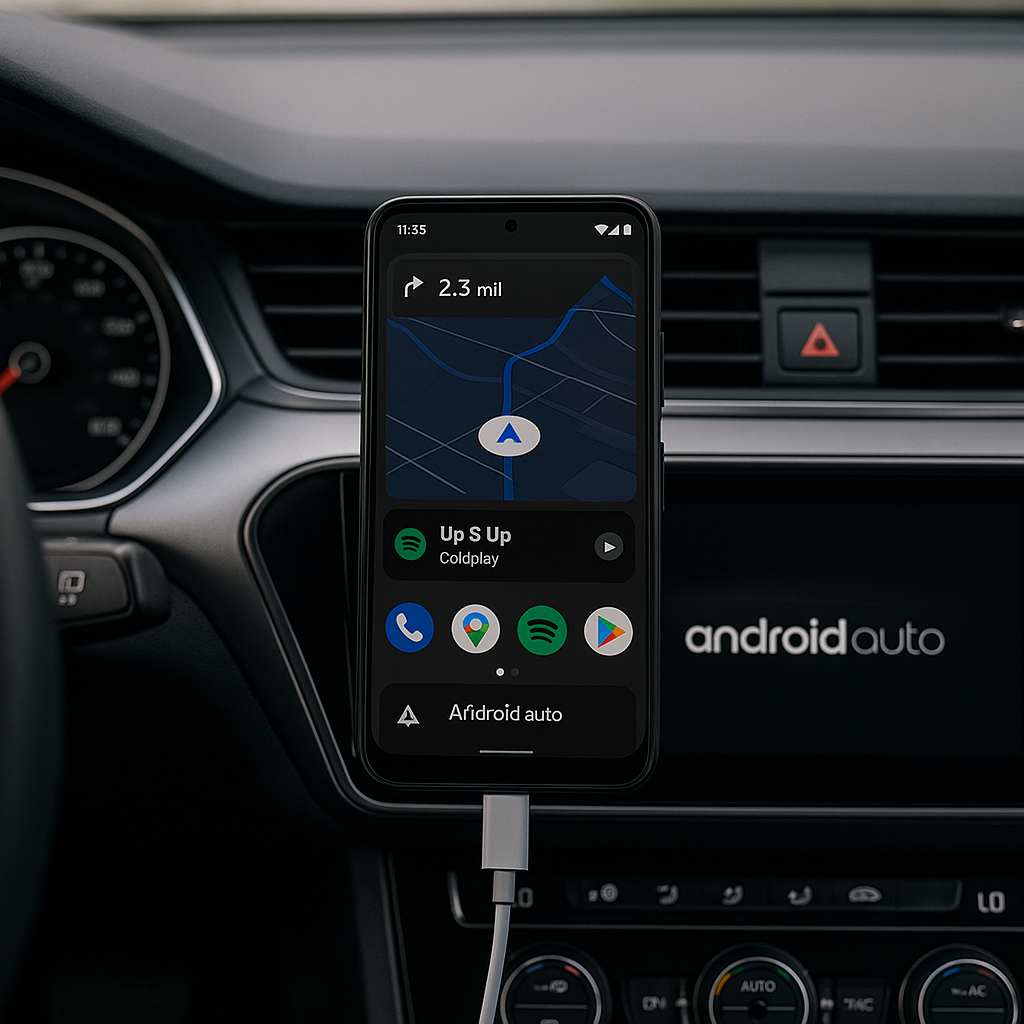
Android Auto connects your phone to your car’s infotainment system, providing a simplified interface that allows you to access apps and features safely while driving. It works both through USB connections and wirelessly in many newer vehicles. By syncing your smartphone with your car, Android Auto enables hands-free calls, navigation, and messaging, allowing you to stay focused on the road and your business needs.
Common Issues and Quick Fixes
While Android Auto has transformed the way many of us drive, it is not without its issues. Frequent updates to both the app and the phone itself can cause compatibility problems. Let’s dive into some of the most common issues and how to remedy them.
1. Screen Freezing or Lagging
Many users experience freezing screens or lag when using Android Auto. This can be incredibly frustrating, especially during important calls. Often, a simple update to either your phone’s operating system or the car’s software can rectify this issue. If you’ve updated your phone and still encounter problems, check your car’s manufacturer’s website for software updates that may solve connectivity issues.
2. Connection Problems
Connection issues can manifest in various ways, including failure to connect altogether, disconnections during use, or poor performance. If you’re using Android Auto for scheduling or booking appointments while on the go, losing your connection can be detrimental. To resolve this, ensure that both your phone and the infotainment system have the latest software updates. A good practice is to restart both devices before connecting, as this often clears out any temporary glitches.
3. Unresponsive Apps
Have you ever tried using navigation or music apps through your car’s system, only to find them unresponsive? This is a common complaint amongst users. Regularly update your apps through the Google Play Store, as developers frequently release fixes for bugs and performance improvements. Additionally, ensure that the apps you utilize with Android Auto are fully compatible with the integrated system.
4. Audio Issues
If you rely on streamed music or audio prompts for navigation while driving, you understand how vital good audio performance is. Sometimes, users face issues like distorted sound or failure to play audio at all. To troubleshoot, ensure all audio settings are correctly configured on both your phone and the car. If sound issues persist, a software update may also help with audio compatibility.
5. Issues with Voice Commands
Voice commands can save you significant time, particularly when you’re on the road juggling meetings and calls. However, if the voice command feature isn’t working effectively, you’ll want to double-check your phone’s permissions. If you’ve updated the software and permissions are correct yet still face issues, consider uninstalling and reinstalling the Android Auto app. This can refresh configurations and improve functionality.
6. Navigational Inaccuracies
Receiving inaccurate navigation instructions is not just inconvenient; it can lead to lost time and missed opportunities. To ensure you’re getting the most accurate directions, keep your maps app updated regularly. This will ensure that you have access to the latest routes and traffic conditions, enabling you to arrive at meetings or appointments punctually.
Real-Life Examples: Enhancing Business Operations with Android Auto
Imagine a café owner who uses Android Auto to coordinate deliveries and orders while on the road. With effective navigation and hands-free calling, they can ensure timely service while enhancing workflow efficiency. Similarly, a warehouse manager might use the system to stay connected with their team and use voice commands to manage stock levels—all while driving securely. These examples highlight how a simple update can vastly improve the way we integrate technology into our daily business operations.
Conclusion: Make Technology Work for You
Staying on top of technology is critical for streamlining operations and increasing productivity. Android Auto, when functioning correctly, can be a powerful ally. By keeping your devices and applications updated, you can minimize disruptions and maximize efficiency. However, if you find these updates cumbersome or if you require more complex integration solutions within your business, we at Best Choice are here to help. Let’s connect and explore how we can tailor custom IT solutions to meet your unique business needs, ensuring your technology works for you.
Don’t let tech issues slow you down. Reach out today to discover how we can optimize your digital solutions and where Android Auto fits into your business landscape.