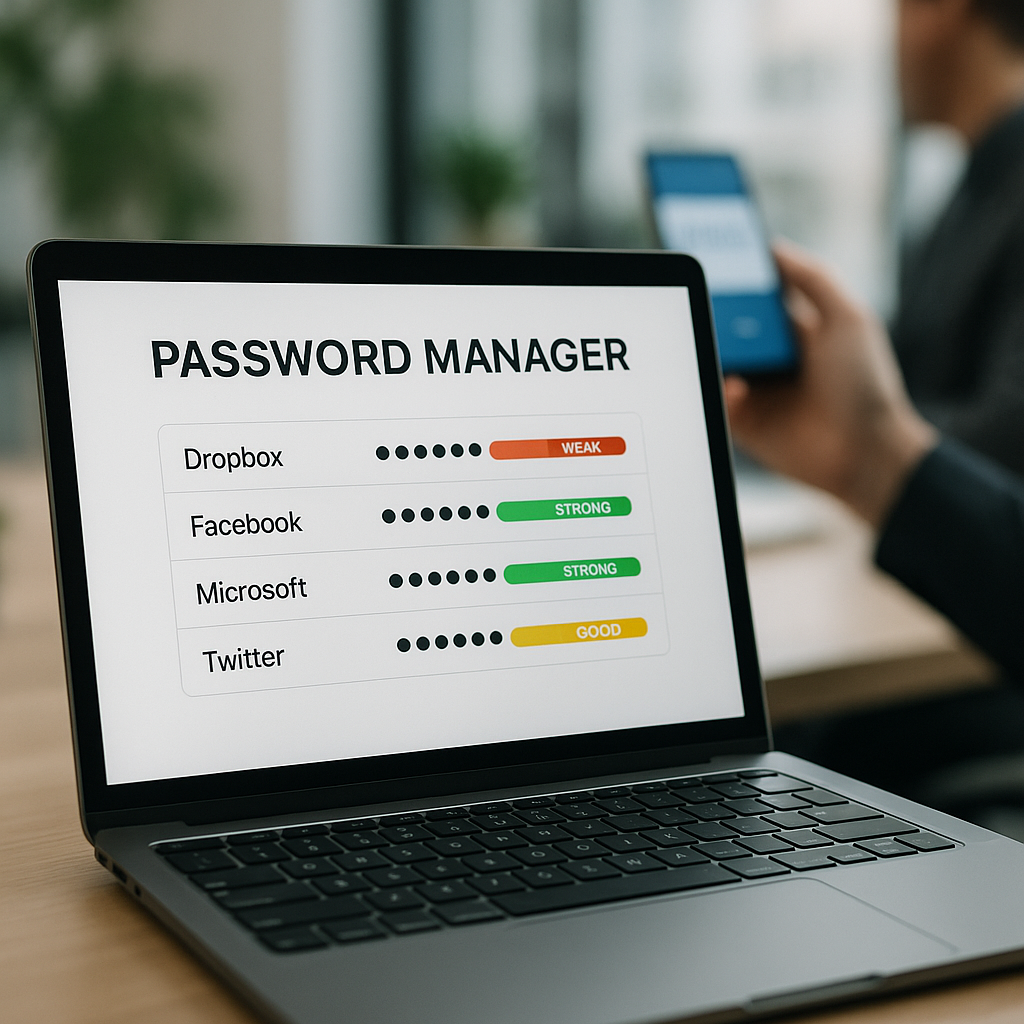
The Pros and Cons of Using a Password Manager Over an Authenticator App
In today’s digital landscape, ensuring the security of your business’s sensitive information is more crucial than ever. As technology evolves, so do the methods we employ to protect our data. Authenticating your identity is a vital component of this security, and two popular tools used for managing this are password managers and authenticator apps. But which one is better for your business needs? Here at Best Choice, we help businesses navigate these choices, and today, I’ll discuss the pros and cons of both options.
While there’s no one-size-fits-all solution, understanding how each of these tools works and their contexts can help you determine what best suits your organization. Let’s delve into the strengths and weaknesses of password managers and authenticator apps, ensuring your business stays secure while optimizing workflow.
Understanding Password Managers and Authenticator Apps
First, let’s clarify what each tool does. Password managers securely store your passwords and generate strong ones on demand. They help mitigate the risk of using weak passwords across accounts by encouraging unique, complex passwords. On the other hand, authenticator apps generate unique verification codes that you may need to enter alongside your password, providing an extra layer of security known as Two-Factor Authentication (2FA).
The Advantages of Password Managers
- Convenience: Password managers simplify the login process. Rather than remembering multiple passwords, you can store them all in one secure location.
- Strong Password Generation: They often come with built-in password generators to create complex passwords that enhance security.
- Cross-Device Accessibility: Most password managers sync across devices, making it easy for you and your team to access necessary credentials anywhere.
- Security Audits: Many password managers can perform security audits, alerting you to potentially weak or reused passwords.
The Downsides of Password Managers
- Single Point of Failure: If someone gains access to your password manager, they can potentially access all your stored passwords.
- Dependency on Software: Relying entirely on a password manager can become problematic if the software encounters issues or if the company goes out of business.
- Cost: While there are free options available, the best features often require a subscription fee.
The Benefits of Authenticator Apps
- Enhanced Security: Authenticator apps provide a second layer of security, protecting your accounts even if your password is compromised.
- Offline Access: Many authenticator apps don’t require an internet connection to function, reducing the risk of hacking attempts.
- Cost-Effective: Most authenticator apps are free to use, providing a low-cost option for securing accounts.
The Limitations of Authenticator Apps
- Management Challenges: If you lose your mobile device, you may find it difficult to access your accounts unless you have backup codes.
- Multiple Codes: Managing various apps for different accounts can become cumbersome.
- Learning Curve: Some users may struggle with understanding how to set everything up effectively.
Which Solution Fits Your Business Needs?
When choosing between a password manager and an authenticator app, consider your specific business needs and workflow. For instance, if you run an online store, your team might benefit significantly from the ease of password managers due to the numerous accounts involved in e-commerce. This way, they can focus on driving sales without worrying about remembering multiple passwords.
Conversely, if your business deals with sensitive data, such as in a healthcare clinic, the enhanced security of an authenticator app could be the way to go. This additional layer of protection would help assure patients that their information is secure.
Real-Life Application Examples
Let’s explore a few scenarios where businesses in Denmark might decide between these two methods:
- Café Owners: A café could use a password manager to handle various vendor accounts efficiently while ensuring staff can easily log in without forgetting credentials.
- Warehouses: Warehouse managers could benefit from an authenticator app, providing tight security around inventory management systems due to the sensitive nature of stock and shipments.
- Clinics: Health clinics might opt for a combination of both; using password managers for staff accounts while incorporating authentication apps for patient data systems.
Final Thoughts
Each tool has its strengths and weaknesses, and the choice ultimately comes down to the specific needs of your business. I encourage you to evaluate your current workflows and identify vulnerabilities that can be mitigated with the right solution. At Best Choice, we specialize in assessing business needs and providing tailored solutions, whether it be implementing a first-class password manager, setting up robust authenticator apps, or finding a custom-built solution that fits perfectly.
If you’re looking to enhance your business security today or need further assistance with these tools, we’re here to help. Contact us and let’s discuss how we can improve your business workflows and protect your valuable information.