How to Manually Update Android Auto (and What It Might Mean If You Can’t)
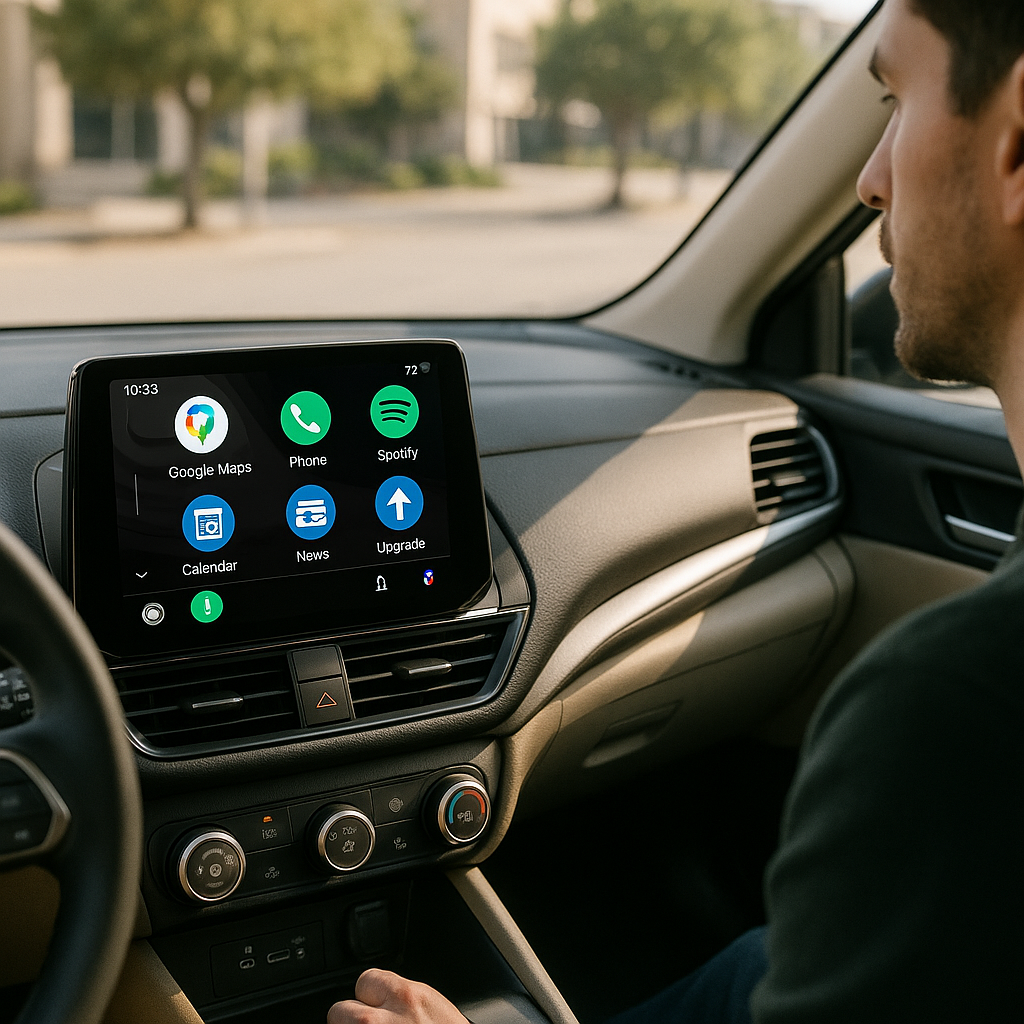
As technology evolves, staying updated with the latest versions of software is crucial for optimal performance and user experience. Android Auto, a tool that seamlessly integrates your Android phone’s features with your car’s display, is no exception. If you’re looking to enhance your driving experience by manually updating Android Auto, you’re in the right place! In this article, I’ll take you through the steps to update Android Auto and explain what potential issues you might encounter if you’re unable to do so.
At Best Choice, we understand the importance of smooth operations in any tech-driven environment. Whether you’re an entrepreneur managing a fleet of vehicles or a business owner looking to improve in-car experiences, knowing how to efficiently update and manage apps like Android Auto can make a significant difference.
Why You Need to Keep Android Auto Updated
Updating Android Auto is essential for several reasons. First, updates often include new features that improve functionality and make your experience much more enjoyable. Imagine getting enhanced navigation features or integrations with new apps that can make your commutes or deliveries more efficient. Secondly, updates often come with bug fixes that help in enhancing the performance of the application, reducing lags, and avoiding crashes that could lead to frustrating experiences.
How to Manually Update Android Auto
To ensure you have the latest version of Android Auto, you’ll need to follow a few simple steps. Here’s how:
- Open the Google Play Store: Start by launching the Google Play Store app on your Android device.
- Search for Android Auto: In the search bar, type “Android Auto” and select the app from the search results.
- Check for Updates: If an update is available, you will see an option that says “Update.” Tap on it to start the process.
- Wait for the Installation: The app will download and install automatically. Make sure you have a stable internet connection for a seamless update.
- Restart the App: After the update is done, restart the Android Auto app to ensure that all new features and functionalities are loaded.
What If You Can’t Update Android Auto?
If you’re unable to update Android Auto manually, it could signal a few different issues that could impact your business operations. Here are some possibilities:
Device Compatibility
Your device may not meet the requirements for the new version of Android Auto, which can prevent installations. This is where understanding your hardware becomes crucial, especially if you rely on your vehicles to perform essential business functions.
Software Limitations
Older versions of Android OS might lack the necessary support for newer applications. If you’re using outdated hardware or software in your fleet, investing in updates can save you money and time in the long run. At Best Choice, we guide businesses in making informed decisions about technology upgrades.
Internet Connectivity
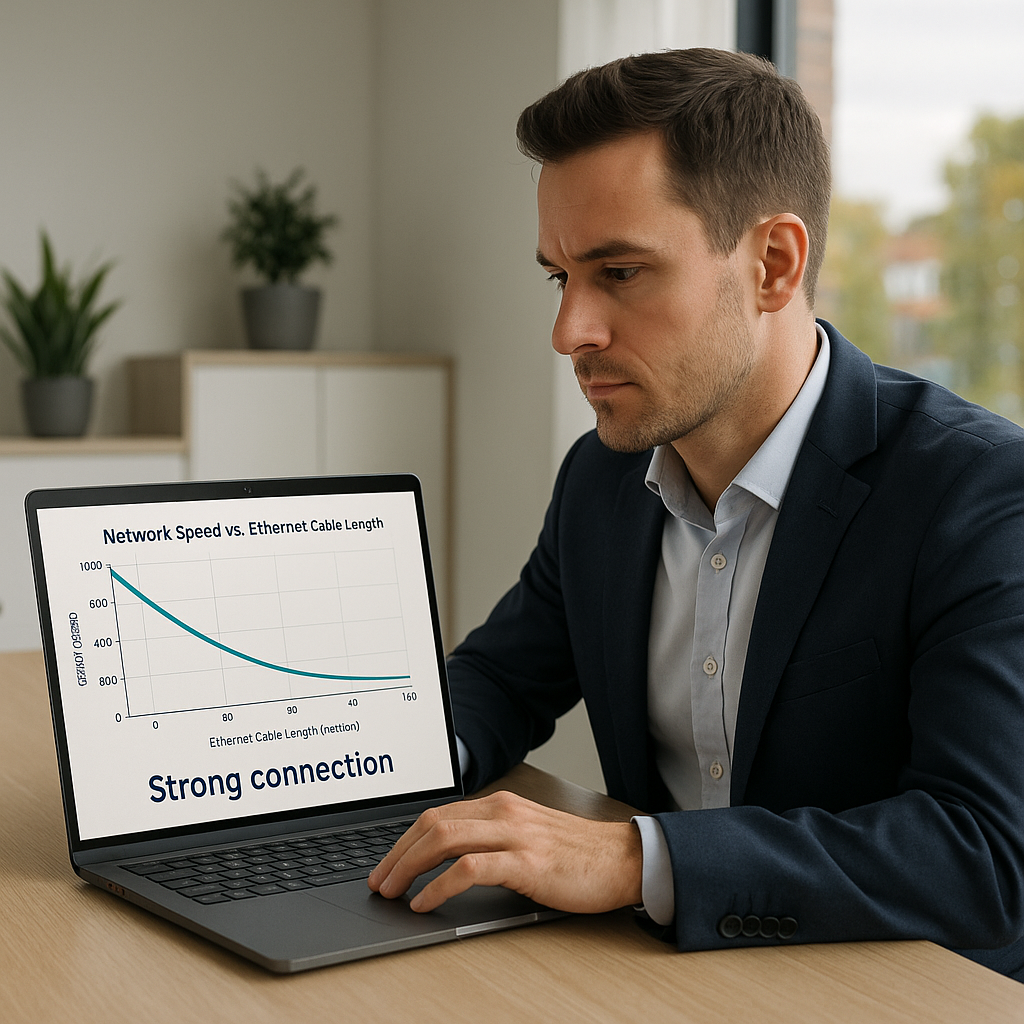
A weak or unstable internet connection can hinder your ability to download updates. For business owners, this is critical; maintaining strong connectivity ensures that all vehicle software remains up-to-date, minimizing downtime and maximizing productivity.
Storage Space
If your device’s storage is full, the update will not go through. Regular maintenance of device storage is vital for the optimal functionality of apps, especially for businesses that depend on tech for daily operations.
Practical Use Cases for Android Auto in Business
Let’s look at some real-world examples of how keeping Android Auto updated can benefit specific types of businesses:
Delivery Services
If you’re managing a delivery service, an updated Android Auto can provide real-time navigation and route optimization features, cutting down on delivery times and improving customer satisfaction.
Taxi and Rideshare Services
Taxi services with updated Android Auto can leverage seamless app integration for payment processing and customer alerts, boosting revenue and ensuring a smooth user experience for both drivers and passengers.
Catering Businesses
For catering companies delivering food to events, real-time traffic information provided by Android Auto can help in planning the best routes, ensuring that food arrives hot and fresh, which is critical for client satisfaction.
Conclusion
In conclusion, manually updating Android Auto is a straightforward process that can enhance your driving experience and improve your business operations. If you encounter any issues while updating, understanding the underlying causes can help you address them effectively. If you need assistance integrating technology into your business or ensuring all your systems are running smoothly, don’t hesitate to reach out to Best Choice. Our team is here to help you with custom solutions tailored to your needs, maximizing your efficiency and driving growth.