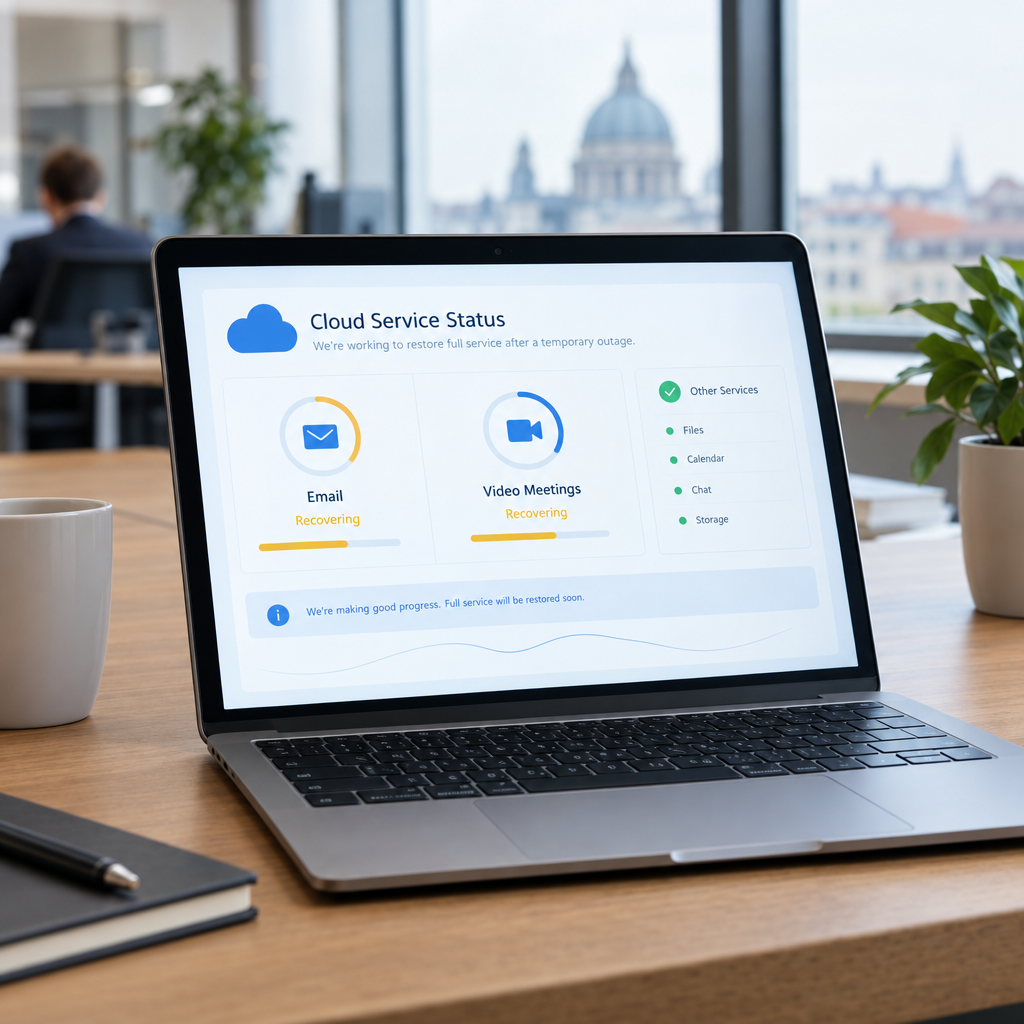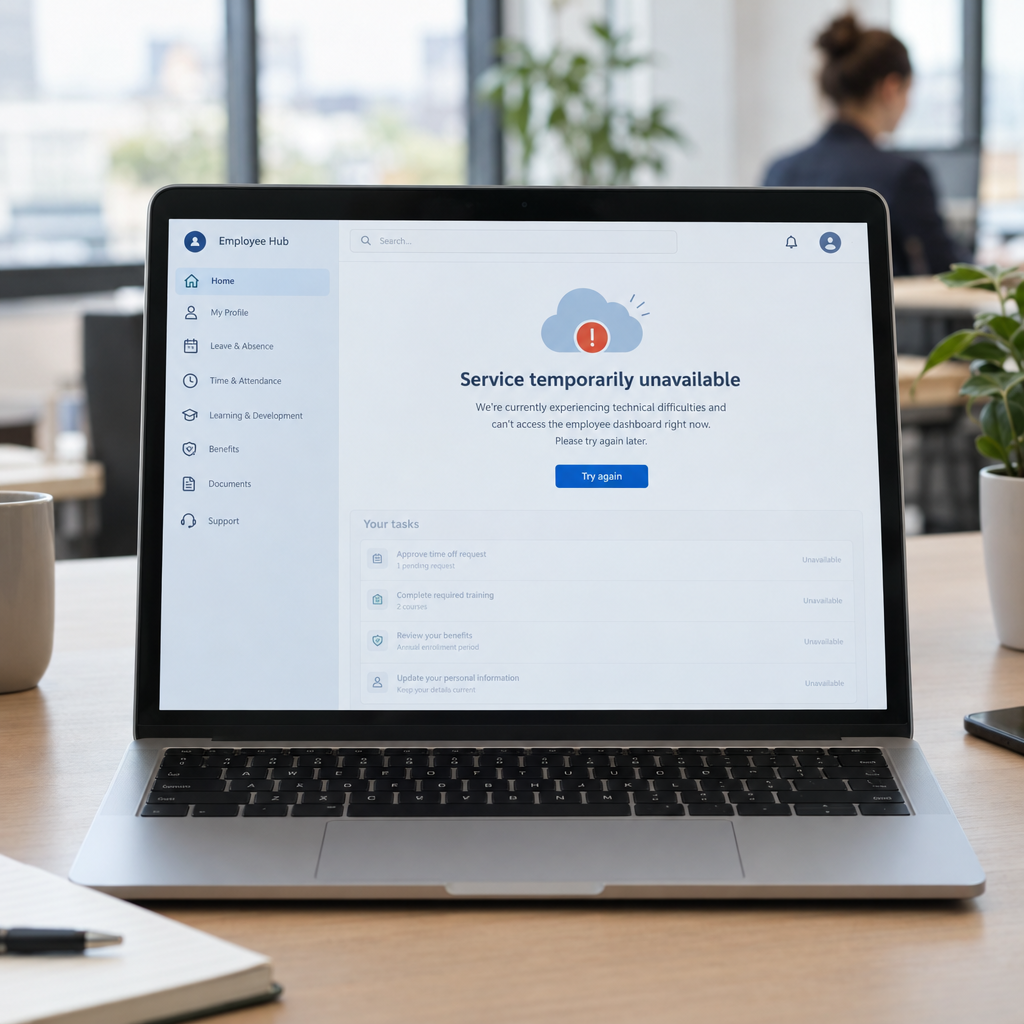
A cloud platform outage can quickly become a business problem. When employees cannot access an HR system such as Workday, they may be unable to check schedules, request leave, update personal details or find important workplace information. Managers and HR teams can also lose access to approvals and records they rely on to keep daily operations moving.
The recent Workday outage is a reminder that even widely used business platforms can become temporarily unavailable. At Best Choice, we help businesses reduce this risk with practical integrations, automated fallback processes and custom-built tools. The goal is not to replace a platform that works well, but to make sure essential tasks can continue when it does not.
1. Understand what an HR platform outage can interrupt
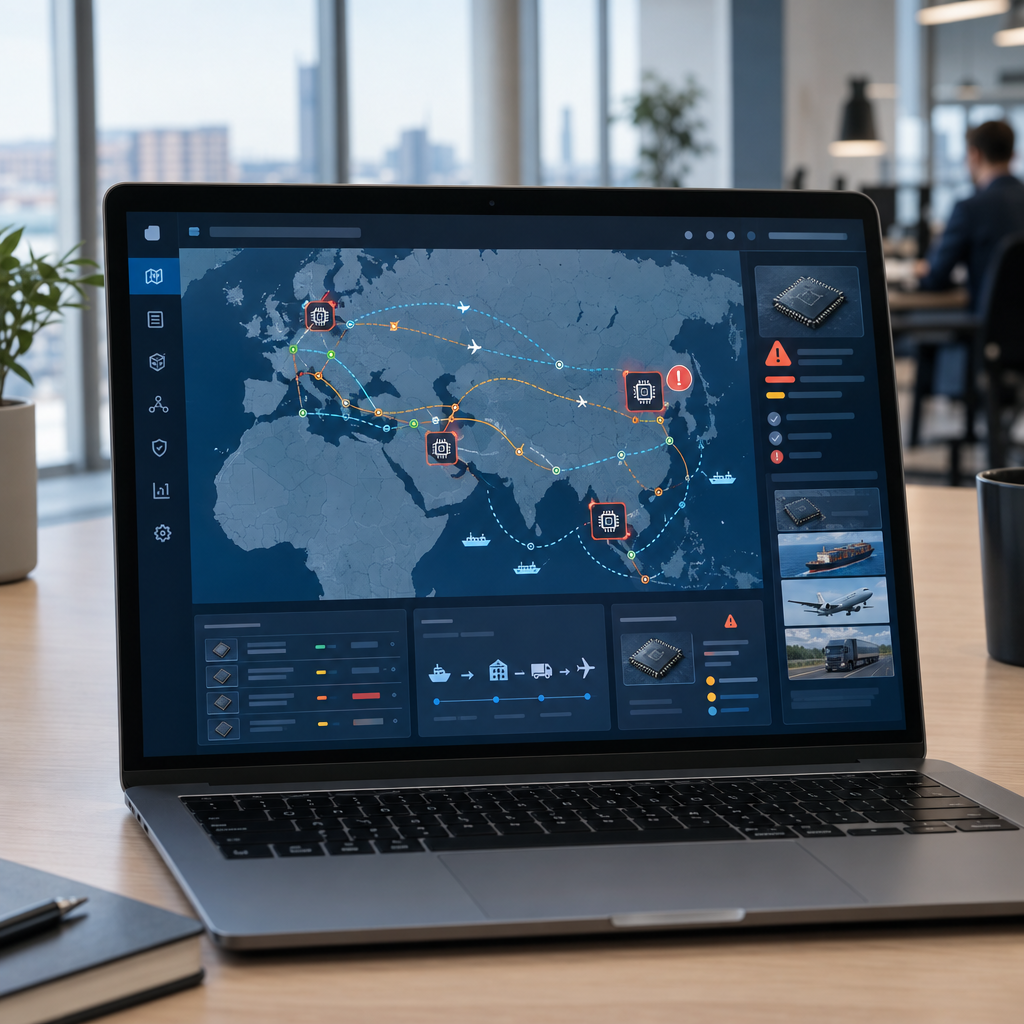
An HR platform often supports much more than employee records. It may be connected to payroll, staff scheduling, recruitment, time tracking, expense claims and internal reporting. If access is interrupted, the effects can spread to several departments at once.
For example, a café manager may be unable to confirm who is available for a shift, while a warehouse supervisor may not be able to check staff assignments. In a clinic, delayed access to schedules or contact details can create extra pressure for administrators. Mapping these dependencies is the first step towards a reliable continuity plan.
2. Create a practical fallback for essential tasks
Not every HR task needs to stop during an outage. Businesses can decide in advance which activities are essential, who can approve them and how employees should submit requests while the main system is unavailable. A simple, well-managed fallback process can prevent confusion and reduce manual work later.
We can build a secure, custom workflow for temporary tasks such as shift changes, absence notifications or urgent approval requests. It can collect the information in one place and synchronise it with the main HR platform when service returns. This gives employees a clear alternative without creating a long-term duplicate system.
3. Connect systems carefully and plan for recovery
Many companies connect HR software to payroll, accounting, access control or scheduling tools. These integrations save time, but they can also create dependencies: if one connection fails, information may stop moving between systems. A robust integration should detect errors, record what has not been transferred and make it possible to retry safely.
At Best Choice, we can review existing Workday integrations and build or improve APIs and automation around them. For example, a payroll workflow can flag missing time records instead of silently passing incomplete data onward. Once systems are available again, teams can reconcile queued updates and confirm that no important changes were missed.
4. Keep critical information available and secure
Businesses should identify the limited information employees and managers may need during an outage, such as emergency contacts, current shift assignments or instructions for reporting an absence. Any offline or backup access must be designed carefully, with appropriate permissions, encryption and data retention rules. A full, uncontrolled copy of an HR database can create more risk than it solves.
For Danish and European organisations, privacy planning should take GDPR obligations into account. We recommend reviewing who can access backup information, how long it is retained and how access is logged. The aim is to support continuity while still protecting employee data.
5. Test the plan and consider the right technology
A continuity plan is only useful if staff know how to use it. Run a short exercise: ask a manager to handle a shift change or an absence request without access to the normal HR system. This can reveal unclear responsibilities, missing contact details or steps that depend on a single person.
Some organisations may also review whether their current HR software fits their needs. Open-source business platforms such as Odoo or ERPNext may be relevant for particular use cases, but changing systems is a significant decision involving data, support and integrations. We can help assess requirements, connect platforms or improve an existing setup rather than recommending a migration without a clear business reason.
6. Turn downtime into a stronger business process
An outage can expose manual processes that were already slowing the business down. A retailer, for instance, might use the review to automate routine leave approvals, while an online store could improve the way staff schedules connect with seasonal demand. Better workflows can save HR teams time and give managers clearer information—even when every system is operating normally.
Start by listing your most important employee workflows, the systems they depend on and the person responsible for each one. Then prioritise a small number of improvements, such as an outage notification process, a secure request form or automatic checks for failed integrations. This makes resilience part of everyday business automation, not just an emergency response.
Prepare your business for the next outage
A cloud service outage does not have to bring essential work to a standstill. With clear fallback procedures, secure access to critical information and integrations designed to recover properly, your business can keep important tasks moving and reduce the effort required afterwards.
We at Best Choice can help you assess your HR workflows, improve Workday integrations or build custom automation and backup processes around your existing systems. Contact us to discuss a practical solution that fits your business and helps your team stay prepared.