Microsoft Services Are Returning After an Outage Disrupted Outlook, Teams and More
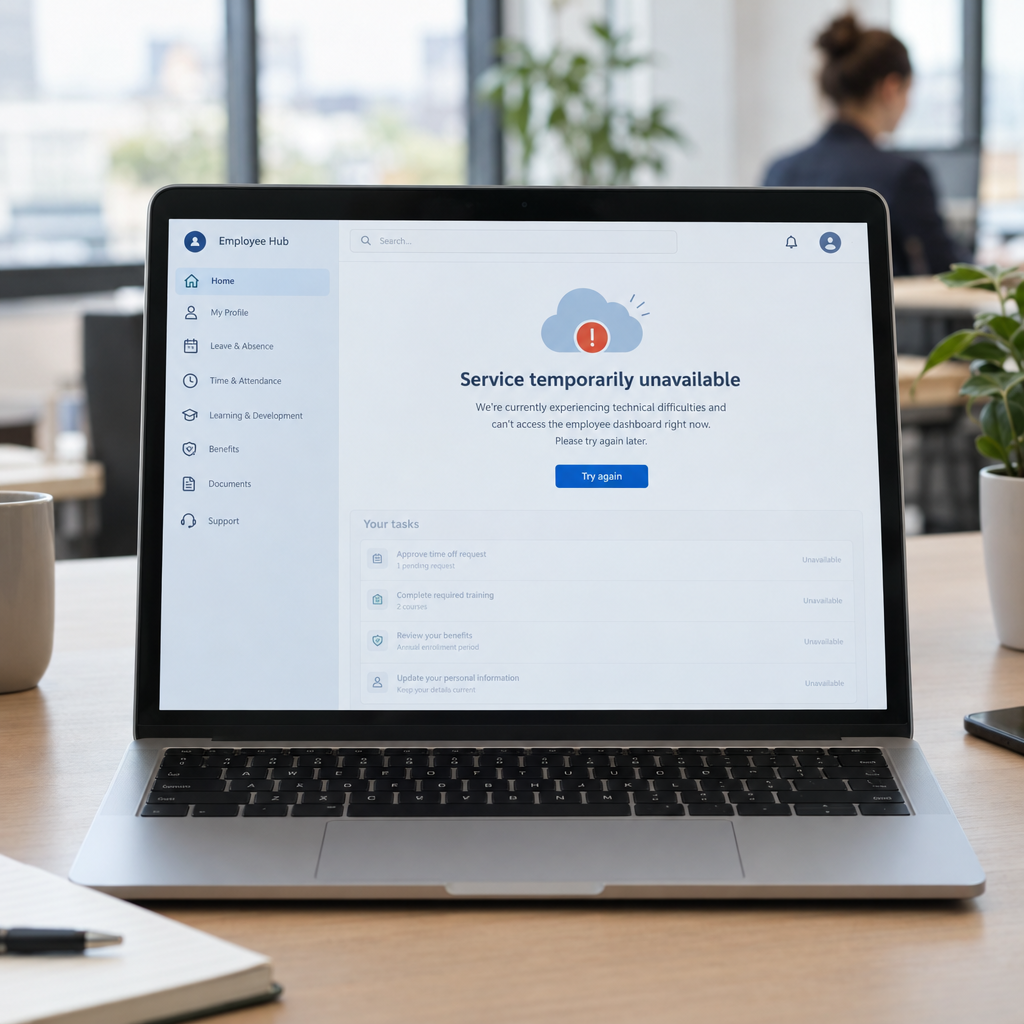
When Outlook, Teams and other Microsoft services become unavailable, the effects can spread quickly. The reported outage affected organisations including the House of Representatives, healthcare providers and schools—showing how much everyday work depends on cloud-based communication and collaboration tools.
Services returning is welcome news, but recovery can take time. Messages may be delayed, meetings disrupted and staff left unsure which systems are safe to use. At Best Choice, we help businesses prepare for these interruptions with practical IT planning, connected systems and automated processes that keep essential work moving.
1. Why a cloud outage can affect the whole business
Email and collaboration platforms often sit at the centre of business operations. Staff use them to contact customers, share files, manage appointments and coordinate with suppliers. When one service is unavailable, connected workflows can also slow down.
For example, a clinic may rely on email for appointment changes, while a warehouse uses shared documents to coordinate deliveries. A webshop might depend on team messages to resolve an urgent order issue. The impact is not limited to lost messages: delays can affect customer service, revenue and staff productivity.
2. Recovery is a process, not always a single moment
When a provider announces that services are returning, access may still vary between users or locations. Some people may reconnect quickly, while others may experience delays or need to sign in again. Businesses should follow official service updates and avoid assuming that every connected feature is working normally.
We recommend giving staff a simple update: what is affected, which temporary process to use, and where to report problems. This reduces confusion and prevents people from creating unsafe workarounds, such as sending sensitive business information through unapproved accounts.
3. Prepare a practical communication fallback
Every organisation should know how it will communicate during an email or meeting-platform outage. A small café may use a phone list to contact staff about shift changes, while a booking service could display a customer notice and provide a temporary phone contact. A larger business may need a structured incident channel and clear escalation roles.
At Best Choice, we can help map critical communication needs and build a fallback plan around them. This can include contact lists, automatic website notices, alternative meeting arrangements and clear procedures for handling urgent customer requests.
4. Keep essential workflows moving with connected systems
A business can reduce disruption by avoiding unnecessary dependence on a single application for every task. For instance, order information can be stored in a business database or webshop system rather than existing only in an email thread. Booking confirmations can be automated, and key operational records can be made available to authorised staff through a separate workflow.
We design and integrate systems to fit how a business actually works. A warehouse might connect inventory and delivery processes; a clinic could streamline appointment administration; and an online store could route support requests into a customer-management system. The goal is not to duplicate everything, but to ensure vital tasks have a reliable path forward.
5. Consider alternatives without rushing into a replacement
For some organisations, open-source tools can provide useful options for file sharing, video meetings or team communication. Solutions such as Nextcloud, Jitsi and Matrix are used across Europe and may suit specific needs, depending on security, hosting and support requirements.
Switching platforms is not automatically the right response to one outage. Businesses should assess data protection, user experience, integrations, maintenance and recovery arrangements before making a change. We can help evaluate existing Microsoft services, configure suitable alternatives where appropriate, and connect tools so staff are not left managing disconnected systems.
6. Turn an outage into a resilience review
After services are stable, take time to identify what was affected and what could be improved. Ask which tasks stopped, how long recovery took, whether staff knew what to do and whether customers experienced delays. These answers can guide a realistic continuity plan rather than a generic checklist.
- List the business processes that depend on cloud services.
- Identify who makes decisions during an IT incident.
- Set up secure backups and test how information can be restored.
- Document approved communication and workarounds.
- Review integrations and remove avoidable single points of failure.
Build a more resilient digital workplace
Cloud platforms make it easier for teams to work together, but every business should be prepared for temporary disruption. A clear response plan, well-designed integrations and dependable data processes can help protect customer service and keep essential work moving.
We at Best Choice help businesses across Denmark and Europe improve IT workflows, integrate cloud services and automate routine tasks. Contact us to review your systems and build a continuity approach that fits your organisation.