AI Wallets and ChatGPT: Should You Let an AI Agent Spend Your Money?
AI agents are moving beyond answering questions. With wallet features, they may be able to find products, compare options and make purchases on a user’s behalf. For businesses, that could mean fewer routine tasks—but it also raises important questions about payment security, spending limits and who is responsible when an automated purchase goes wrong.
At Best Choice, we help businesses use automation without handing over control. The goal is not to give an AI unrestricted access to a bank account. It is to build a clear process where the system can do useful work, follow your rules and ask for approval when a decision matters.
1. What an AI wallet could mean for your business
A wallet connected to an AI agent could let it complete tasks that currently require a person to move between websites and payment screens. For example, an agent might reorder office supplies, book a service or purchase an item after checking price and availability.
For a café, this could mean automatically preparing a supplier order when coffee beans or packaging run low. For an online shop, an agent might help source replacement stock. These examples are most useful when the agent follows clear instructions and works with reliable business data.
2. Convenience should not mean sharing your banking login
There is an important difference between allowing a service to make an approved payment and giving it your bank username, password or one-time security codes. Never share online banking credentials with a chatbot or paste them into an AI conversation.
Where payment integrations are available, safer systems typically rely on controlled authorization rather than exposing your full banking access. Businesses should check what permissions a wallet requests, how to revoke them and which payment protections apply. In Denmark and across Europe, payment services may also involve strong customer authentication under relevant payment rules, but the exact requirements depend on the service and transaction.
3. Set spending rules and approval steps
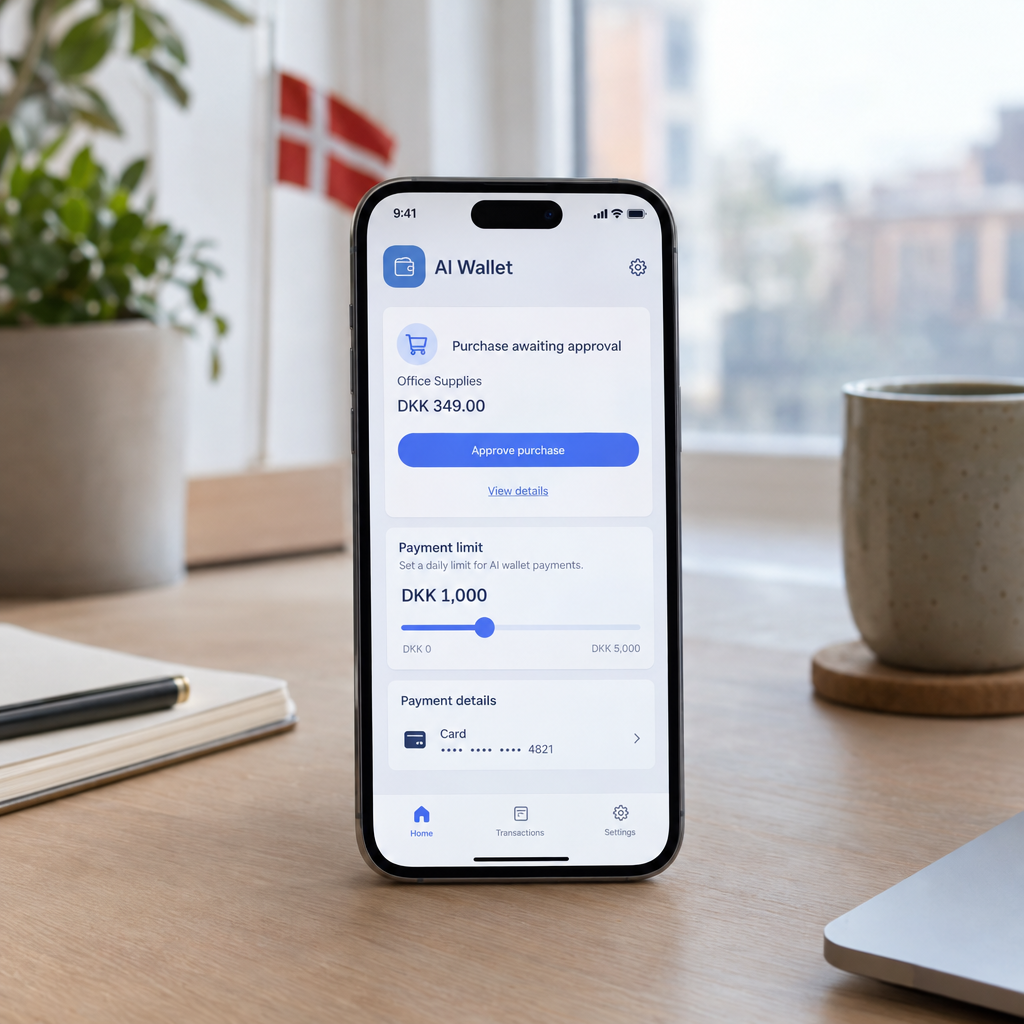
Even a well-designed AI can misunderstand a request, select the wrong item or act on outdated information. A useful purchasing workflow therefore defines what the agent can do independently and when it must stop for a person’s approval.
- Set a maximum amount per purchase and per day.
- Limit purchases to approved suppliers or product categories.
- Require approval for new suppliers, unusual orders or recurring payments.
- Keep a record of the request, selected product, price and final decision.
For example, a warehouse system might automatically reorder standard packing materials below a set price, while asking a manager to approve a large or unfamiliar order. This saves time without removing useful oversight.
4. Connect AI to business systems carefully
An AI agent is only as dependable as the information and tools it can access. Before enabling purchasing automation, connect it to accurate stock levels, supplier details, budgets and approval rules. If the data is spread across spreadsheets, email and separate business software, automation can make existing confusion happen faster.
We at Best Choice can design custom integrations that connect AI workflows with inventory, accounting, CRM or e-commerce systems. Depending on the business, we can also set up and adapt platforms such as Odoo, ERPNext or n8n, then add permissions and human approval steps around the process.
5. Protect customer, employee and payment data
Purchases may expose more than payment details. An agent could also handle customer addresses, order histories, supplier contracts or employee information. Businesses should decide what data the tool needs, who can access its activity and how long records should be retained.
Start with a limited pilot using low-risk tasks and test what happens when information is incomplete or a supplier changes its terms. Keep access restricted, review logs regularly and make sure staff know how to pause or disable the automation. These practical controls support better security and help businesses meet their privacy responsibilities in Europe.
6. Start with one useful, low-risk workflow
You do not need to automate every purchase at once. Choose a repetitive task with clear rules, such as replenishing standard supplies, and measure how long it takes today. Then compare the time saved, error rate and total cost after a controlled trial.
A clinic, for example, could begin by automating reminders for approved office supplies—not sensitive clinical purchasing. An online store could test price and stock checks before allowing any orders. If the process works reliably, you can gradually expand it while keeping approval for higher-value decisions.
Conclusion: Give AI a role, not unlimited access
AI wallet features may make business purchasing faster, but convenience should never replace sensible financial controls. Use secure authorization, set spending limits, protect business data and require human approval where the risk is higher.
At Best Choice, we help businesses across Denmark and Europe plan and build practical AI integrations, automation and secure workflows. Contact us to explore how your business can save time while keeping control of every important decision.