Backloggd Password Reset Reminder: What Users and Businesses Should Do After a Breach
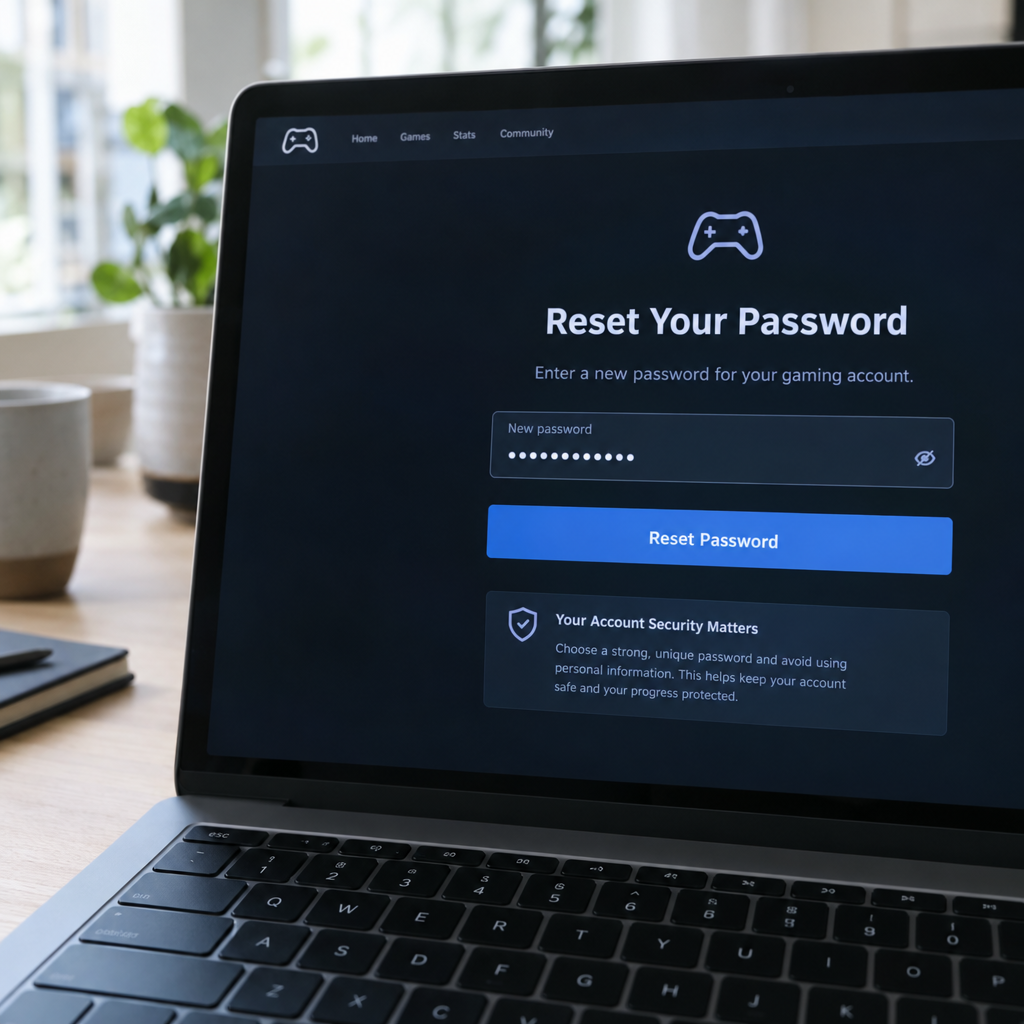
Backloggd has urged users to change their passwords after a breach. If you use the service, you may need to log in again and reset your password. It is a good reminder that even a small online account can create a security risk when its password is reused elsewhere.
For businesses, the same lesson applies at a larger scale. A compromised account can expose customer information, interrupt daily work or provide a route into other systems. We at Best Choice help businesses build practical security workflows, automate routine responses and connect the tools they already use.
1. Take the Backloggd password warning seriously
If you have a Backloggd account, follow the service’s official instructions to log in and reset your password. Go directly to the website or app rather than following an unexpected email link. This helps reduce the risk of phishing messages that imitate a legitimate security notice.
Do not assume that a breach exposed specific information unless the service confirms it. Instead, take sensible precautions: use a new, unique password, check for unfamiliar account activity if that option is available, and sign out of sessions you do not recognise.
2. Change reused passwords on other accounts
A password reset is especially important if you used your Backloggd password on another website. Attackers may try stolen passwords on email, shopping, social media and business accounts. Change any reused passwords, starting with your email account, since it is often used to reset access to other services.
For a small business, this can be hard to manage when employees have accounts across booking systems, cloud storage, customer databases and online shops. We can help create a clear access process, including account ownership, secure offboarding and reminders to review important permissions.
3. Use a password manager and multi-factor authentication
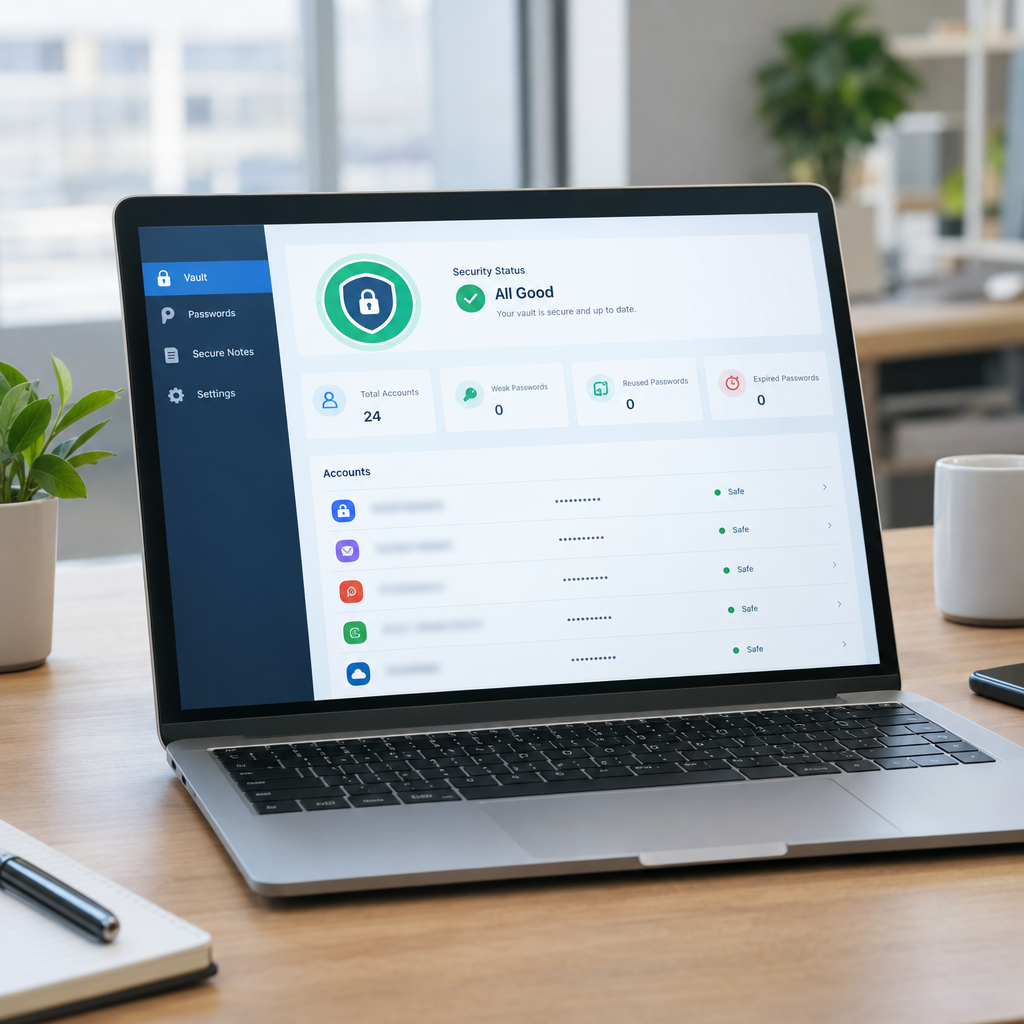
A password manager makes it easier to use a different strong password for every account. Open-source options such as Bitwarden and KeePassXC are used by individuals and organisations across Europe. The right choice depends on your team, devices, security requirements and how you want to manage access.
Where available, turn on multi-factor authentication (MFA) as well. MFA asks for a second proof of identity, such as an authenticator-app code, in addition to a password. We can help businesses choose and configure suitable tools, set up secure access policies and make the process straightforward for staff.
4. Give your business a clear incident response process
When an employee account may be compromised, people need to know what to do—and who to tell. A practical response plan might include changing the affected password, ending active sessions, checking account activity, reviewing connected apps and notifying the right manager or IT contact.
We can build tailored workflows that guide staff through these steps and send alerts to the right people. For example, a clinic could route a suspected account issue to its IT contact immediately, while a warehouse could temporarily restrict access to operational systems until the account is checked. Clear procedures can reduce confusion and downtime.
5. Connect security checks to the systems your team uses
Security work often becomes harder when systems do not share information. A business may use separate platforms for its webshop, CRM, booking service and staff accounts. With suitable integrations, routine tasks—such as creating access for a new employee or removing it when someone leaves—can be handled more consistently.
We at Best Choice can assess your existing setup and develop custom integrations or automation around your business processes. This can save administration time, reduce forgotten access and give decision-makers a clearer view of who can reach important data.
6. Make security part of everyday business operations
Good security is not only a response to a breach. Review who has access to sensitive systems, remove accounts that are no longer needed, update software and teach staff how to spot suspicious links. Keep a simple record of key systems and the person responsible for each one.
Depending on the organisation and the data it handles, Danish and European privacy obligations may also be relevant. A breach does not automatically mean every business has the same reporting duties, so seek appropriate advice when personal data may be involved. A documented process helps your team respond more calmly and consistently.
Conclusion: Turn a password warning into a stronger process
If you use Backloggd, reset your password through the official service and change it anywhere else you reused it. For businesses, the wider opportunity is to make account security easier to manage through clear procedures, suitable tools and well-planned automation.
We at Best Choice can help you review your IT setup, improve access management and connect security workflows with your existing systems. Contact us to discuss practical ways to protect your business and keep work moving.