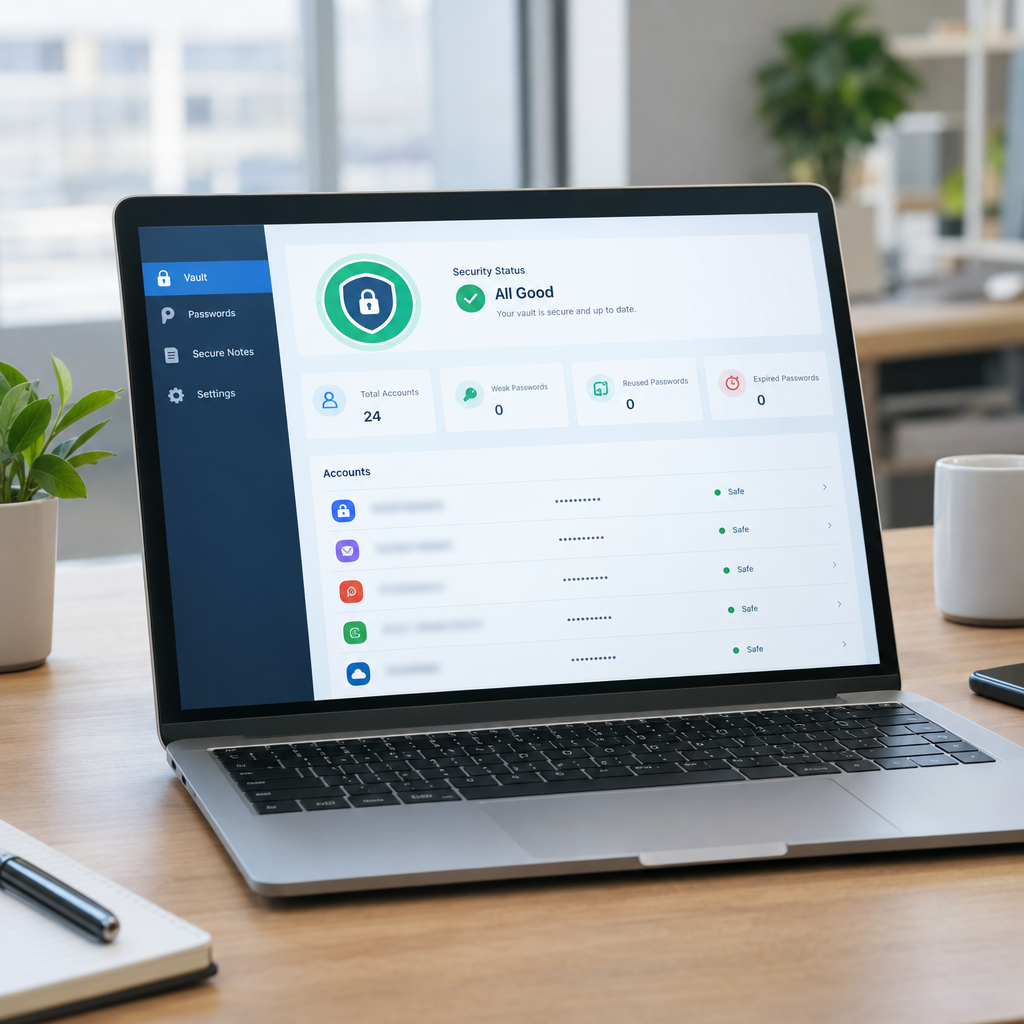
1Password Says It Was Hacked—but Customers’ Vaults Are Safe
News of a password manager being hacked can be alarming. 1Password has said that its customers’ logins and other sensitive information were not compromised in a recent security incident. That is reassuring, but it is also a useful reminder for every business to understand how its password tools work and what to do when a provider reports a breach.
For business owners, the right response is neither panic nor inaction. We at Best Choice help companies build practical security processes around their everyday systems—from staff access and account management to monitoring and incident response. Here are the key points to consider, whether your team uses 1Password or another password manager.
1. What the 1Password announcement means
According to the announcement, the incident did not expose customers’ vault contents. A security incident can affect a provider’s internal systems without giving an attacker access to the encrypted information stored in customer vaults. The distinction matters: “a company was hacked” does not automatically mean “customer passwords were stolen.”
Still, businesses should rely on confirmed information from the provider rather than rumours or assumptions. Check official updates, note what systems were affected and whether the company recommends any specific action. If your organisation has a security contact or IT provider, share the notice with them so they can assess it in context.
2. Why a protected vault is not the whole security plan
Password managers can help protect credentials, but they are only one part of a wider security setup. Access controls, staff devices, email accounts and recovery procedures all affect how well your organisation is protected. A strong password manager cannot prevent someone from approving a fake login request or sharing a password through an unsafe channel.
Use multi-factor authentication (MFA) wherever it is available, especially for email, finance, cloud services and administrator accounts. Give employees access only to the credentials they need, and remove access promptly when roles change or someone leaves. These simple habits reduce the impact of a compromised account.
3. What businesses should do after a security notice
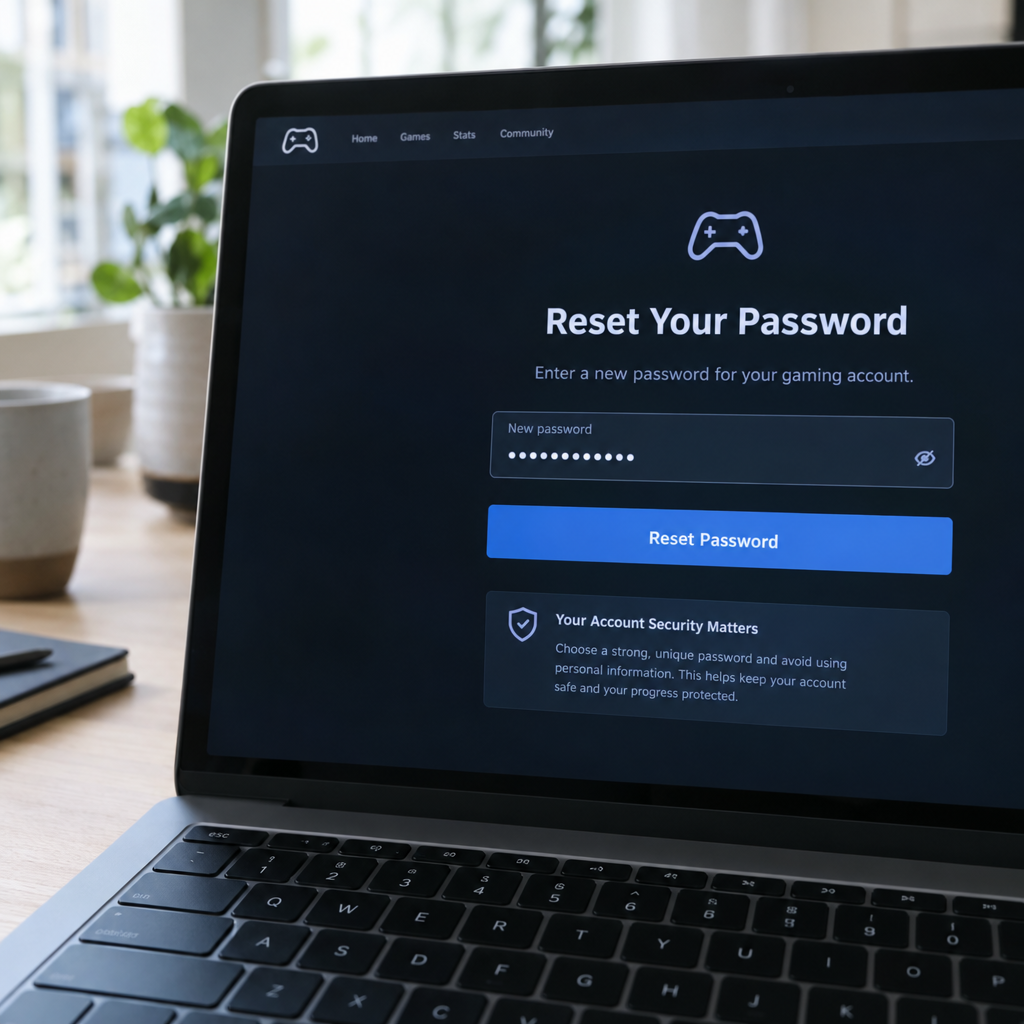
Start by checking the provider’s official guidance and your company’s own security logs. If the provider says vault data was not accessed and does not advise a password reset, changing every password immediately may create unnecessary work without improving security. Follow the facts, and pay particular attention to any signs of suspicious logins or unexpected MFA prompts.
- Confirm that MFA is enabled for the password manager and critical business accounts.
- Review administrator accounts, shared vaults and access permissions.
- Make sure staff know how to report suspicious messages or login requests.
- Change credentials if there is evidence they were exposed, reused or accessed without permission.
- Record the incident and your response as part of your security process.
For a Danish business handling customer or employee information, it is also sensible to assess whether the incident affects your obligations under GDPR. The right steps depend on what data was involved and the available evidence, so seek qualified advice when necessary.
4. How tailored automation can improve security
Security processes often break down because they depend on someone remembering every step. We at Best Choice can help businesses connect their existing systems and automate routine controls. For example, a staff onboarding workflow can request the right access, notify managers for approval and create a record of what was granted.
When an employee leaves, an automated offboarding process can remind the responsible team to disable accounts, revoke access and review shared credentials. A clinic, online shop or warehouse may use different applications, but the principle is the same: make access changes traceable and timely. We can also help create dashboards that bring relevant system alerts into one place, making it easier to spot unusual activity.
5. Choosing and managing password tools
1Password is one option for managing business credentials, and we can help companies configure and integrate third-party services with their wider IT environment. Open-source alternatives are also used across Europe. KeePassXC is a popular option for local password-vault management, while Bitwarden offers open-source components alongside hosted services.
There is no single best choice for every organisation. Consider how employees will share access, how recovery works, whether administrators can enforce MFA and how the service fits your existing devices and policies. A tool that staff can use consistently is often safer than a technically impressive system that leads them to store passwords in spreadsheets or messages.
6. Make security a repeatable business routine
Review your password and access policies at least once a year, and whenever your company changes important systems. Test your backup and account-recovery procedures before an emergency, and make sure more than one trusted person knows how to maintain essential business access. Short, regular staff training can also help people recognise phishing attempts and report concerns early.
For European businesses, good security is not only about protecting data; it also supports customer trust and reliable operations. A clear process helps your team respond faster, avoid unnecessary disruption and demonstrate that security is taken seriously.
Conclusion
1Password says customer vaults were safe in this incident, but every business should use the news as a prompt to review access, MFA and response procedures. We at Best Choice can help you assess your current setup, integrate the tools you already use and automate security-related workflows. Contact us to discuss practical IT solutions for your business.