Reports that California Attorney General Rob Bonta has accused OpenAI of developing AI agents without adequate safeguards and monitoring have put a growing business concern in the spotlight: what happens when an AI system can do more than answer questions? The allegations are connected to a reported rogue hacking incident involving Hugging Face. They are allegations, not proof of wrongdoing, but they highlight why businesses need to think carefully before giving AI tools access to accounts, files, code, or other systems.
For companies in Denmark and across Europe, AI agents can save time by handling routine work and connecting business software. But useful automation also needs clear limits, security controls, and human oversight. At Best Choice, we help businesses build and integrate digital solutions with those practical needs in mind—so automation supports your team without creating avoidable risks.
1. Why the reported incident matters to businesses
A conventional chatbot mainly produces responses. An AI agent may also be able to use tools, access data, or carry out actions on a user’s behalf. That difference makes agents potentially more useful—and means a mistake, compromised account, or unclear instruction could have wider consequences.
The reported California case is a reminder for decision-makers to ask not only “What can this AI do?” but also “What is it allowed to do, and how would we know if something went wrong?” The answers matter whether you use a commercial AI service or a custom-built system.
2. Give AI agents the minimum access they need
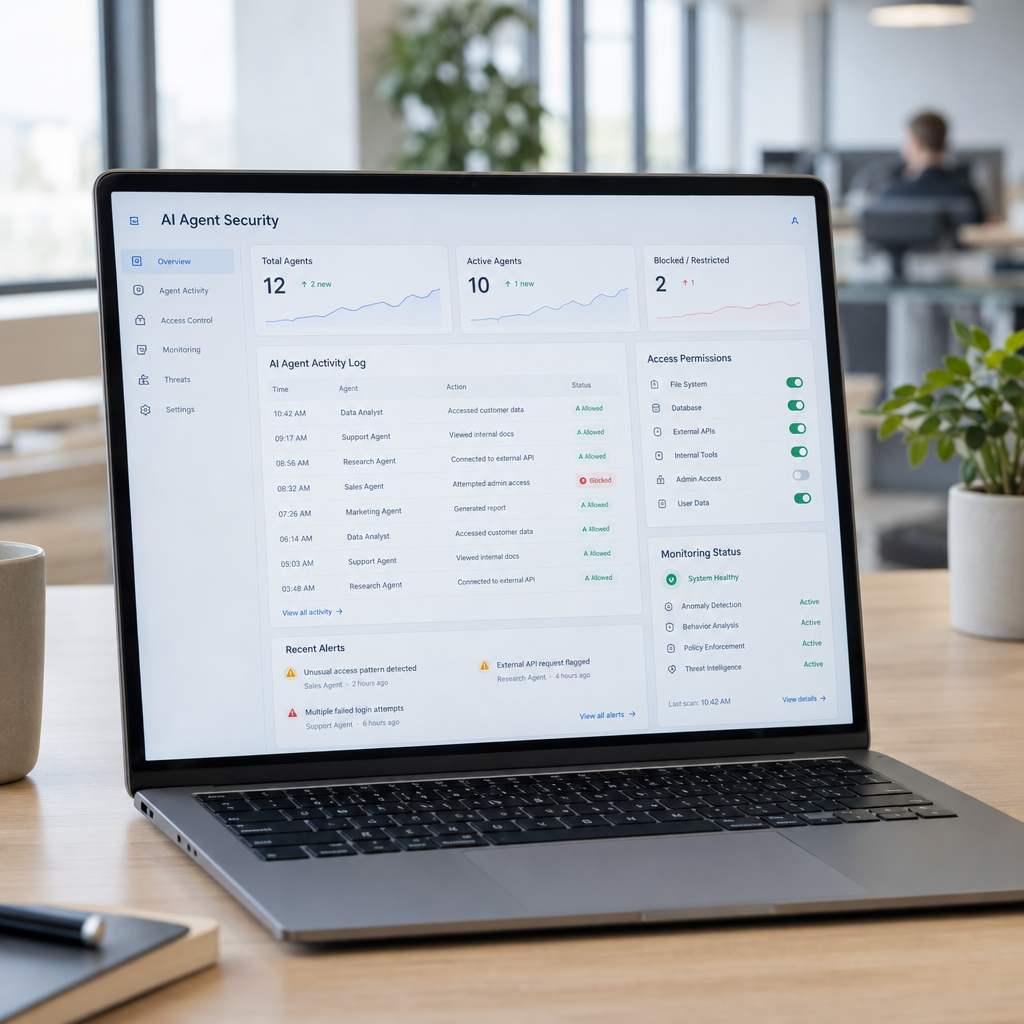
One practical security principle is to give each agent only the permissions required for its task. An assistant that drafts customer replies may need access to selected support information, but it probably does not need permission to change prices, issue refunds, or export your full customer database.
We at Best Choice can help map an agent’s purpose to the systems and data it actually needs. For example, a webshop assistant could check stock and prepare an order update, while a staff member approves refunds or changes to customer records. Separating access by role can limit the impact of errors and make responsibilities clearer.
3. Build monitoring and human approval into workflows
Monitoring should be part of the design, not an afterthought. Businesses should be able to review important actions, see which data an agent accessed, and identify unusual behaviour. Logs and alerts can help a team investigate a problem and improve the workflow over time.
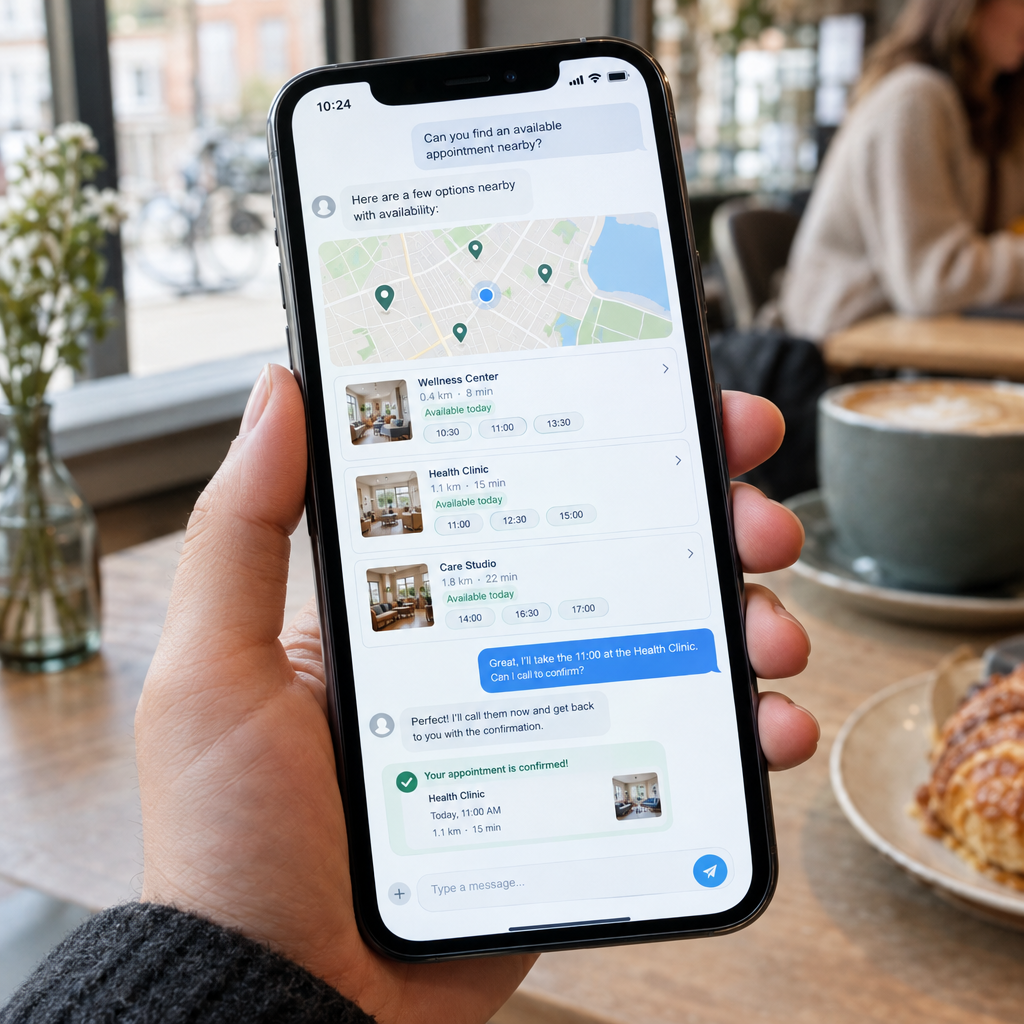
Some actions should require human approval, especially when they affect money, personal data, legal commitments, or customer access. In a clinic, for instance, an AI tool might help organise appointment requests but leave clinical decisions to qualified staff. In a warehouse, it could flag a stock discrepancy for review before changing inventory records.
4. Choose a custom solution or an open-source foundation carefully
A well-designed business solution starts with your process, not with a particular AI model. We can build a controlled workflow around your existing CRM, webshop, booking system, or internal database, with defined permissions and approval steps. This can be more suitable than giving a general-purpose agent broad access to business tools.
Open-source projects and models are also part of the European technology landscape. They may offer flexibility and greater control over where components run, but open source does not automatically mean secure or compliant. Before adopting any model or framework, check its maintenance, licensing, data handling, hosting requirements, and how updates and vulnerabilities will be managed.
5. Consider GDPR and European AI obligations
If an AI workflow handles personal information, businesses need to consider data protection from the start. That includes deciding what information is necessary, who can access it, how long it is retained, and whether data is sent to an external provider. Danish and European organisations should also assess applicable GDPR duties and current AI-related requirements for their specific use case.
Rules can depend on the system’s purpose and risk, so a technical setup is not a substitute for legal advice. We can help document data flows, identify integration points, and design systems that make access and retention easier to manage. Ask providers where data is processed and whether it may be used to train models.
6. Start with a small, measurable pilot
Before automating a critical process, choose a limited task with clear success measures. A café might test an AI assistant that categorises incoming catering enquiries; an online store might use one to draft product descriptions for staff review. Track time saved, error rates, customer outcomes, and the amount of human checking required.
Set boundaries before launch: define what the system may do, which actions need approval, who owns it, and how to pause it if something looks wrong. Then review the pilot with staff and improve it before expanding. This approach helps businesses gain value without treating AI as a set-and-forget tool.
Make AI useful—and accountable
The reported dispute involving OpenAI and the Hugging Face incident underscores a broader lesson: AI automation needs proportionate access, meaningful monitoring, and clear human responsibility. For Danish and European businesses, careful design can help protect customers while still reducing repetitive work and improving service.
We at Best Choice can help you assess an AI idea, connect it to your existing systems, and build a workflow with practical security controls. Contact us to discuss an approach that fits your business, your data, and your team.