Generative AI can help businesses create designs faster, but it is not right for every task or every team. Canva is rolling out settings that let users switch off most generative AI features in its app—a useful change for organisations that want more control over how their staff create visual content.
For business owners, the key question is not simply whether to use AI. It is how to choose tools and workflows that fit your brand, privacy requirements and day-to-day operations. At Best Choice, we help businesses make those choices practical, connecting design tools with the systems and processes that keep work moving.
1. What Canva’s AI settings could mean for your business
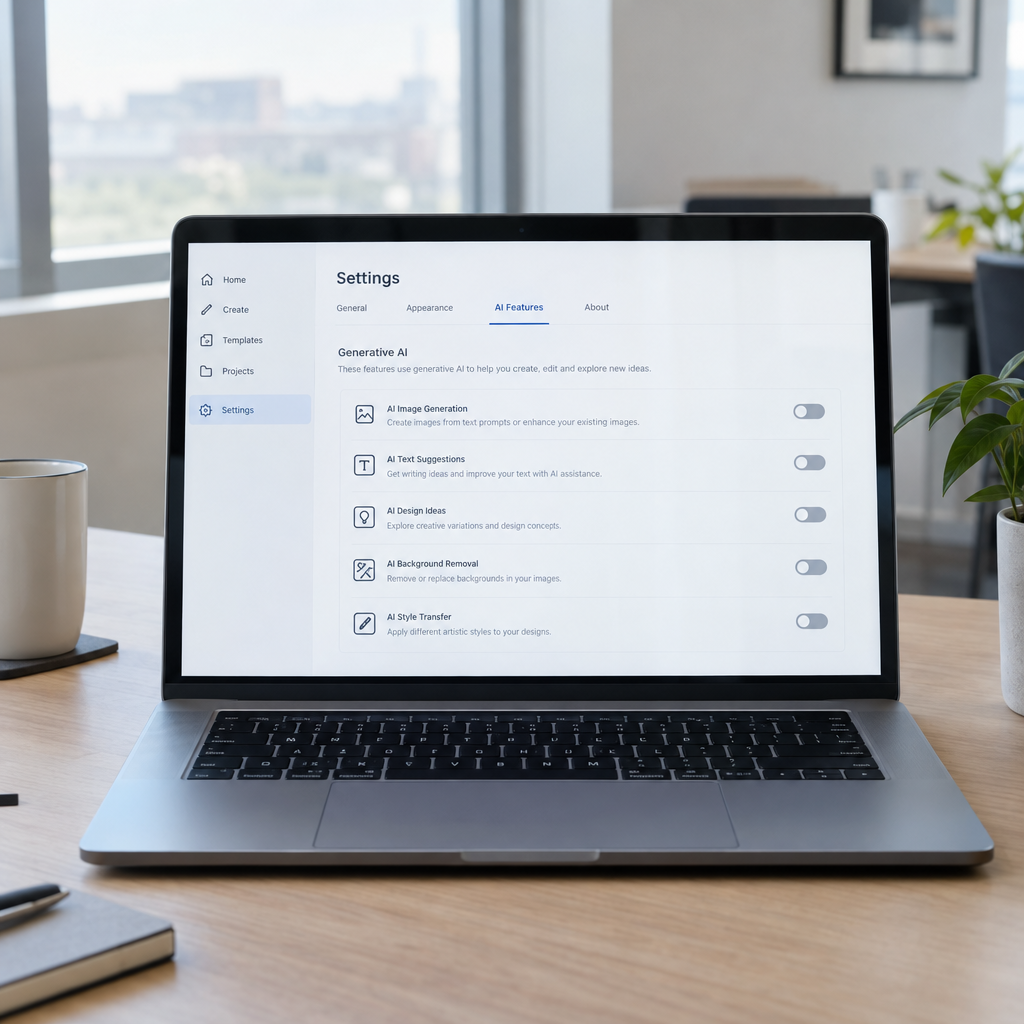
Canva’s new settings are intended to let users turn off most generative AI in the app. The exact controls and availability may vary as the rollout continues, so check your account settings and Canva’s current documentation before changing team procedures.
For a Danish retailer, for example, this could help staff create product graphics using approved photos and templates without relying on AI-generated images. A marketing team might still choose to use AI for certain drafts, while keeping final product claims, prices and brand visuals under human control.
2. Why some businesses want less generative AI
AI features can raise practical questions about consistency, accuracy, privacy and brand ownership. A clinic may not want employees entering sensitive information into a general-purpose tool, while a manufacturer may need every product image to match precise specifications.
Turning off AI features can also simplify training. Staff can focus on a clear set of approved templates and processes instead of deciding which AI tool to use for every task. This does not remove the need to review Canva’s terms or your own data policies, but it can support a more controlled workflow.
3. Set clear rules for design and content
Before changing software settings, decide what your team should use Canva for and who approves the results. A small online store could allow staff to create social posts from pre-approved templates, while requiring a manager to check product descriptions, prices and promotional claims.
- Define approved uses: Identify which tasks can use AI and which must follow a non-AI process.
- Protect sensitive information: Tell staff what customer, employee or business data must not be entered into external tools.
- Keep brand standards accessible: Provide approved logos, colours, fonts and image guidelines.
- Review results: Assign responsibility for checking accuracy, accessibility and brand consistency.
These rules are especially useful for teams working across several locations or languages in Denmark and the wider European market.
4. Connect design work to everyday business processes
Design is often only one step in a larger workflow. A cafe may need a new menu graphic whenever prices change; a webshop may need campaign images for products as they enter stock. When staff copy information manually between spreadsheets, design files and a website, errors and delays become more likely.
We at Best Choice can build tailored integrations that connect approved business data with the tools your team already uses. For example, product details could flow from an inventory system into a review process for marketing materials, helping staff avoid retyping prices and product names. Human approval can remain in place before anything is published.
5. Consider alternatives and choose tools carefully
If Canva does not fit your requirements, open-source tools may be worth considering. Inkscape is commonly used for vector graphics, GIMP for image editing, Scribus for page layout, and Penpot for collaborative interface design. These tools have different strengths, and they may require more setup or technical support than an all-in-one online platform.
Many businesses do not need to replace Canva entirely. We can help configure existing platforms, connect them to websites or business systems, and create a workflow that suits your team. The right choice depends on factors such as staff skills, collaboration needs, file formats, data handling and the cost of maintaining the solution.
6. Make the change measurable
Changing an AI setting is most useful when it supports a defined business goal. Track how long it takes to create and approve common materials, how often errors need correcting, and whether staff can find the right templates quickly. A warehouse, for instance, might measure whether standardised product and safety signage is easier to update across locations.
Start with one team or workflow, collect feedback, and adjust your rules before expanding. This lets you compare the new process with the old one and see whether it saves time, improves consistency or introduces extra work.
Conclusion: choose a workflow that fits your business
Canva’s move to let users switch off most generative AI gives businesses more choice, but the best result comes from matching settings to clear policies and efficient processes. Whether you want to limit AI use, improve design approvals or connect creative work with your webshop and internal systems, the workflow matters as much as the tool.
We at Best Choice can help you review your current setup, integrate the systems you rely on and build practical automation around your team’s needs. Contact us to discuss a solution for your business.