# How to Improve Your Online Privacy and Security in Google Chrome
In today’s digital age, privacy and security aren’t just buzzwords—they’re essentials. As business decision-makers and entrepreneurs, understanding how to safeguard our online presence can save us not only valuable time but also our reputation and resources. Google Chrome, one of the most widely used web browsers, offers a plethora of features and plugins, but it also has its share of potential privacy pitfalls. The good news? You can take charge of your online experience and enhance your privacy while using Chrome.
At Best Choice, we’re dedicated to riding the wave of the future, including tackling privacy and security issues head-on for our clients throughout Denmark and beyond. In this article, I’ll walk you through actionable steps you can implement to strengthen your security while browsing on Google Chrome, ensuring that your data remains within your control.
## Understanding Data Collection: What’s at Stake?
Every time you use Google Chrome, the browser collects data about your browsing habits. This information helps Google improve their services, but it can lead to your data being sold or used for targeted advertising. Implementing measures to secure your privacy is essential to prevent unnecessary data exposure.
To mitigate these risks, you can employ strategies that instill a greater degree of online security while still enjoying the conveniences of modern technology.
## 1. Adjust Privacy Settings in Chrome
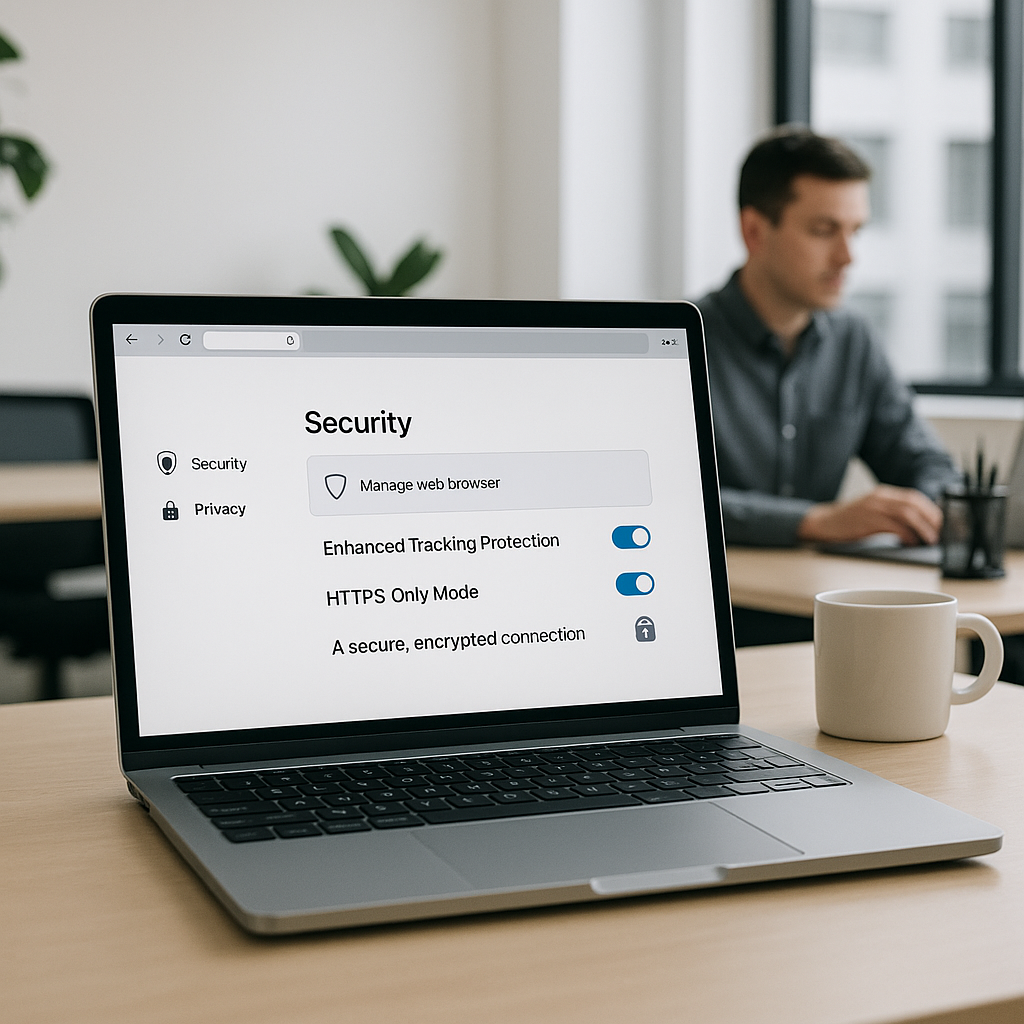
One of the simplest ways to enhance your online security is to start with Chrome’s built-in settings. Navigate to `Settings -> Privacy and security` and explore available options.
– **Cookies:** Limit cookies by choosing to block third-party cookies. This stops advertisers from tracking your activity after you leave their websites.
– **Clear Browsing Data:** Regularly clear your cookies and cached images to minimize the data collected from your browsing sessions.
– **Do Not Track:** Enable this setting; although it’s not a foolproof method, it signals to websites that you prefer not to be tracked.
By adjusting these privacy settings, you can significantly reduce how much data websites collect from you.
## 2. Use Stronger Passwords and Two-Factor Authentication
In the world of business, a compromised account can lead to dire consequences. Using a strong, unique password for each of your accounts is paramount. Tools such as password managers can help organize and store your passwords securely.
Additionally, consider enabling two-factor authentication where possible. This adds an extra layer of security, requiring a second form of verification before you can access your accounts, thus making it exponentially harder for hackers to gain access.
At Best Choice, we often recommend implementing such security measures for clients, particularly those in sensitive sectors like healthcare or finance, where the stakes are higher.
## 3. Invest in Security Extensions
Chrome has a vast library of extensions designed to enhance privacy and security. For example, **uBlock Origin** effectively blocks annoying advertisements and trackers. Another noteworthy extension is **HTTPS Everywhere**, which automatically switches your browsing to secure HTTPS connections whenever available.
Before installing, however, assess the credibility of the extensions by checking their ratings and reviews. This will ensure that you’re not compromising your security in pursuit of better privacy.
## 4. Utilize Incognito Mode
For sensitive browsing sessions—like conducting market research or comparing competitors—consider using Incognito Mode. This feature prevents Chrome from saving your browsing history and minimizes tracking.
However, it’s important to note that while Incognito Mode does help to conceal your activity from other users on the same device, it doesn’t guarantee complete anonymity online. You should still be vigilant about the websites you visit.
## 5. Regularly Update Chrome
Keeping your browser updated is one of the simplest but most effective ways to ensure security. Google frequently releases updates that fix vulnerabilities and enhance privacy options.
To automate this process, ensure that Chrome is set to update automatically. Regularly check for updates by going to `Settings -> About Chrome` to stay ahead of potential security threats.
## 6. Secure Your Network
Even if you have the strongest security measures on your browser, an insecure network can compromise your privacy. Always use a secure connection, especially when handling sensitive information.
– **VPN Services:** A Virtual Private Network (VPN) masks your IP address and encrypts your internet traffic, adding a significant layer of protection.
– **Public Wi-Fi Precautions:** Avoid accessing sensitive accounts over public Wi-Fi networks, or use a VPN when necessary, as these connections can be easily intercepted.
By securing your network, you prevent unauthorized access from potential hackers that could extract sensitive data.
## Conclusion: Take Control of Your Privacy
Improving your online privacy and security in Google Chrome is not a one-time task but an ongoing process. I encourage business leaders and entrepreneurs to adopt these recommendations to not only safeguard their data but also to foster trust with customers by demonstrating a commitment to their privacy.
By following these actionable steps and embracing a proactive approach to security, you’ll be better equipped to navigate the online landscape with confidence. If you need assistance in tailoring solutions to enhance your overall data security, feel free to contact us at Best Choice. We’re here to help you elevate your business while keeping your online activities secure.