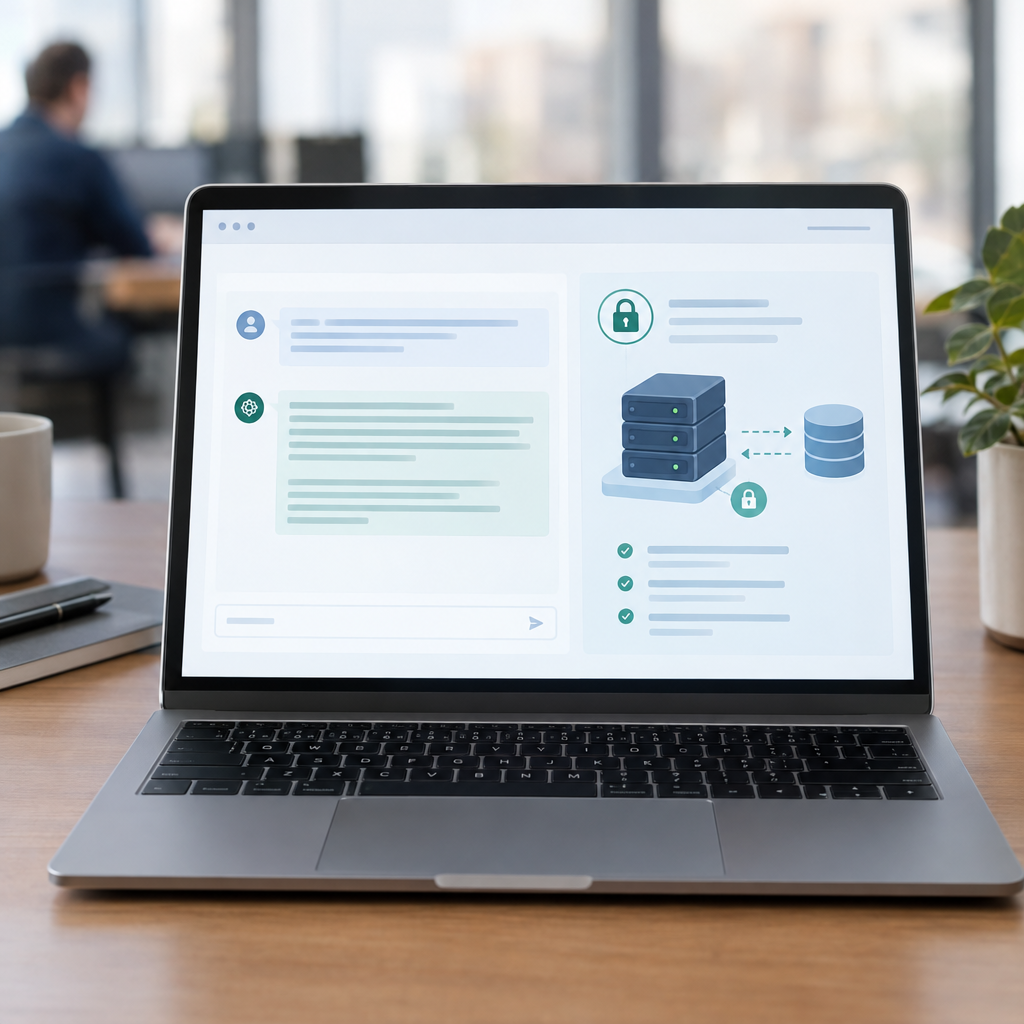
For businesses considering Anthropic’s Mythos and Fable models, one important question is what happens to prompts and responses after they are sent. Anthropic’s updated data-retention policy gives enterprise customers the option to keep this content on their own servers, rather than relying on the provider to store it.
That change can give companies more control over sensitive information—but it does not remove the need for careful planning. At Best Choice, we help businesses design AI integrations that fit their workflows, security requirements and data-protection responsibilities.
1. What the policy change means for businesses
Prompts and responses can contain far more than a simple question and answer. A staff member might include customer details, internal documents, sales figures or information about an ongoing project. Keeping that content on company-controlled servers can make it easier to manage access, retention and deletion according to internal policies.
The option is especially relevant to enterprise users exploring Mythos or Fable for business tasks. However, “stored on our own servers” does not necessarily mean that no data is sent to Anthropic during processing. Before adopting a model, check the current service terms, technical setup and contractual commitments to understand what is transmitted, processed, logged or retained.
2. Why AI data retention deserves attention
Retention affects privacy, security and compliance. Under the EU’s GDPR, businesses should know why personal data is being processed, limit it to what is necessary and avoid keeping it longer than needed. Danish companies also need to consider their own sector rules, customer contracts and internal security policies.
For example, a clinic exploring an AI assistant should avoid sending identifiable patient details unless the proposed use has been properly assessed and approved. An online shop may be able to use AI for product descriptions without including customer records at all. The safest approach is often to reduce sensitive data before it reaches a model.
3. How a controlled AI setup can work
A well-designed integration can act as a secure layer between your employees and an AI model. It can check who is making a request, remove or mask selected personal information, send only the necessary context, and route the response into the right business system. Depending on the setup, prompts and responses can then be recorded in a company-controlled environment with defined access and deletion rules.
At Best Choice, we build custom AI workflows around the way a business already operates. For instance, a warehouse team could ask questions about stock through an internal tool that connects to approved inventory data, while an online store could draft product content from selected catalogue fields. The aim is to make AI useful without giving it unnecessary access to business information.
4. Practical uses across different businesses
- Cafés and hospitality: Draft menu descriptions, prepare replies to common enquiries or organise supplier information, while keeping payment and customer data out of prompts.
- Warehouses: Help staff find procedures or summarise approved operational documents, with access limited to the information relevant to their role.
- Online shops: Generate product descriptions and support content from catalogue data, then connect the workflow to the webshop or CRM.
- Booking services: Support appointment administration and routine communications, while carefully controlling access to personal booking details.
These workflows can reduce repetitive tasks and help staff respond faster. Their value depends on good integration: AI should support a clear business process, not create another disconnected tool that employees have to manage.
5. A checklist before you put AI into production
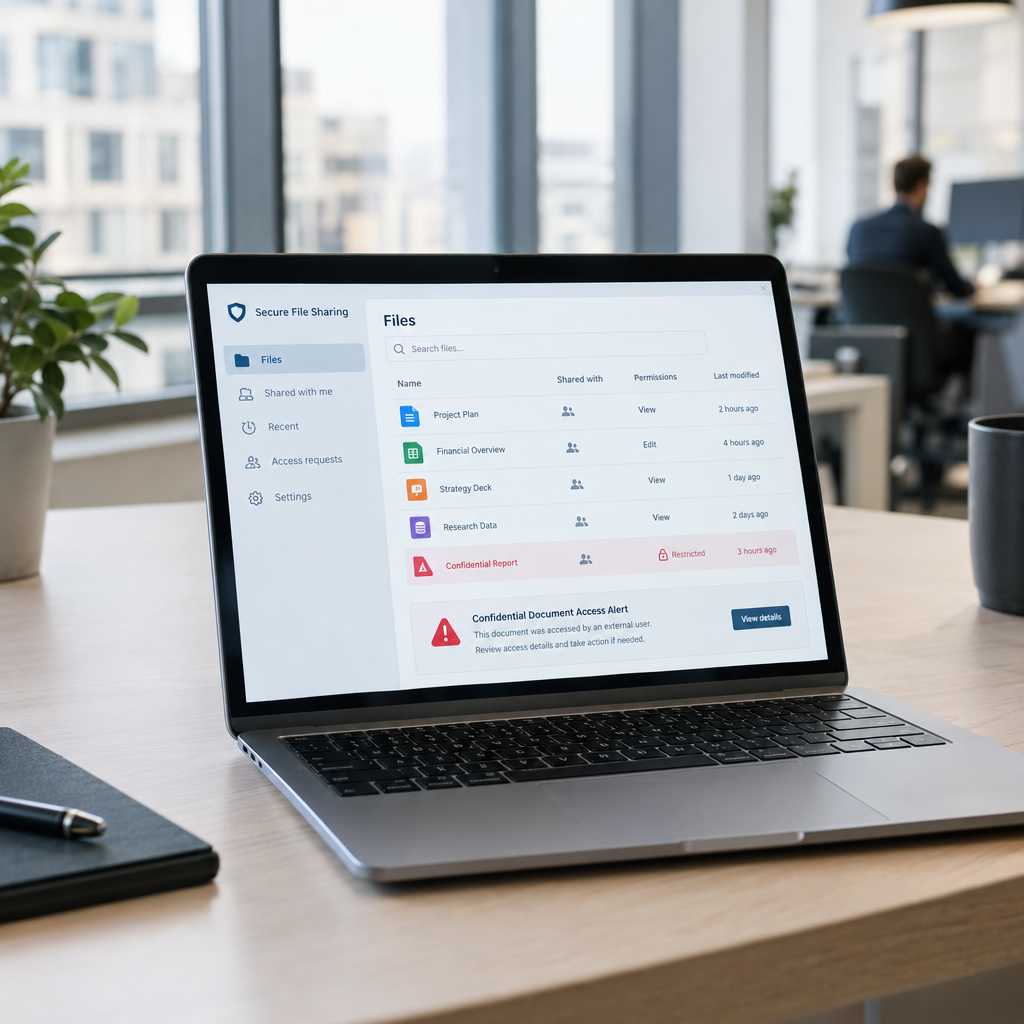
Start by identifying what information employees might enter and whether it includes personal, confidential or commercially sensitive data. Decide what should be blocked, masked or made available only to specific users. Set rules for who can access stored prompts and responses, how long they are kept, and how they are deleted.
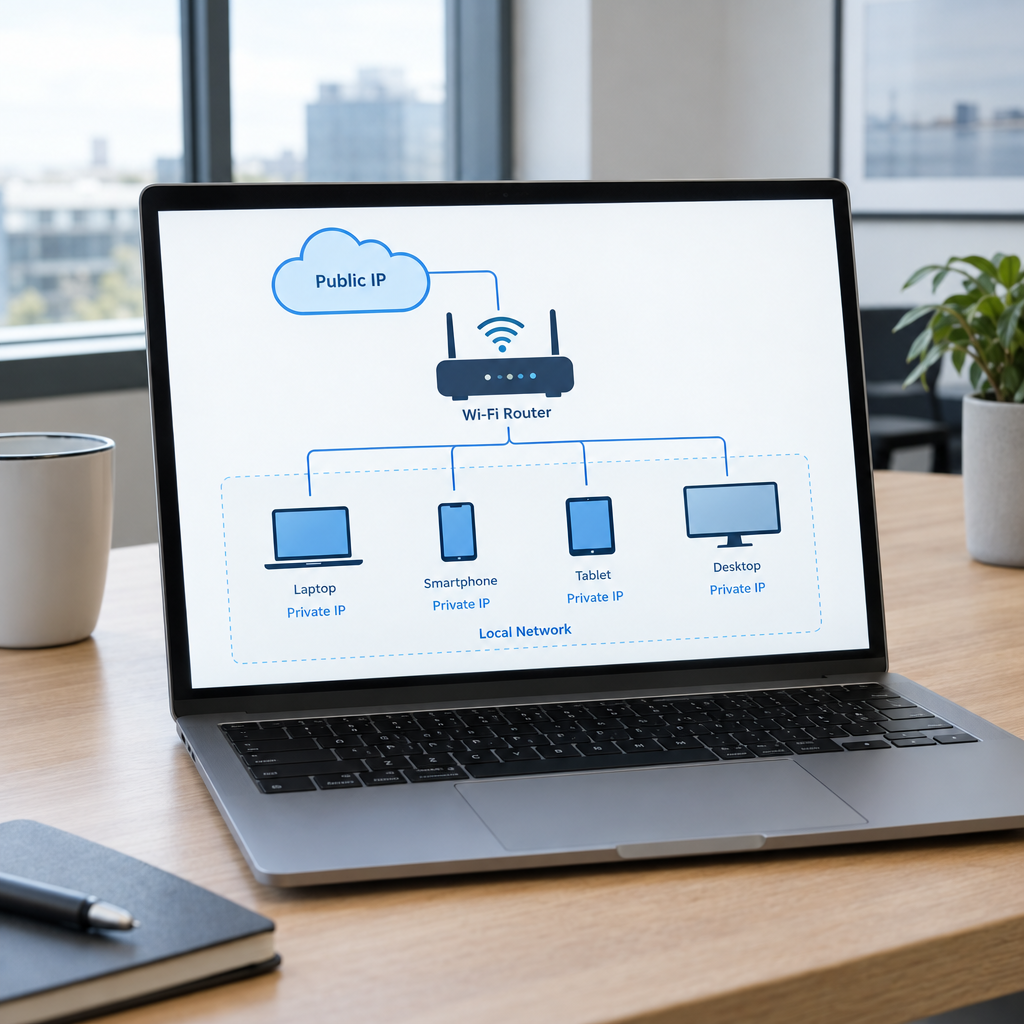
Then test the complete workflow—not just the model. Confirm how data moves between your website, CRM, databases and AI provider; document the purpose of processing; and review the provider’s current terms. In Denmark and across Europe, involve the people responsible for privacy and security where needed. A small, well-defined pilot is usually safer than giving an AI tool broad access from day one.
6. Choosing the right model and architecture
Keeping prompts and responses on your own servers is one possible control, but it is not the only one. Some businesses may prefer a managed model with carefully limited data sharing; others may consider a hybrid setup or a self-hosted model. Open-source options such as Mistral, Llama and Qwen can be evaluated for certain use cases, although they still require suitable infrastructure, security controls and ongoing maintenance.
The right choice depends on the sensitivity of your data, expected usage, response quality, cost and the skills available in your team. We at Best Choice can help assess these trade-offs, connect an AI model to your existing systems and automate the steps around it—from access control to reporting and workflow integration.
Conclusion: Anthropic’s updated retention option gives enterprise customers more choice over where prompts and responses are kept. To turn that choice into a dependable business solution, plan data flows, permissions and retention rules before rollout. Contact Best Choice to discuss a secure, practical AI integration for your business.