How to Get Better Results from Google Gemini
Google Gemini can help with research, writing, data analysis, customer support and everyday business tasks. But the quality of its answers depends heavily on the information and instructions you provide. A clear prompt gives Gemini a better chance of producing useful work instead of a generic response that needs extensive editing.
For businesses in Denmark and across Europe, the biggest gains often come from making AI part of a well-designed workflow—not simply asking it questions. At Best Choice, we help businesses connect AI tools to their processes, so teams can save time while keeping people in control of important decisions.
1. Give Gemini a clear role and task
Start by explaining what you want Gemini to do and who it should act as. Instead of writing “Help with marketing,” try “Act as a marketing assistant for a Danish café. Suggest three Instagram post ideas for our weekday lunch menu.” The extra context makes the task more specific and the answer easier to use.
It also helps to state the desired result. Ask for a draft email, a checklist, a summary or a table—not just “some ideas.” If your business has a particular tone or audience, include that too.
2. Add context, examples and useful source material
Gemini can only work with the details you provide or the sources it can access in your setup. Include relevant background, such as your target customers, product information, business policies or the purpose of the task. For example, an online store could paste a product description and ask for a concise version aimed at first-time buyers.
Examples can make your expectations clearer. Share a short sample of the writing style you like, or show the format you want repeated. Before submitting sensitive information, check your organisation’s AI and data policies. Avoid sharing personal, confidential or commercially sensitive data unless your tools and agreements have been reviewed for that use.
3. Break complex work into smaller steps
A single broad prompt can mix research, analysis and writing, making the result harder to check. Instead, ask Gemini to handle the work in stages: first organise the information, then identify key points, and finally draft the output. Review each stage before moving on.
For example, a warehouse manager might ask Gemini to categorise common delivery issues from a set of anonymised notes, then suggest a checklist for staff. A clinic could use a similar process to draft general administrative communications, with an employee checking that the final text is appropriate before it is sent.
4. Specify format, limits and success criteria
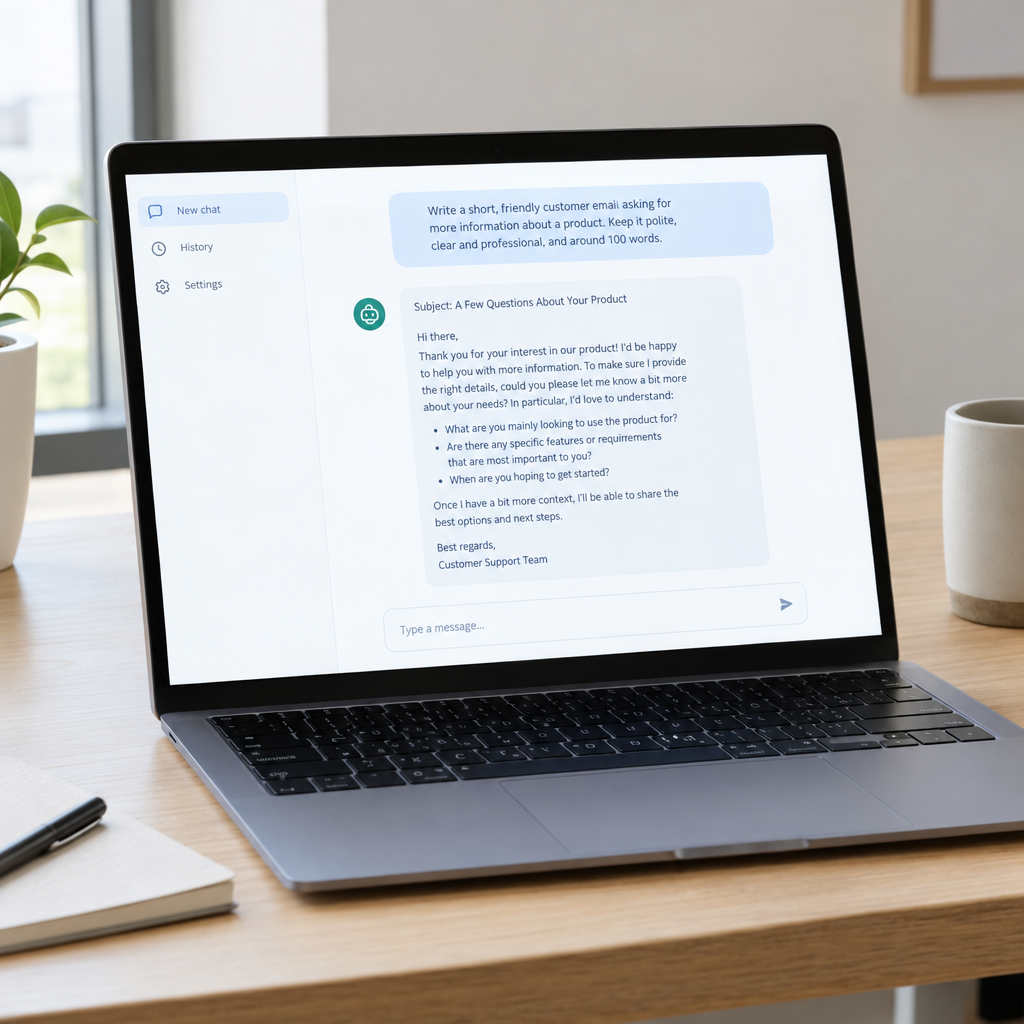
Tell Gemini what the answer should look like. You might request five bullet points, a table with specific columns, a 150-word email or a step-by-step procedure. You can also set boundaries, such as “Use plain English,” “Do not invent prices,” or “Flag any information that is missing.”
Clear criteria are especially helpful when different employees need consistent results. A booking service, for instance, could ask for customer enquiries to be summarised using the same fields: requested date, service, contact details and follow-up action. A person should still review important outputs, particularly those involving money, health, legal matters or customer commitments.
5. Improve the answer through follow-up prompts
Your first prompt does not need to produce the final result. If Gemini gives you a useful starting point, guide it with focused follow-ups: “Make the tone warmer,” “Shorten this to three paragraphs,” or “List the assumptions you made.” This is usually more effective than restarting without explaining what needs to change.
Check facts, calculations, names and dates before using the answer. AI-generated content can sound confident even when details are incorrect or out of date. For business use, treat Gemini as an assistant that speeds up a task—not as the final authority.
6. Connect Gemini to practical business workflows
Prompting can improve individual tasks, but businesses can save more time by connecting AI to the systems they already use. We at Best Choice can build tailored workflows that take information from approved sources, prepare a draft or summary, and send it to the right person for review. This can help reduce repetitive administration while preserving human oversight.
For example, a café could use an AI-supported process to draft replies to common booking questions. An online shop might prepare product descriptions from structured catalogue data, while a sales team could summarise meeting notes and create follow-up tasks in its CRM. We can also help assess whether Gemini or another suitable tool fits your data, integrations and requirements, including through APIs and automation platforms such as n8n where appropriate.
Conclusion: Make Gemini useful for your business
Better Gemini results start with clear instructions, relevant context and a format you can check. For lasting value, connect AI to a well-defined process, protect sensitive information and keep people involved in decisions that matter.
If you want to use AI, automation or custom integrations to improve your business workflows, contact Best Choice. We can help you identify practical opportunities and build a solution that fits the way your business works.